

Call us directly
Mon – Fri   8:00 – 18:00
Call either number — we will pass you on internally.
Request a call back instead
POS SYSTEM

POS — the cloud till for counter, table and pickup.

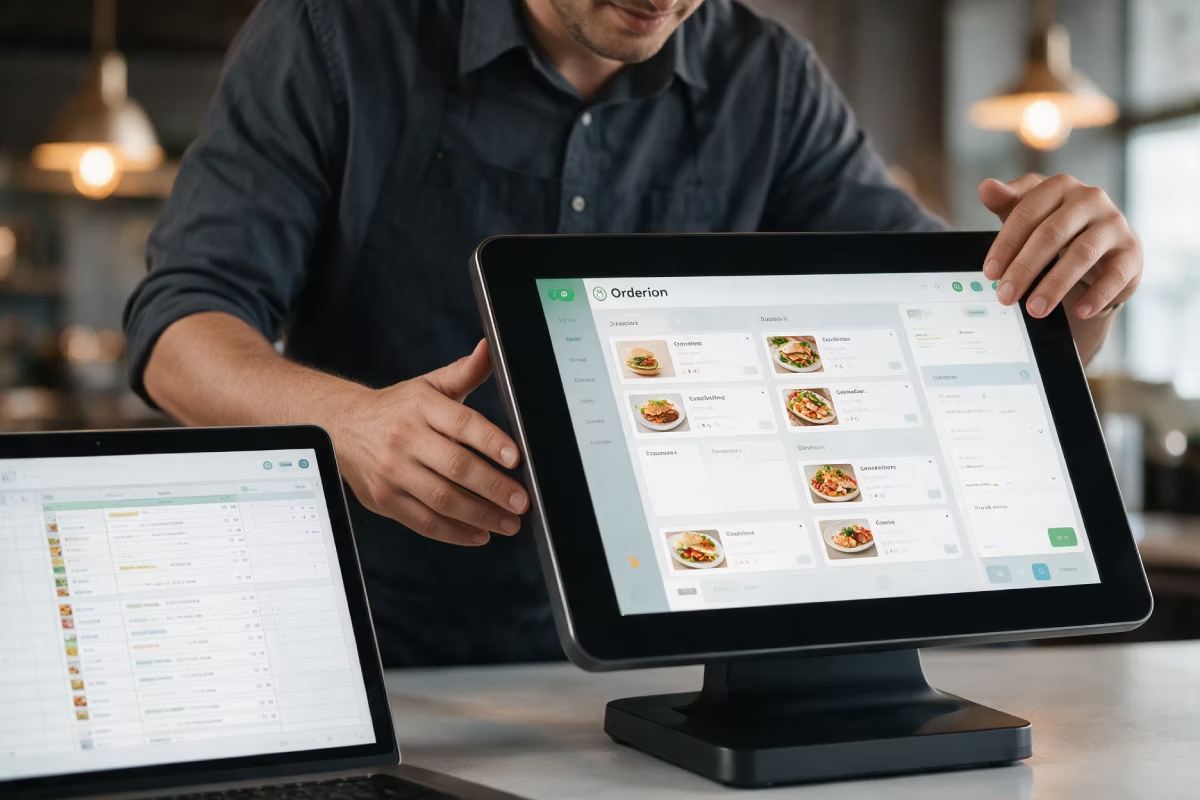
The till runs in the browser and on Android. Orders from your Online Shop, QR code, Self-Order Terminal and delivery platforms come in on their own — your team never types the same order twice.

TSE-certified & GoBD-compliant
Runs on the hardware you have
Works offline — also without internet

One till for every way an order comes in

Typed at the counter, ordered by QR at the table, put together at the terminal or sent over by a delivery platform — every order lands in the same receipt list, uses the same items and shows up in the same reports.
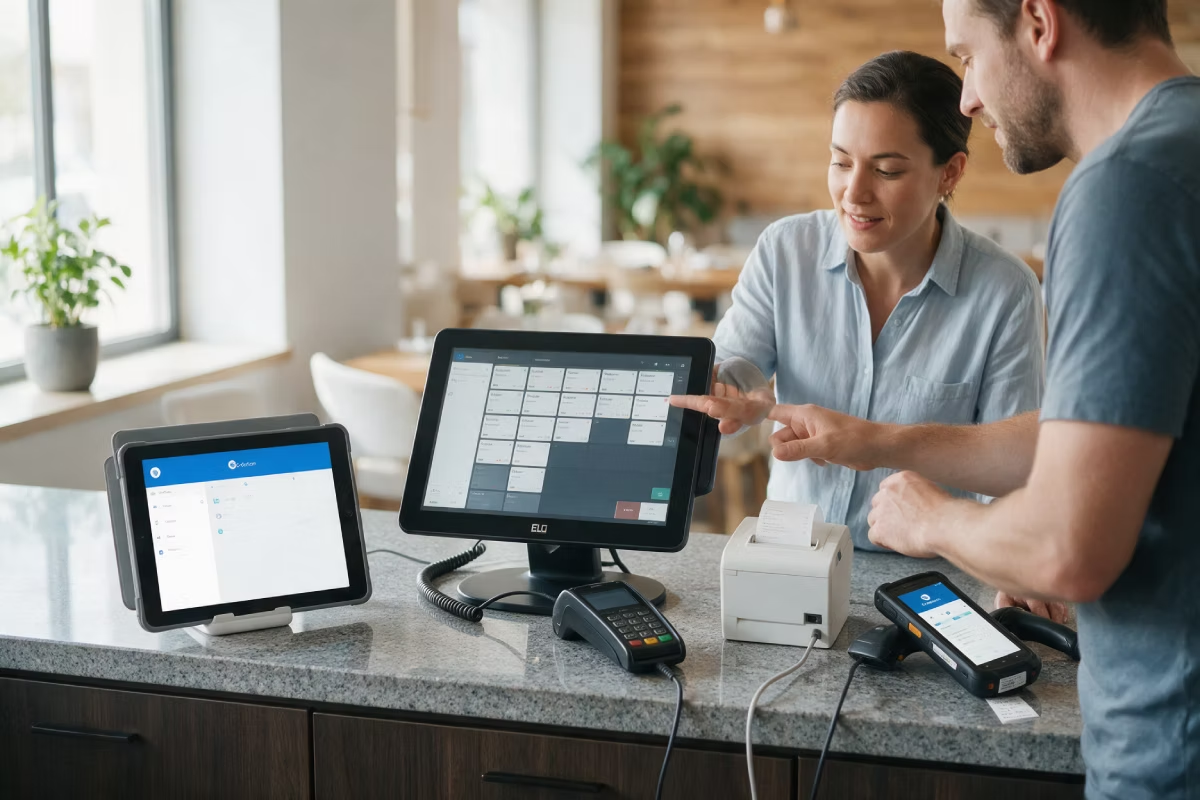
Runs in the browser and on Android — terminal, tablet or the hardware you have
Orders from every channel come into one list on their own
Set up items, prices and menus once — they apply everywhere
Daily close, cash book and DSFinV-K export — no extra tool
Features

What the till really covers day to day.
Table plan, splitting & moving items
Open tables, split rounds, move guests and divide bills — in two taps, without entering the order again.
Items, menus & toppings
Variants, sides, extra charges and time windows for each item — set up once, valid in every channel.
Offline mode
If the internet goes down, your team keeps taking payments. As soon as the connection is back, everything syncs.
Rights & shifts
Every member of staff gets their own login and their own rights. You can see sales and tips per shift.
Daily close & export
Z-report, cash book and DSFinV-K export for a tax audit — straight out of the till.
Set up your own receipt layout
Change the logo, text, notes and layout on your receipts yourself — you do not have to call us for it.

What changes
when you switch

An honest comparison with a till that only stands at the counter.
A till with no connections
Platform orders are typed in from a tablet
Items and prices kept up to date in several places
Sales per channel only comparable on paper
The card amount is typed into the terminal again
With Orderiom
Platform orders come into the receipt list on their own
One item list for every channel
Reports per channel, item and time of day at one click
The amount goes straight to the card terminal (ZVT)

How it works

From the first talk to the first receipt — while you stay open, with no closing day.
STEP 01
Check what you have
We look at how you work and at the hardware you have. Then we tell you honestly what you can keep.
STEP 02
Setup
We take your items, prices and menus from the list you already have. You do not have to type anything in.
STEP 03
Go live
A short training for your team — usually under 30 minutes. After that the till runs with you every day.

Compliance included

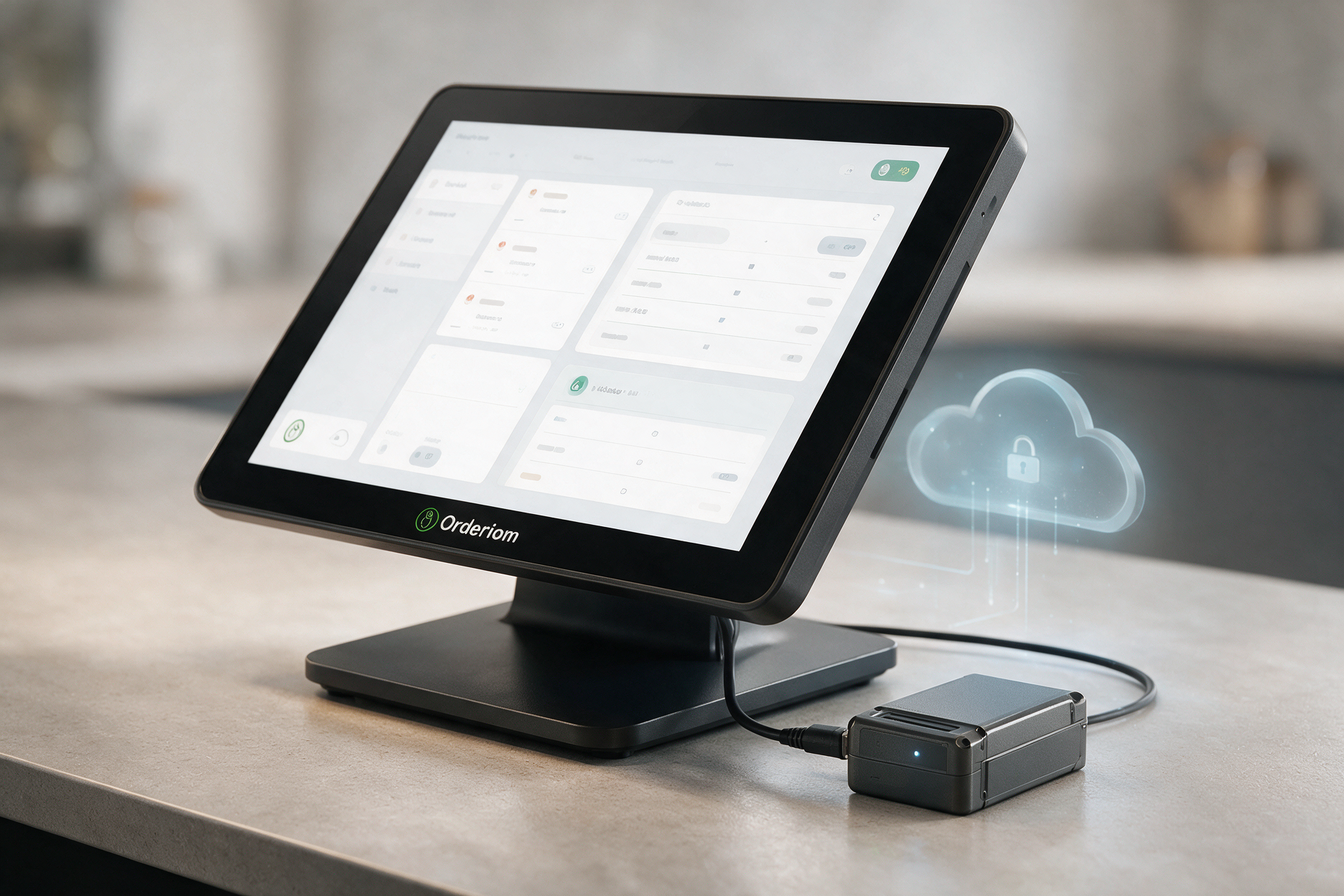
Every till comes with a certified TSE — as a Cloud TSE if you prefer, so you need no hardware for it. The export for a tax audit is part of the system.
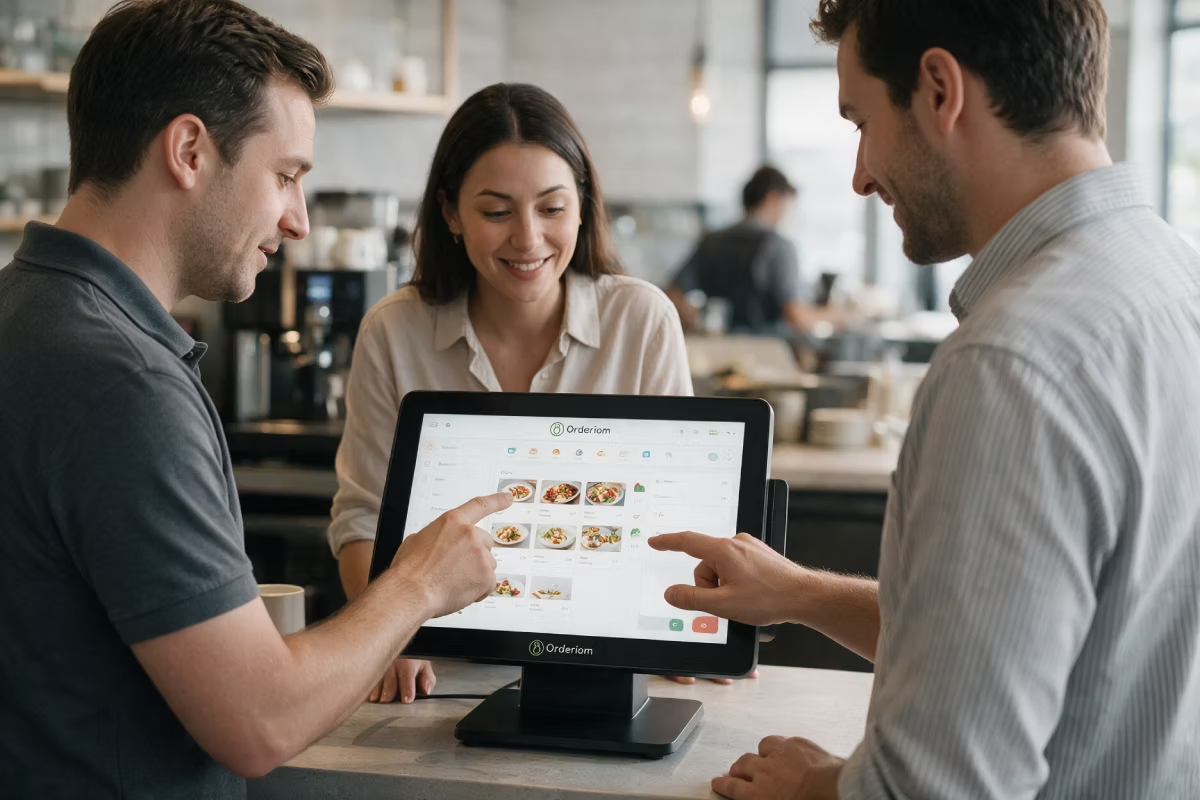
Take, split and settle the order at the table — no walk to the till
Card payment on the device itself (with Pay)
The order goes straight to the Kitchen Display
New part-time staff? Trained in under 15 minutes

What you need

The POS runs on devices you may already have. If not, these are the options.
The hardware you have
The till runs in the browser and on Android — terminal, tablet or PC. We check with you first what you can keep.
Free
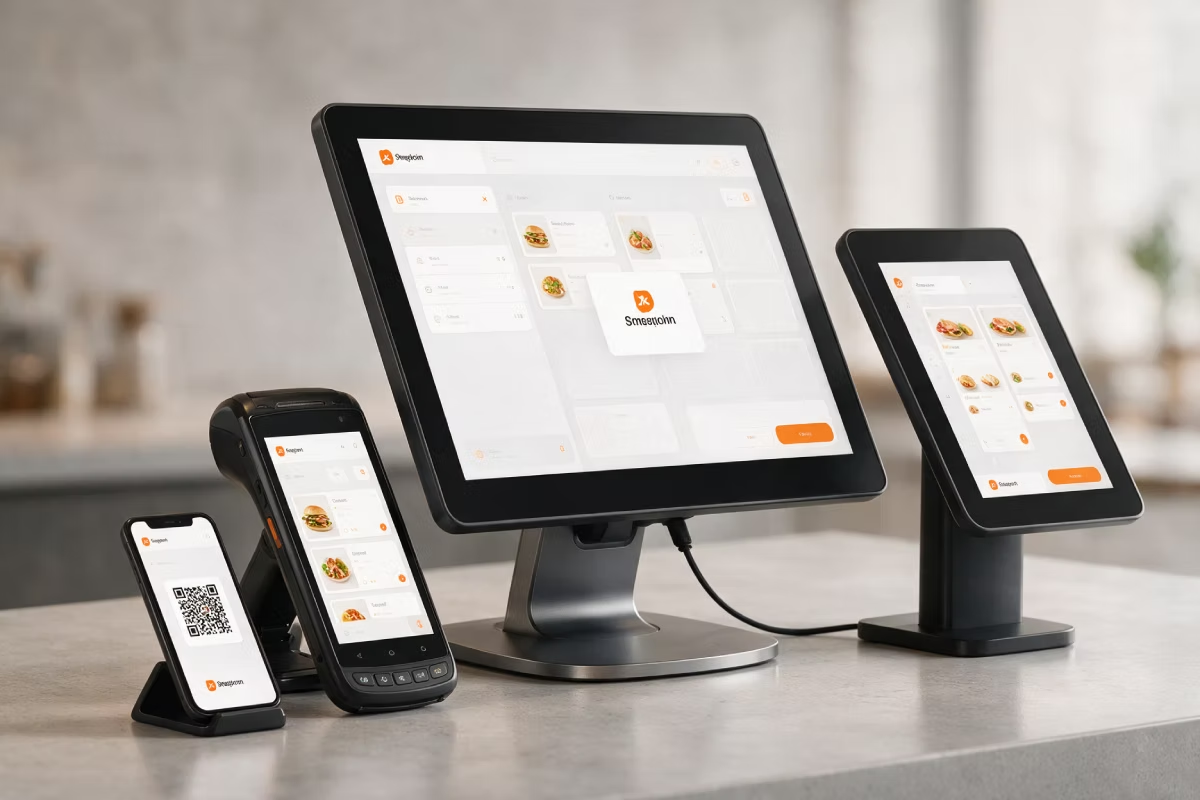
POS Terminal — set with Customer Display
If you are buying new: touchscreen, second guest display, receipt printer, cash drawer and TSE — delivered ready to use.
Recommended
The hardware you have
The till runs in the browser and on Android — terminal, tablet or PC. We check with you first what you can keep.
Optional
See all prices. →

Price & packages

POS is part of these packages — you can also book it on its own.
POS
39,90 €
/month
POS
39,90 €
/month
POS Portale Basis
POS / SOT
Delivery Basis
Delivery Profi
Delivery All in
Packet A
Packet B
Packet C
Packet D
Packet E
Common questions

Questions about POS

The points that almost always come up first when we talk to a new customer.
Your question not here? Talk to us →
Do I have to replace my current hardware?
In most cases, no. The till runs in the browser and on Android devices. We check your terminals, receipt printers and card readers with you first — you get a clear list, not an offer for a whole new set.
Is the POS TSE-certified and GoBD-compliant?
Yes. Every till comes with a certified TSE, or as a Cloud TSE with no hardware of your own. The DSFinV-K export for a tax audit is included.
What happens if the internet goes down?
The till keeps working offline and syncs on its own as soon as the connection is back. Orders from your Online Shop and from delivery platforms all come in afterwards.
How long does the switch take?
Usually a few days from your go-ahead to the first receipt. We take your items and prices from the list you already have, and we train your team while you stay open.
How many tills can I connect?
You can have several terminals per location and several locations. The price list shows how many come with each package — you can add more at any time.

Goes well with this

The products that connect straight to the till.
Waiter App
Take orders and payments at the table, on an Android handheld.
Customer Display
The second screen at the till — the guest follows every item as it is rung up.
Kitchen Display
Orders appear on a screen instead of on paper. Each station sees only what it has to cook.
Payment Integration
Card payment at the till over ZVT — with your own provider and your own rates.
TSE
The certified security device every till in Germany needs. Included in every Orderiom till.
Self-Order Terminal
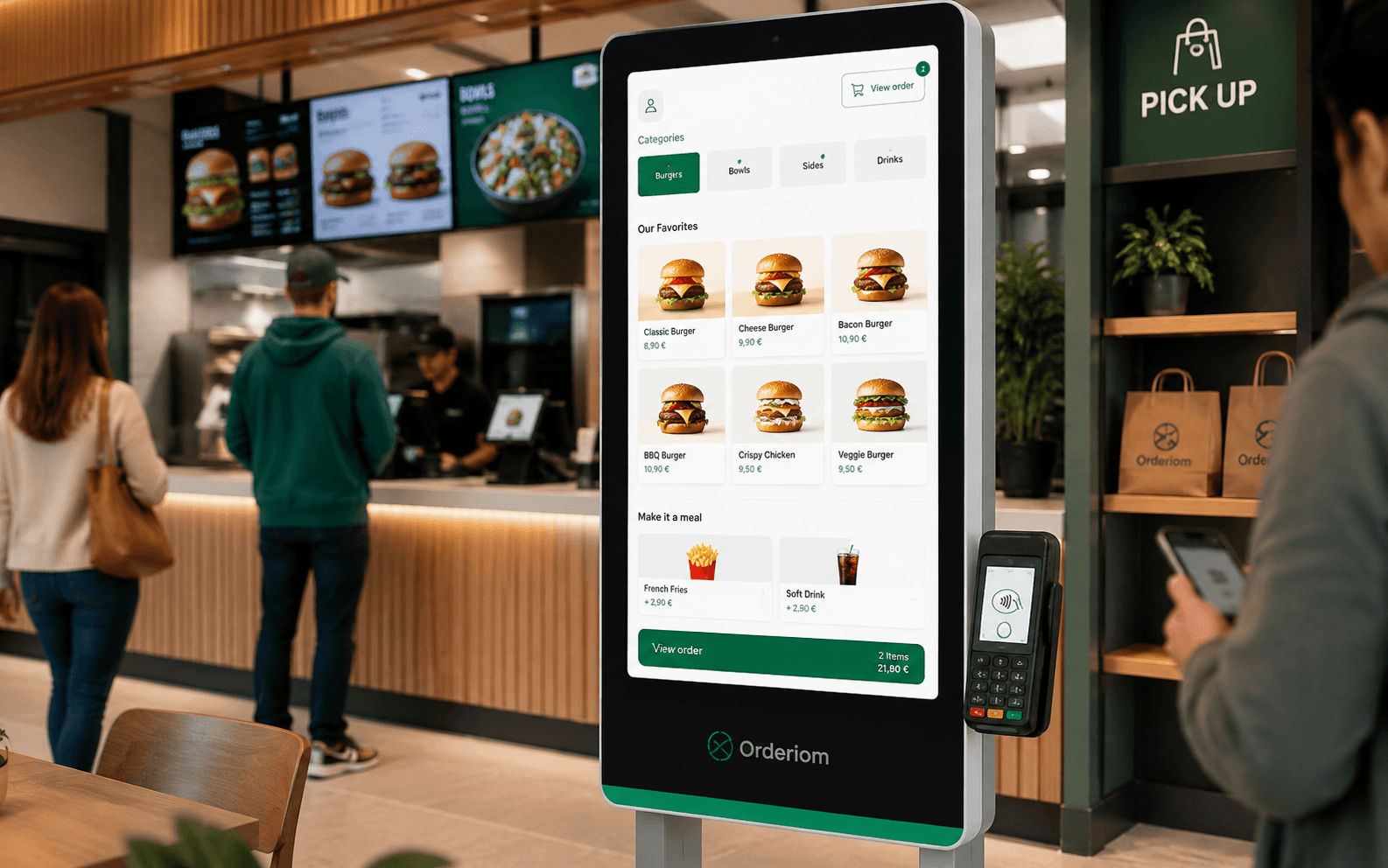
Guests order at the terminal themselves — the order lands in the same till.
Common questions

Before you ask

Yes — the Orderiom POS works with a certified TSE and is GoBD-compliant, including the export formats a tax audit asks for.

How long does setup take?

Usually a few days from the first call to going live — we do the setup for you.

Do I have to replace the till I already have?

No. You can start with the Orderiom POS, or simply add to the till you already have.

Do I pay commission on orders?

No — 0% commission to third parties, in every package, whatever the ordering channel.

What if I have several locations?

Multi-site management gives you one dashboard across every location — part of the chain package.

Can I start small and add to it later?

Yes — modules can be added one at a time, with no forced package change.

Request a free consultation

We look at how your business actually runs and tell you which parts make sense — even when that turns out to be fewer than you expected.
Check - Elements Webflow Library - BRIX Templates

Thank you!

Oops! Something went wrong.
Prefer to talk to someone?
Call us or book a time
Mon – Fri   8:00 – 18:00