

Call us directly
Mon – Fri   8:00 – 18:00
Call either number — we will pass you on internally.
Request a call back instead
Use Cases

The till for your counter

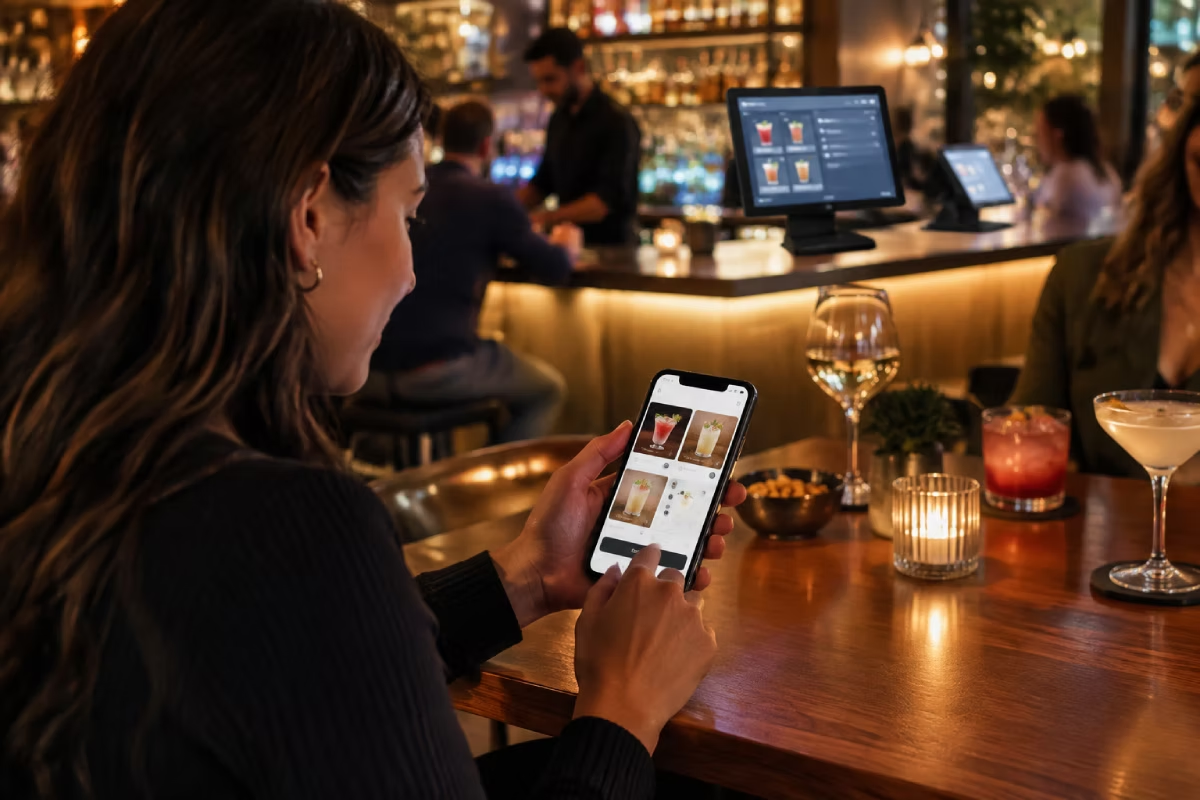
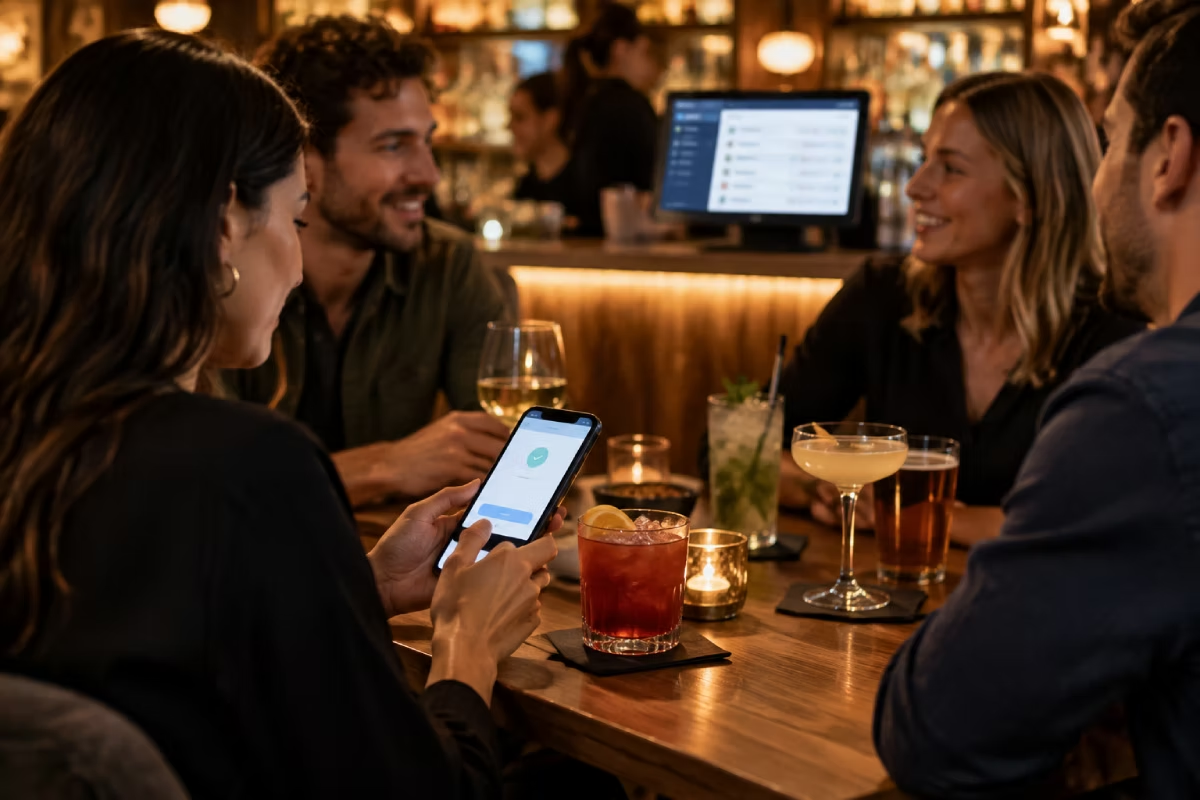
Guests order from their seat. They pay right away or put it on a tab. Your team walks less, and the shift ends clean — even with just two of you behind the bar.

0 % commission on your own orders
No printing new drinks menus
TSE-certified & GoBD-compliant

It always starts in a bar

Full bar, two people on service, and someone at table seven has been waiting ten minutes for the next drink. Not because nobody wants to serve them — because nobody walked past.
Guests wait for the next drink instead of ordering
Every change means printing the drinks menu again
Orders get shouted across — half in your head, half on a notepad
At the end of the shift the tabs do not match the till

How it works with Orderiom

No app to install, no account, no form. The guest only needs their phone.
STEP 01
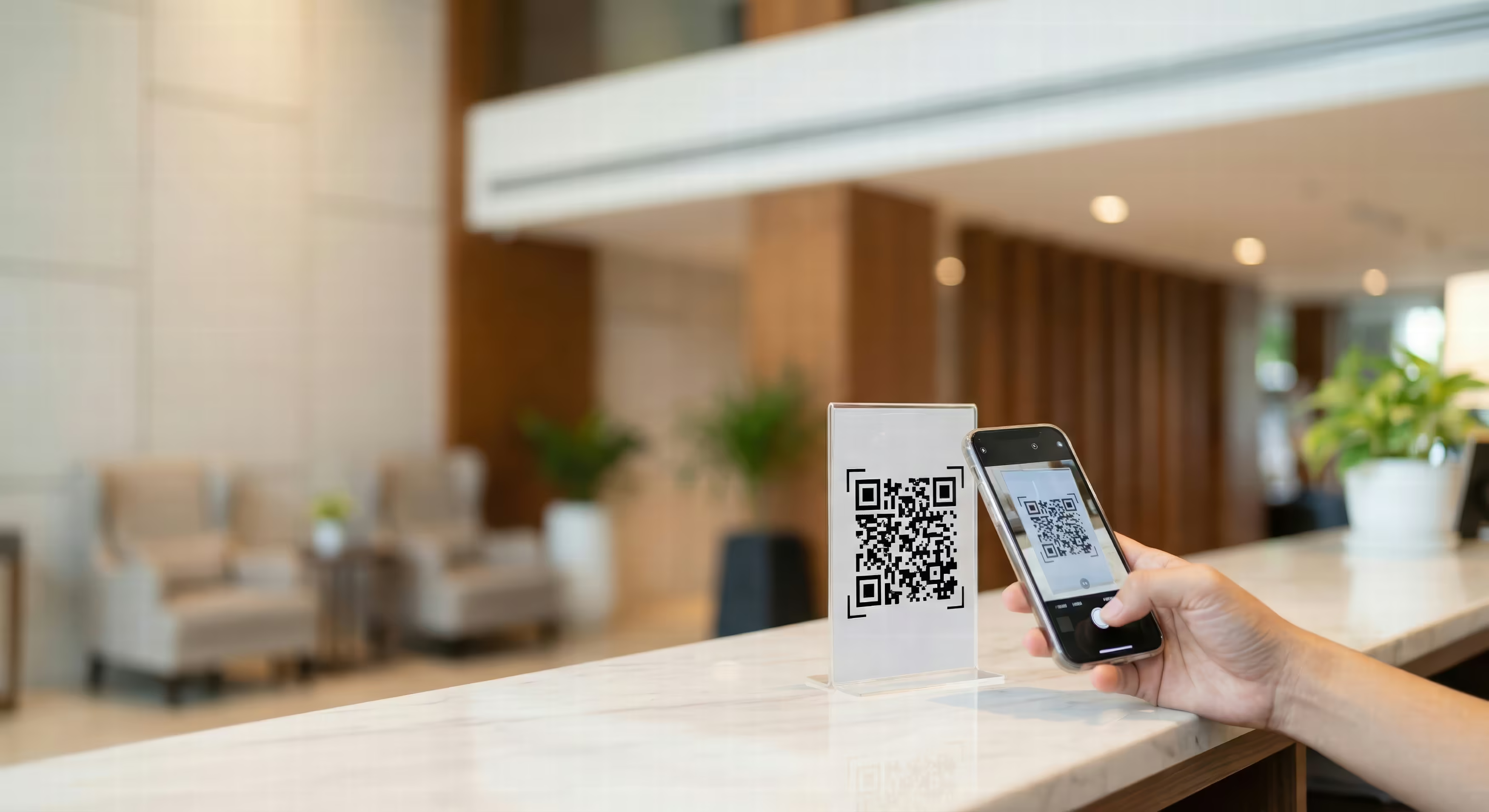
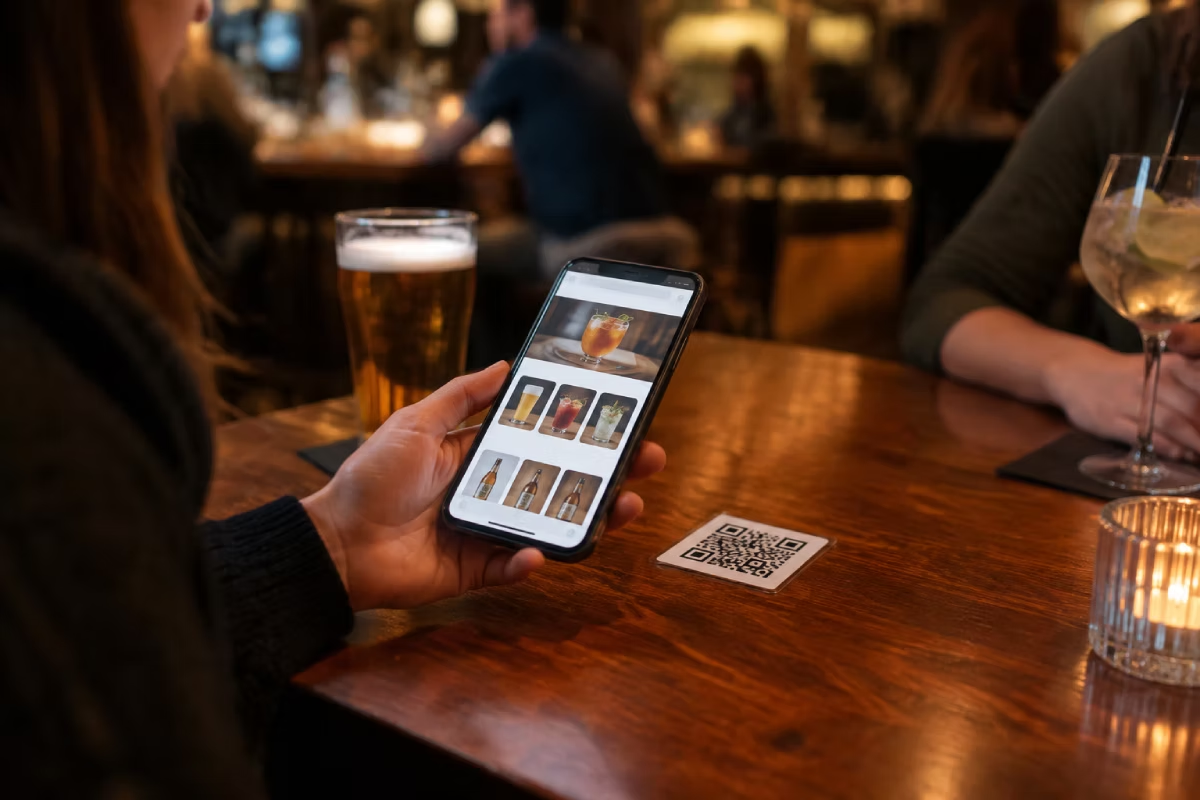
Scan the QR code
At the table, at the counter or on the beer mat. The menu opens in the browser — always up to date, no reprinting.
STEP 02
Order from your seat
The order comes straight to you — on the till and on the bar display. Nobody has to wave.
STEP 03
Pay now or put it on a tab
The guest pays right away by phone, or puts it on a tab and settles everything at the end.

Explained in one minute

This is how ordering looks for your guests.

What you need

For a bar, a small setup is usually enough. You can add anything else later.
QR — order from your seat
The core piece for a bar: a digital drinks menu, ordering from the table or the counter, no app.
Essential
POS — the till at the counter
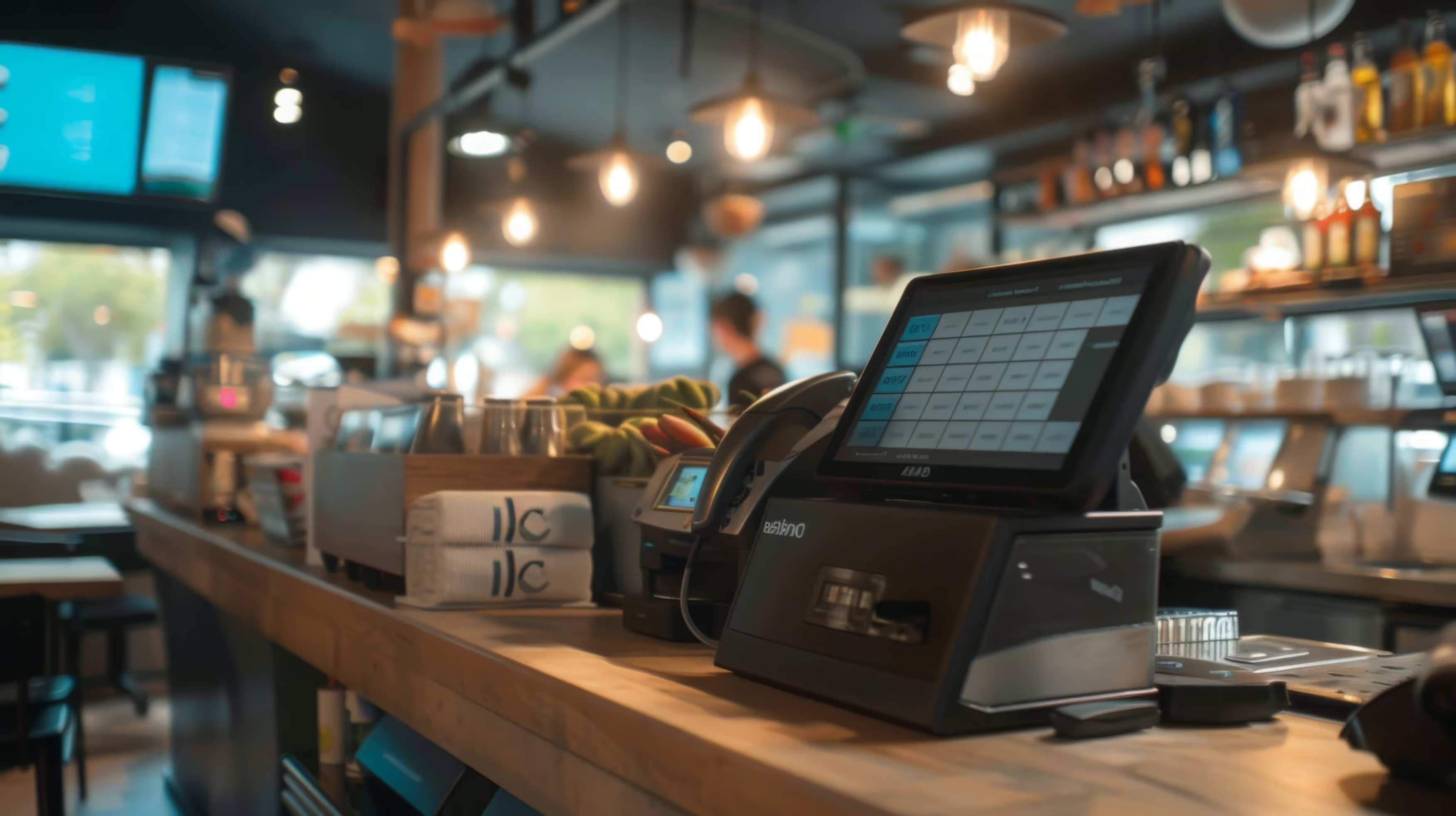
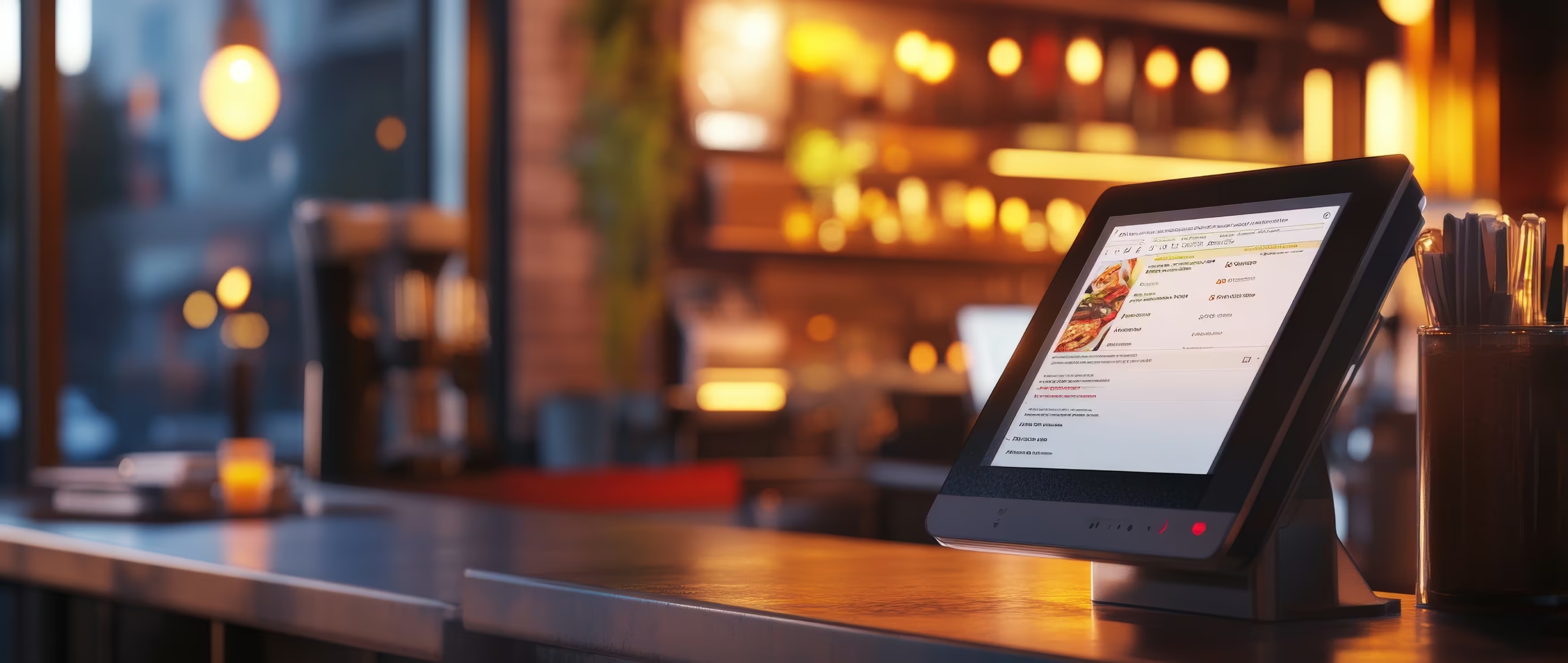
Take orders, run tabs, handle tips and the shift report. TSE is included.
Essential
Payment Integration
Card, Apple Pay and Google Pay straight from the till — no typing the amount into the terminal again.
Recommended
Waiter App — handheld for service
Useful if you do table service: take the order and take payment right at the guest.
Optional
Loyalty
For regulars and quiet weekdays — loyalty points and credit through the same till.
Optional
See all prices. →

What your bar gets out of it

Not tech for the sake of tech — you feel this change in the evening.
No waiting for the next drink
Guests order when they feel like it — not when someone has time. That means more rounds per evening.
Less walking for your team
Your staff bring orders instead of taking them. That carries a shift even when you are short-staffed.
Change the menu instead of reprinting it
New gin, new price, happy hour over — change it once, and every menu is up to date.
Tabs and tips add up correctly
Open tabs, split bills and tips all run through the same till. At the end of the shift the numbers match.
Spot your regulars and keep them
Loyalty shows you who comes in often — so you can reward exactly those guests.
0 % commission
Every order through your own channel stays yours — however busy it gets.
Common questions

Questions from bars

What owners ask us most often before they start.
Your question is not here? Talk to us →
Do my guests have to install an app?
No. The QR code opens the menu right in the phone browser — no download, no account, no sign-up. That is the main reason guests actually use it in the evening.
Can a guest pay at the end of the evening instead?
Yes. The guest decides: pay right away by phone, or put it on a tab and settle everything at the end — at the till or by phone again.
What about guests who want to pay cash?
Nothing changes. The order comes in by phone or through your team, and you take the money at the till as always. Orderiom does not replace the counter — it only takes order-taking off it.
Do I need Wi-Fi for guests?
Not necessarily — most guests use their mobile data. But in basement bars or rooms with poor reception, guest Wi-Fi helps. Otherwise it is the connection that fails, not the software.
How fast can I start?
Usually a few days. We take your drinks menu from your existing list, and you get the QR codes ready to put out. Training your team rarely takes longer than half an hour.
Common questions

Before you ask

Yes — the Orderiom POS works with a certified TSE and is GoBD-compliant, including the export formats a tax audit asks for.

How long does setup take?

Usually a few days from the first call to going live — we do the setup for you.

Do I have to replace the till I already have?

No. You can start with the Orderiom POS, or simply add to the till you already have.

Do I pay commission on orders?

No — 0% commission to third parties, in every package, whatever the ordering channel.

What if I have several locations?

Multi-site management gives you one dashboard across every location — part of the chain package.

Can I start small and add to it later?

Yes — modules can be added one at a time, with no forced package change.

Request a free consultation

We look at how your business actually runs and tell you which parts make sense — even when that turns out to be fewer than you expected.
Check - Elements Webflow Library - BRIX Templates

Thank you!

Oops! Something went wrong.
Prefer to talk to someone?
Call us or book a time
Mon – Fri   8:00 – 18:00