

Call us directly
Mon – Fri   8:00 – 18:00
Call either number — we will pass you on internally.
Request a call back instead
Self-Ordering

SOT — the Self-Order Terminal for your counter

Guests order and pay at the terminal themselves, instead of queuing at the till. Your team gets back the time it spent taking orders.

Shorter queues at peak times
Higher value per order
Connected to the till and the kitchen

Guests order themselves — and order more

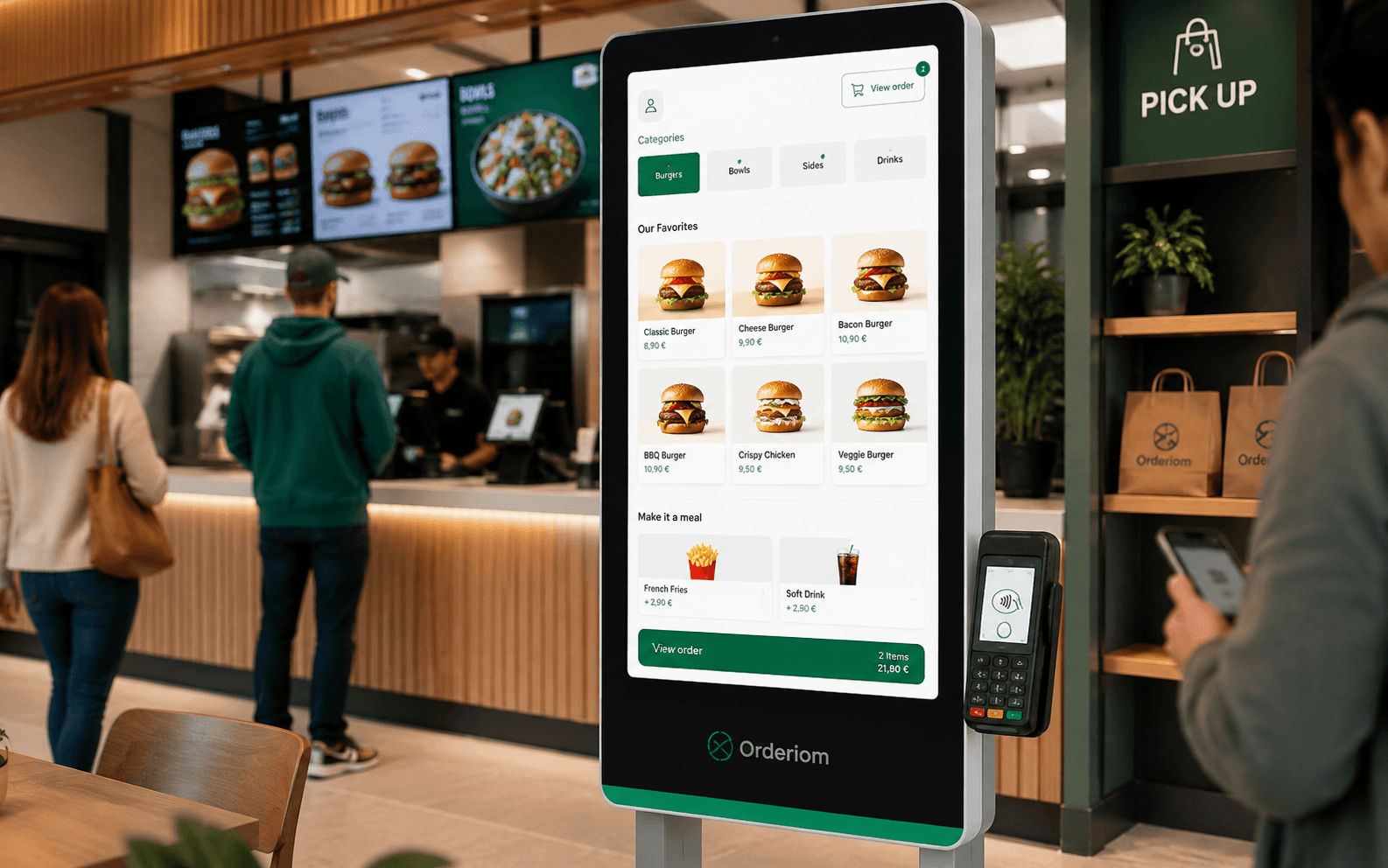
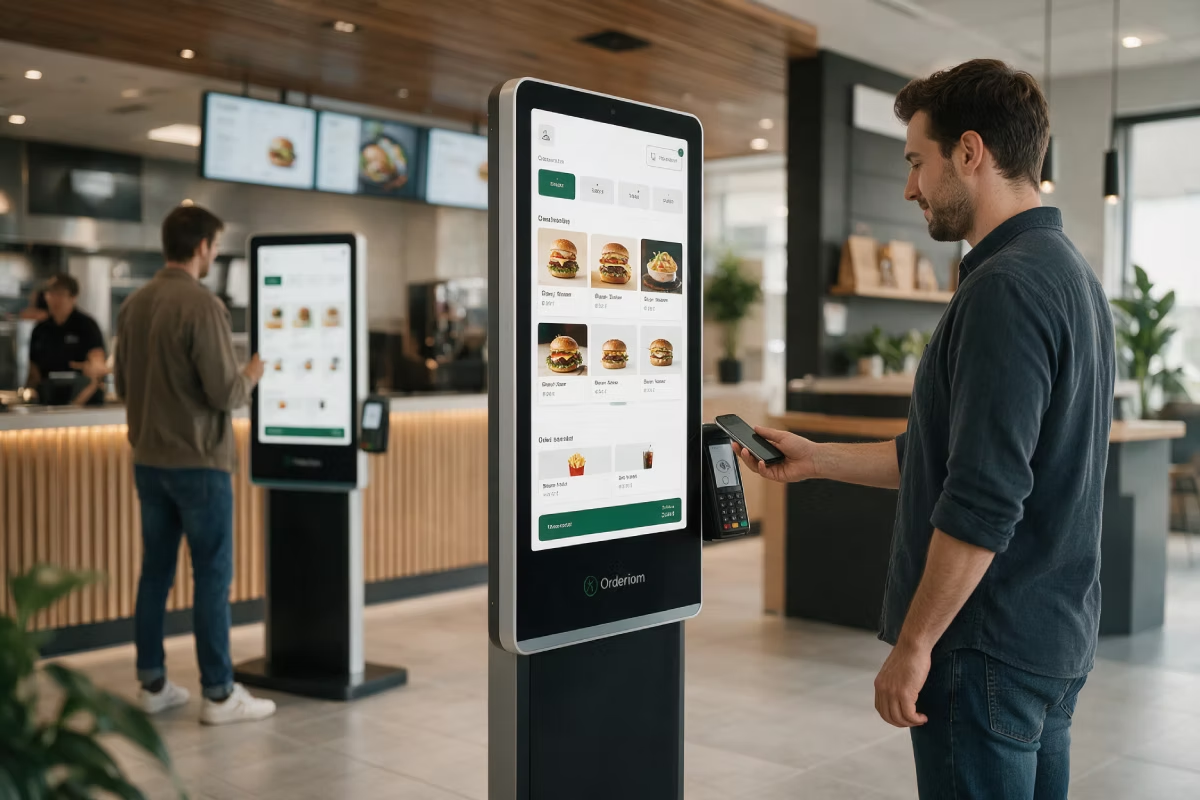
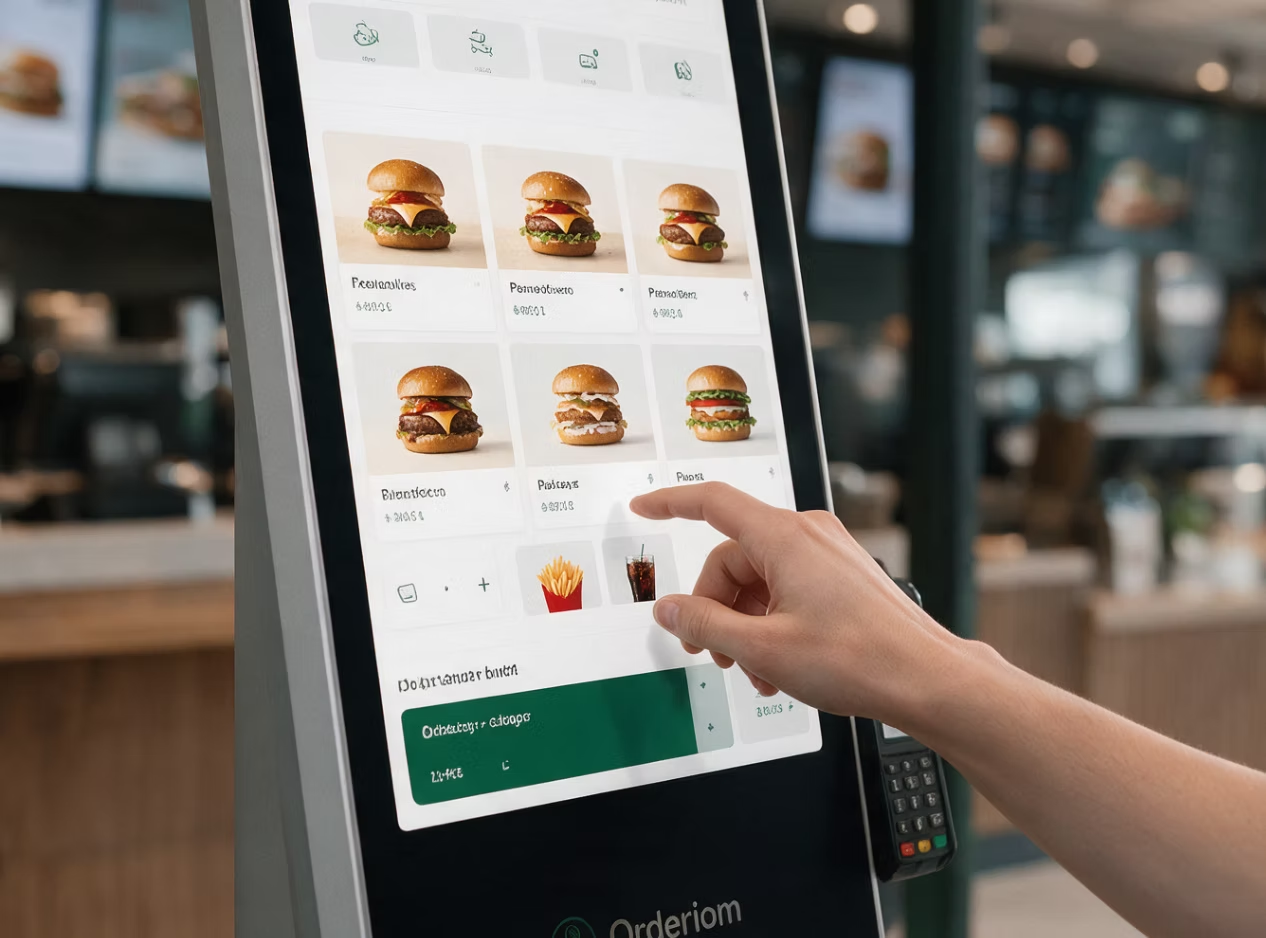
The Self-Order Terminal stands by the entrance or next to the counter. Guests put their order together at their own pace, pay on the device and get a pickup number. Your team is no longer stuck at the till. They can cook instead.
Shorter queues at peak times — several guests order at the same time
Higher order value through suggestions while ordering
The same item setup as the till, QR Ordering and the Online Shop
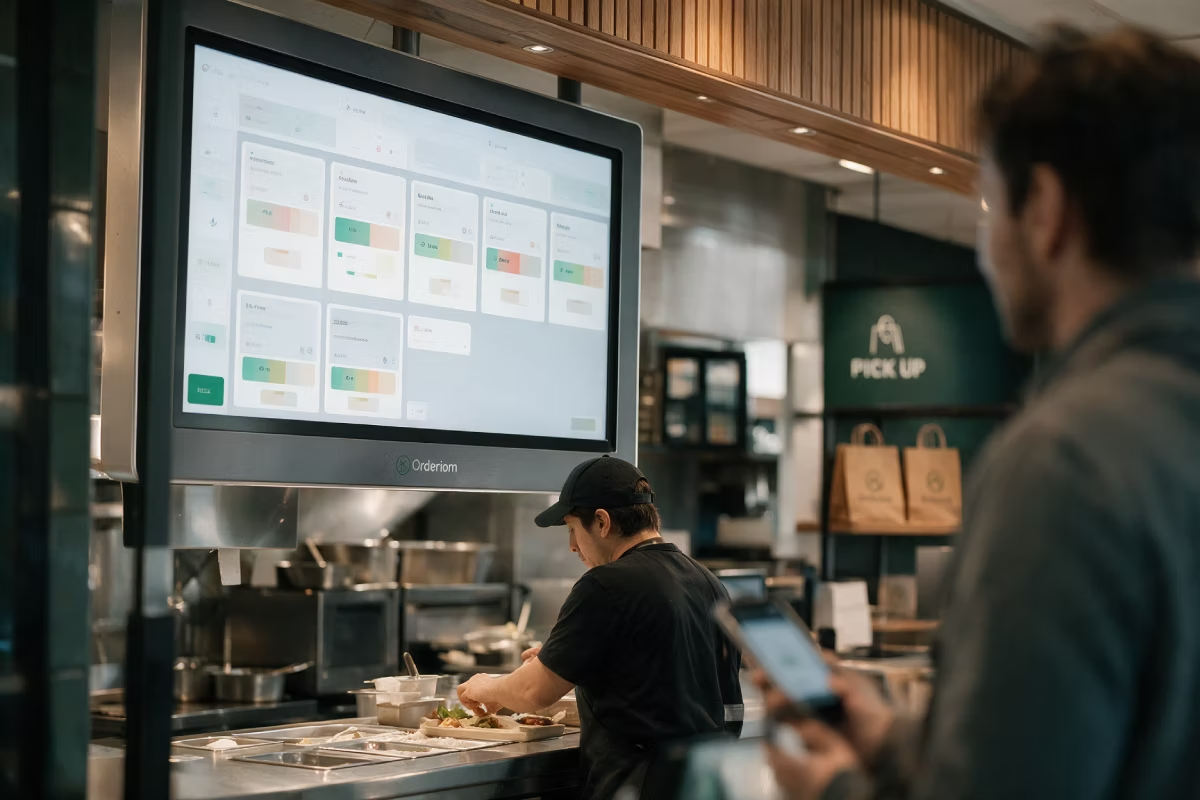
The order goes straight to the till and the Kitchen Display
Features

What the terminal has to do at your counter.
Easy to use without help
Big buttons, clear steps, pictures instead of text lists — also for guests who use it for the first time.
Extra sales while ordering
The terminal suggests matching sides and drinks. It asks every time. A person does not.
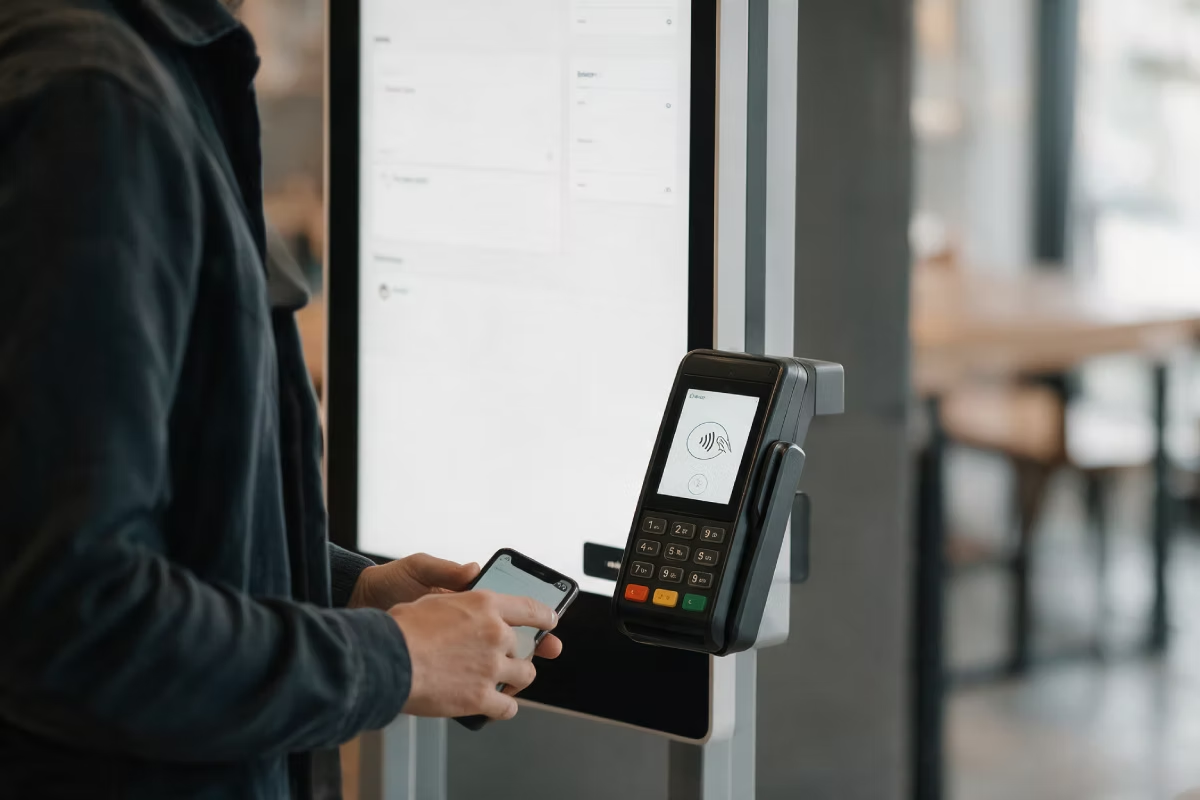
Pay at the device
Card and mobile payment right at the terminal, connected to the till by ZVT.
No queue at the till at peak times
Several guests order at the same time, instead of queuing at one till.
Straight into the kitchen
The order appears on the Kitchen Display with the pickup number.
Reports per channel
You see how much runs through the terminal and how the order value differs.

How it works

From walking in to the pickup number, with no queue at the till.
STEP 01
Put the order together at the terminal
Big pictures, clear categories, options and sides you can pick right away. In several languages too.
STEP 02
Pay right at the device
Card, Apple Pay or Google Pay at the terminal. No second trip to the till.
STEP 03
Pickup number and done
The order appears on the Kitchen Display right away. The guest waits with their number.

What you need

The terminal is a device — here is what goes with it.
Self-Order Terminal
Floor stand or wall unit with a touchscreen, delivered ready to use. We agree on the size and the spot beforehand.
Required
Card reader
So guests can pay right at the terminal — connected to the till by ZVT.
Required
POS
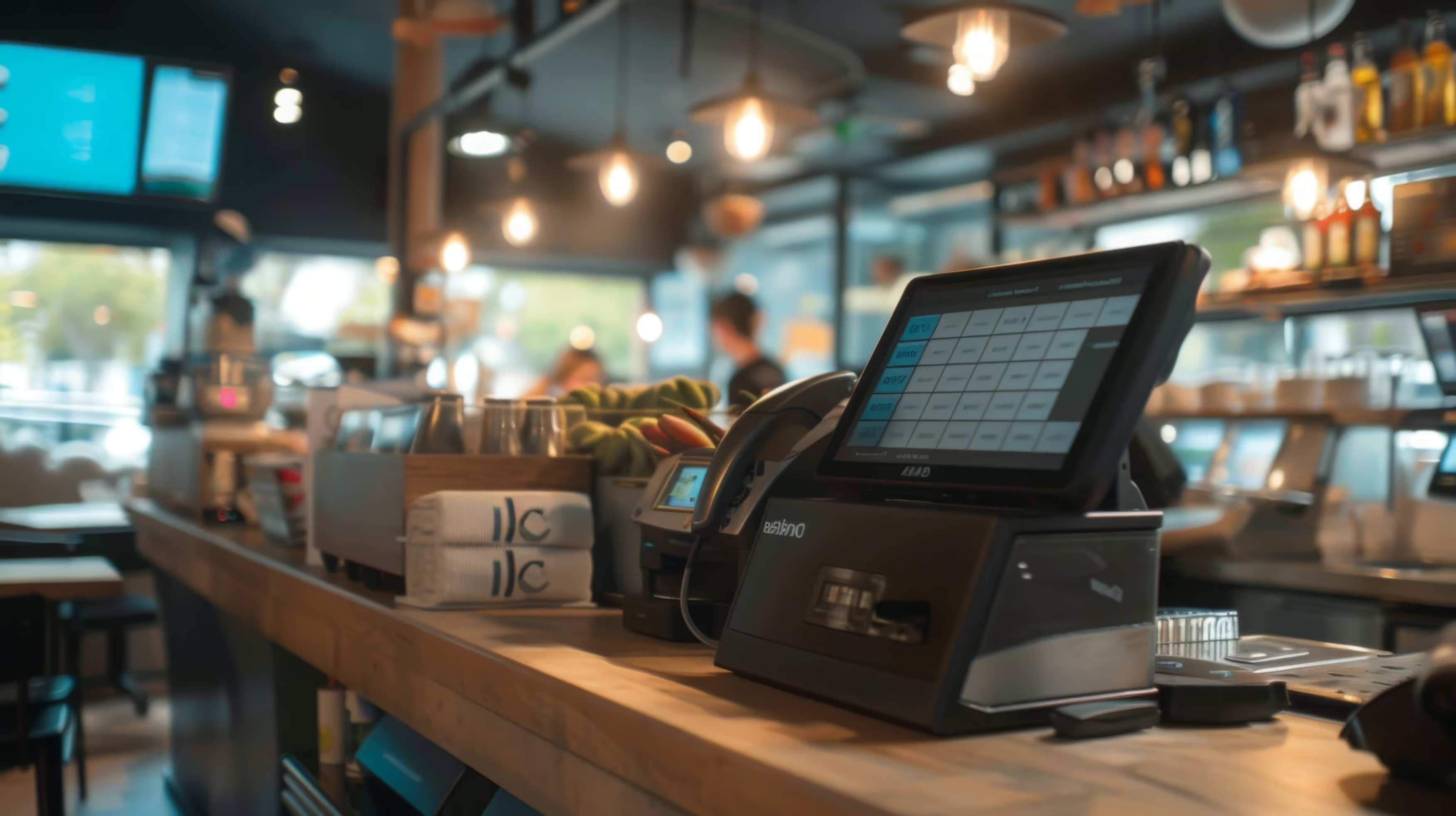
The till where terminal orders come together and get settled.
Recommended
See all prices. →

Price & packages

You buy or rent the terminal as a device. The software runs through your package.
SOT
69,00 €
/month
SOT
69,00 €
/month
POS Portale Basis
POS / SOT
Delivery Basis
Delivery Profi
Delivery All In
POS Portale Basis
POS / SOT
Delivery Basis
Delivery Profi
Delivery All in
It is not part of the packages by default, but you can add it to your own package.
Common questions

Questions about the SOT

What people almost always ask us first about this product.
Your question is not here? Talk to us →
How much space does the terminal need?
There are floor stand and wall versions. Which one fits depends on your entrance area and on the way guests walk through — we look at that together before you order anything.
Do older guests really order with it?
Most of them do, if it is easy to use: big buttons, pictures instead of lists, few steps. It is important that the till next to it stays staffed — the terminal should make the queue shorter, not shut anyone out.
Can guests pay cash at the terminal?
At the terminal itself, guests pay by card or by mobile. Anyone who wants to pay cash orders at the till as before — both ways run into the same system.
Do I have to keep the menu up to date twice?
No. Terminal, till, QR Ordering and Online Shop use the same item setup. If you change a price, it changes everywhere.
What happens if the terminal fails?
Your business carries on as normal at the till. The terminal is an extra way to order, not a replacement for the till.

Goes well with this

Products that connect directly to it.
POS
The till where the orders come together.
Kitchen Display
Orders shown digitally in the kitchen, sorted by course.
QR
Self-Ordering at the table, with no extra device.
Common questions

Before you ask

Yes — the Orderiom POS works with a certified TSE and is GoBD-compliant, including the export formats a tax audit asks for.

How long does setup take?

Usually a few days from the first call to going live — we do the setup for you.

Do I have to replace the till I already have?

No. You can start with the Orderiom POS, or simply add to the till you already have.

Do I pay commission on orders?

No — 0% commission to third parties, in every package, whatever the ordering channel.

What if I have several locations?

Multi-site management gives you one dashboard across every location — part of the chain package.

Can I start small and add to it later?

Yes — modules can be added one at a time, with no forced package change.

Request a free consultation

We look at how your business actually runs and tell you which parts make sense — even when that turns out to be fewer than you expected.
Check - Elements Webflow Library - BRIX Templates

Thank you!

Oops! Something went wrong.
Prefer to talk to someone?
Call us or book a time
Mon – Fri   8:00 – 18:00