

Call us directly
Mon – Fri   8:00 – 18:00
Call either number — we will pass you on internally.
Request a call back instead
Use Cases

From the table to the kitchen, no detours.

Table plan, handheld and Kitchen Display work together. And your guests order online directly from you, instead of through a portal that takes a cut of every dish.

0 % commission on your own orders
Table, pickup and delivery in one system
TSE-certified & GoBD-compliant

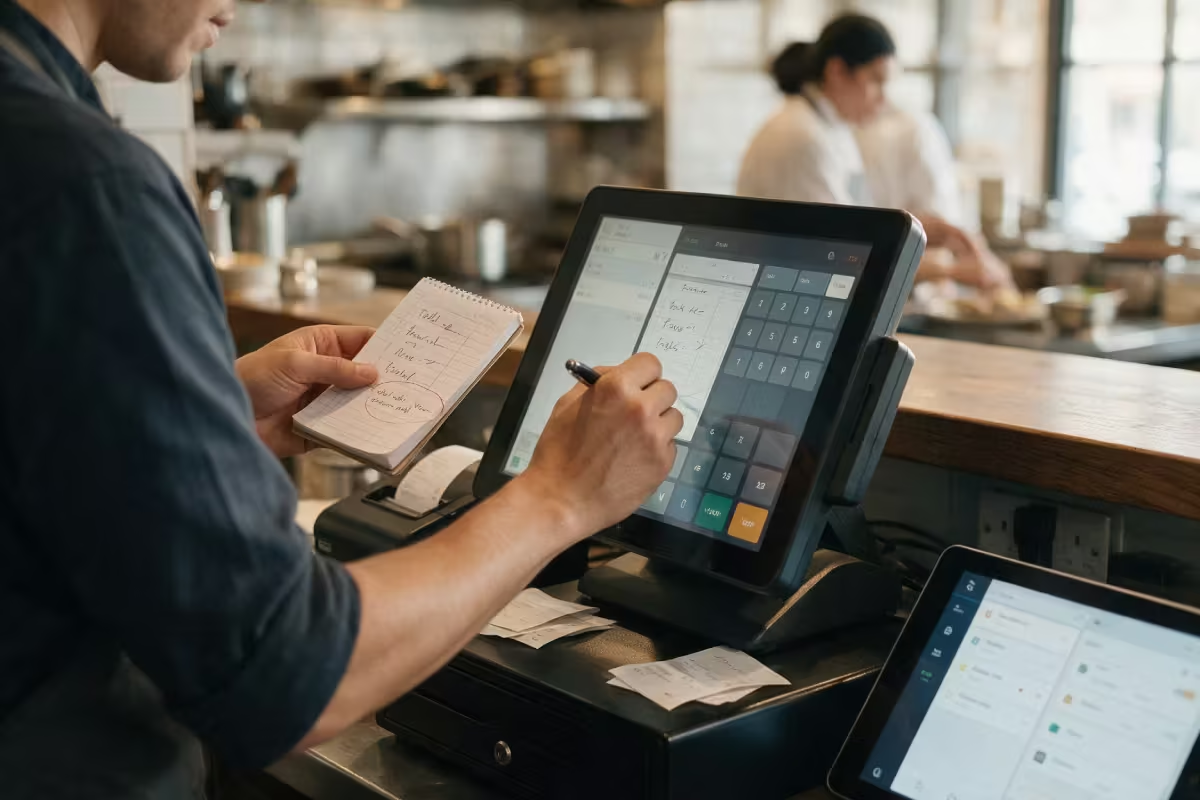
The paper order slip is the weakest link

Taken at the table, typed in at the till, printed in the kitchen. Somewhere in between, the special request gets lost. At the same time, your online orders run through a portal that takes a cut of every dish.
The service team walks back and forth between table and till
Special requests get lost between the notepad and the kitchen
Online orders cost commission, even though the guest already knows you
Table, pickup and delivery sit in separate systems
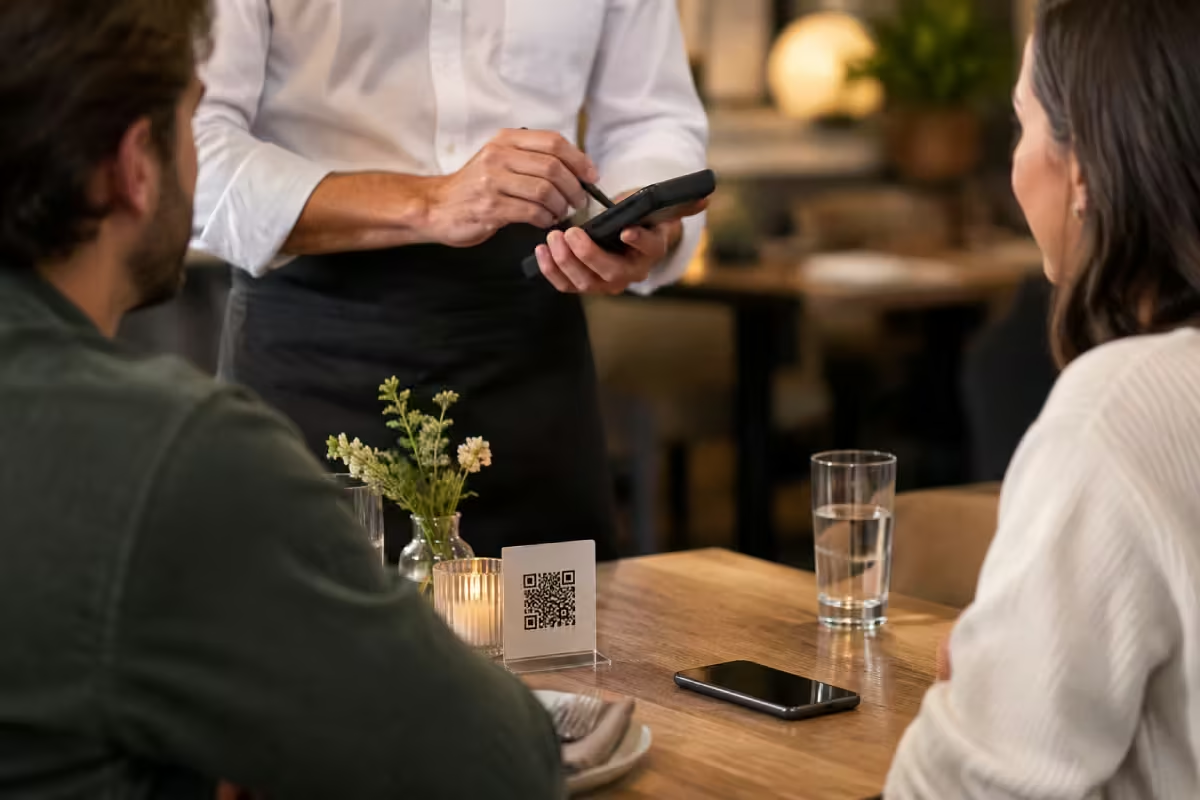
How it works with Orderiom

Your service team still takes the order. It just lands straight where it belongs.
STEP 01
Take the order at the table
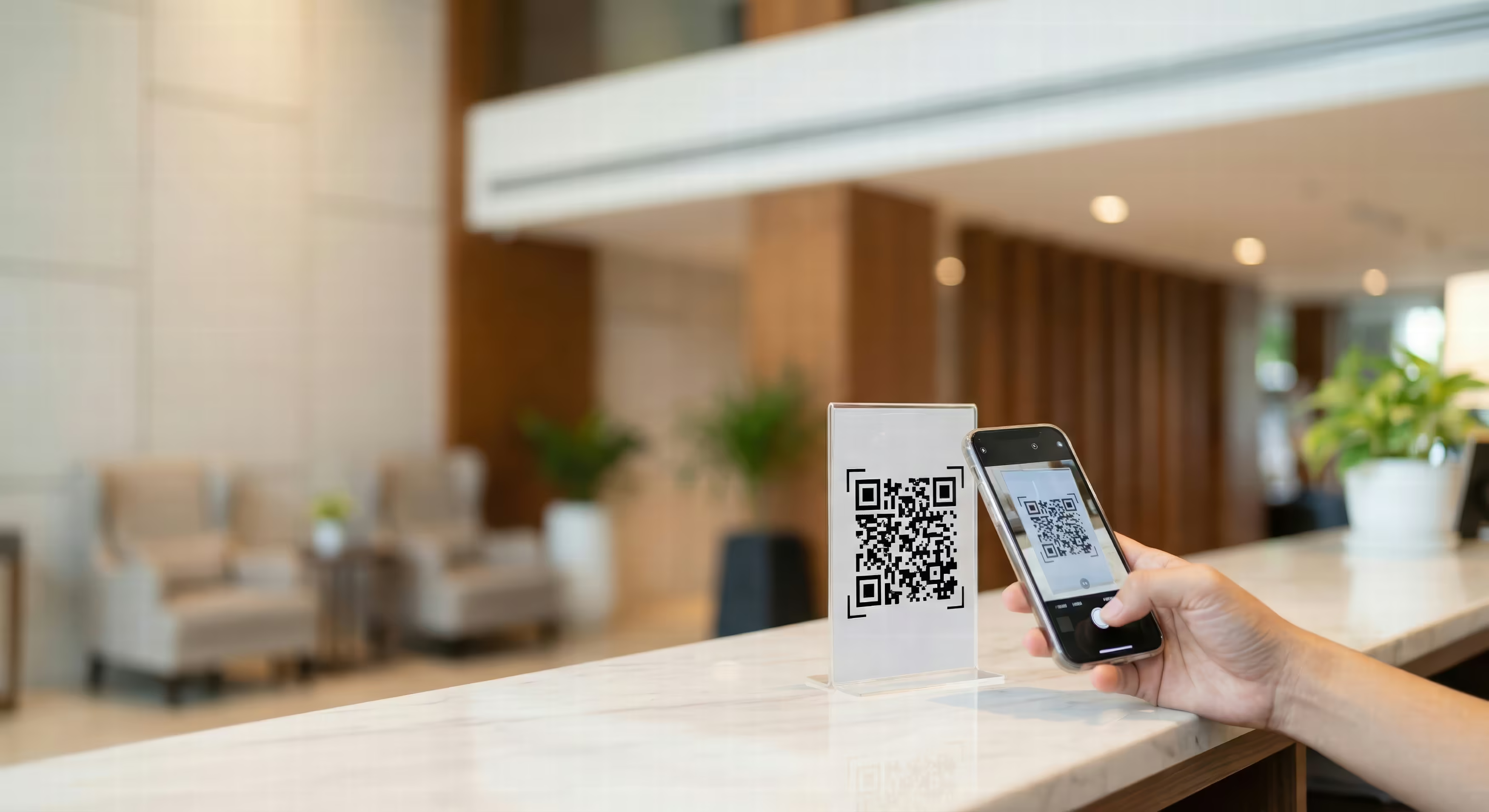
With the handheld right next to the guest, or the guest orders by QR code at the table. Both go into the same till.
STEP 02
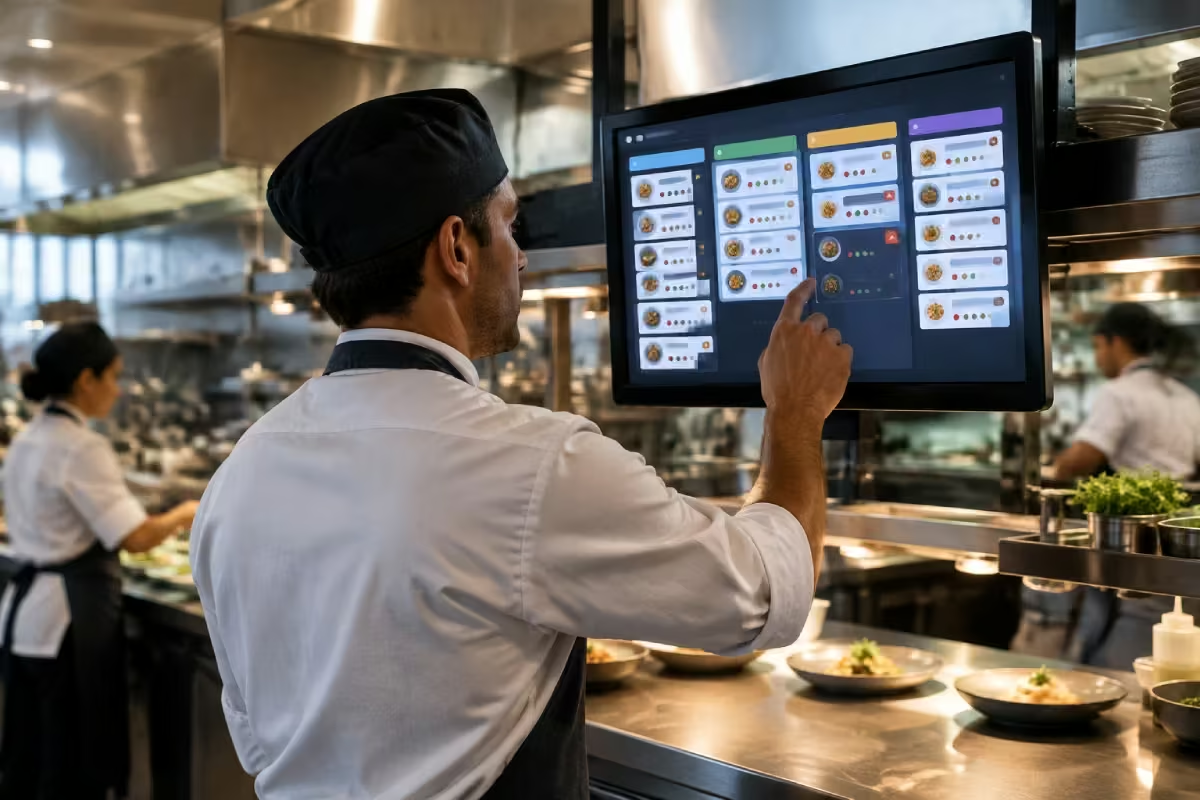
The kitchen sees it right away
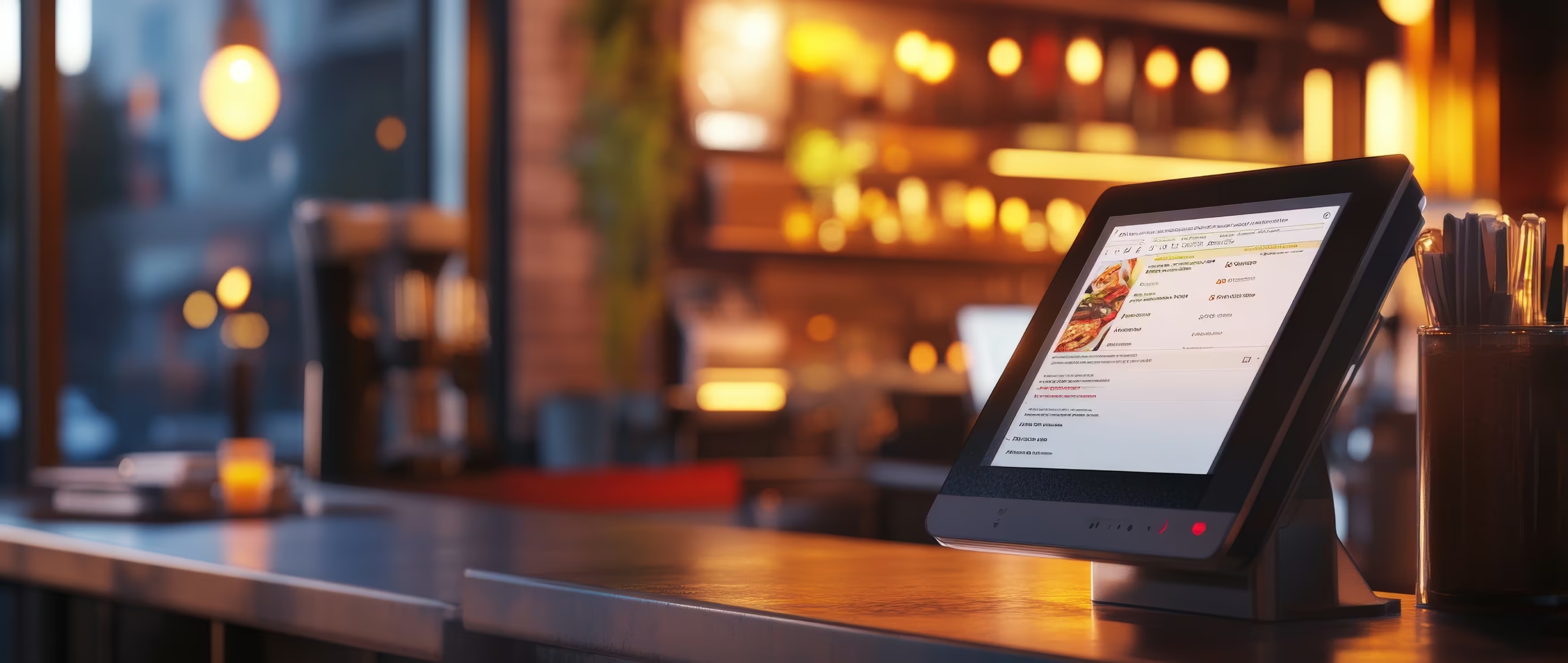
The order appears on the Kitchen Display, with special requests and sorted by course. No paper, no handwriting.
STEP 03
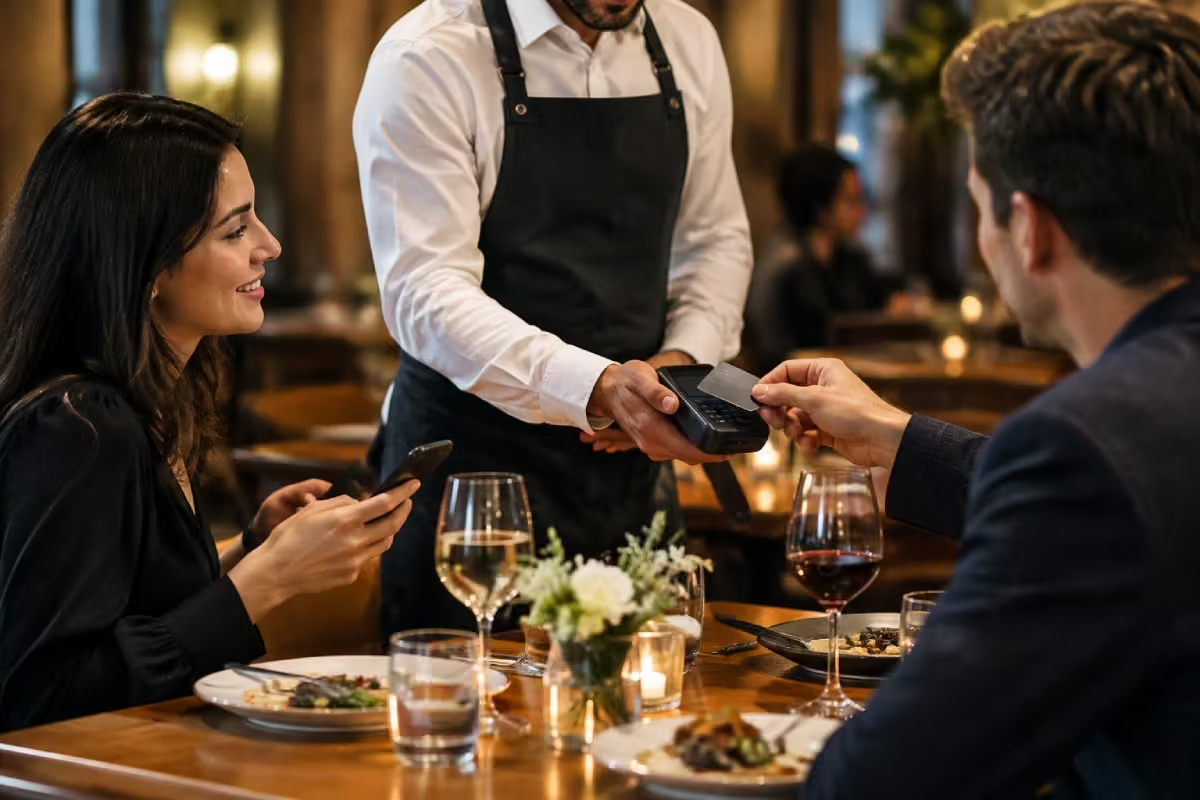
Take payment at the table
Split bills, tips, card or cash, right at the table. Nobody has to walk back to the till.

What is Orderiom, and how does it work?

The product video explains the flow from table to kitchen in a few minutes.

What you need

In a restaurant, the combination of till, service and kitchen pays off. Most businesses add their own online channel right away.
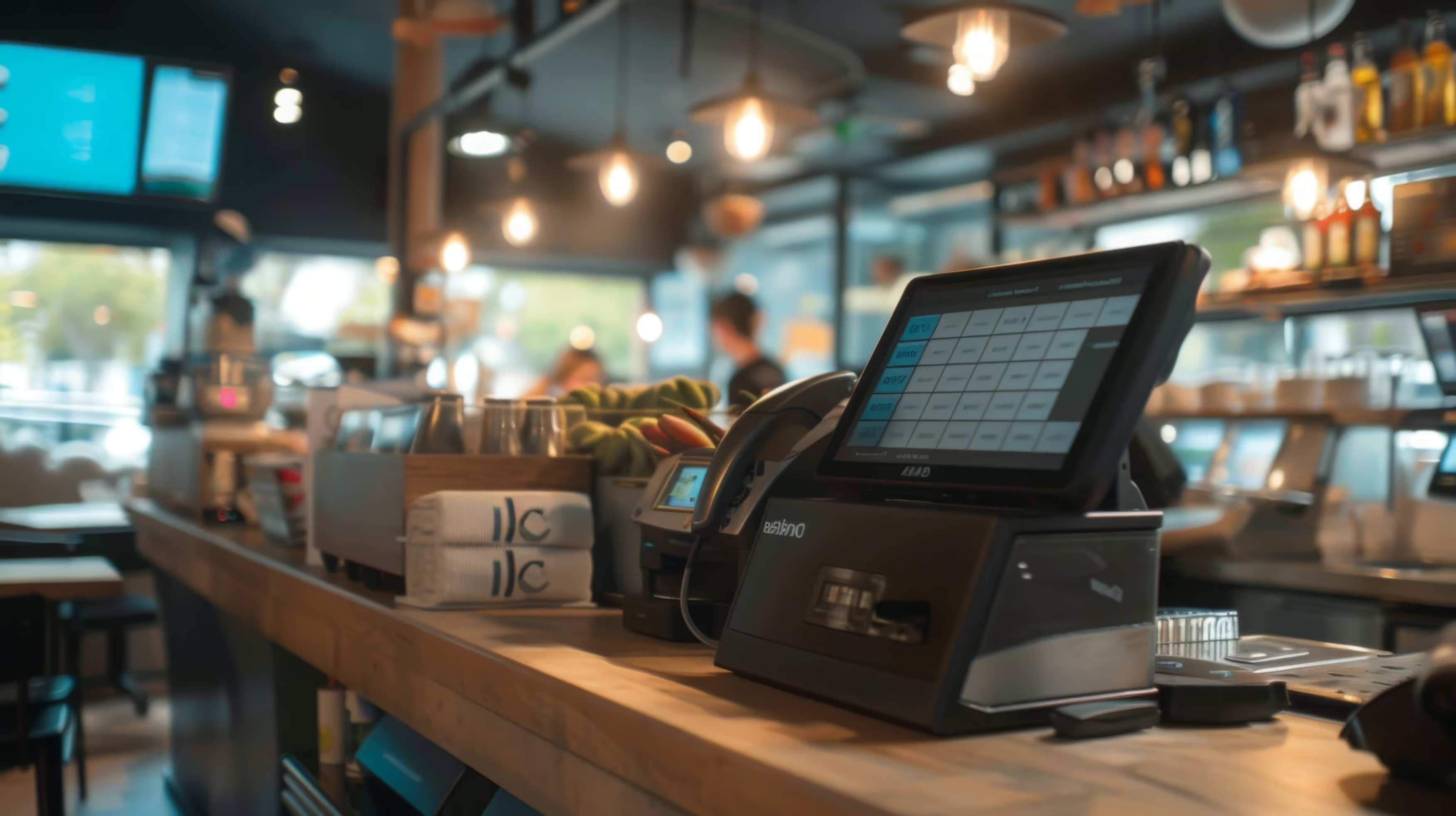
POS — the till
Table plan, splitting bills, moving items, end-of-day report. TSE is included.
Base
Waiter App — handheld for the service team
Take orders and payment at the table. This is what really cuts the walking for your service team.
Recommended
Kitchen Display
Orders digitally in the kitchen, sorted by course, with special requests.
Recommended
Online Shop — your own ordering channel
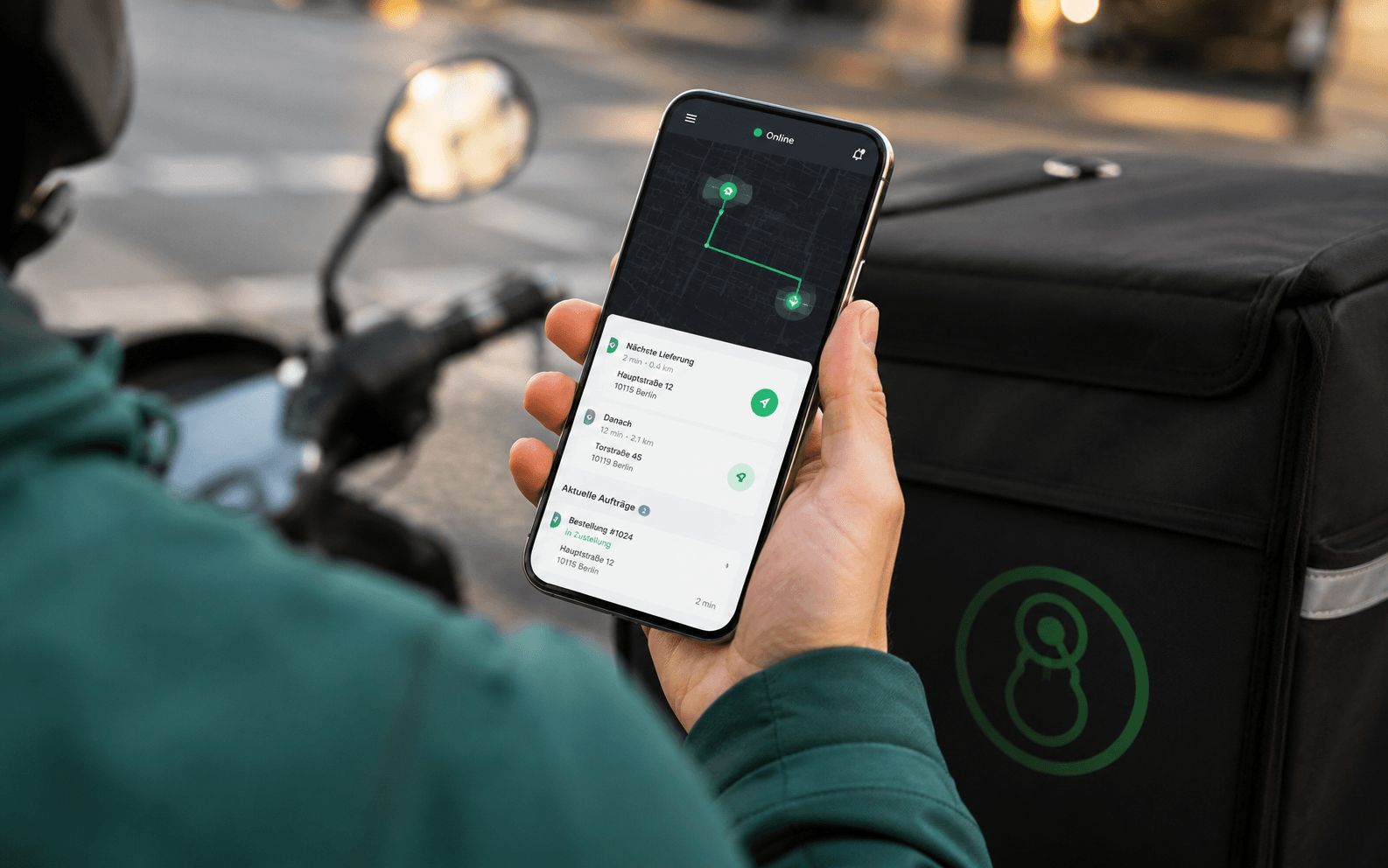
Pickup and delivery through your own site, under your own brand, with no commission.
Recommended
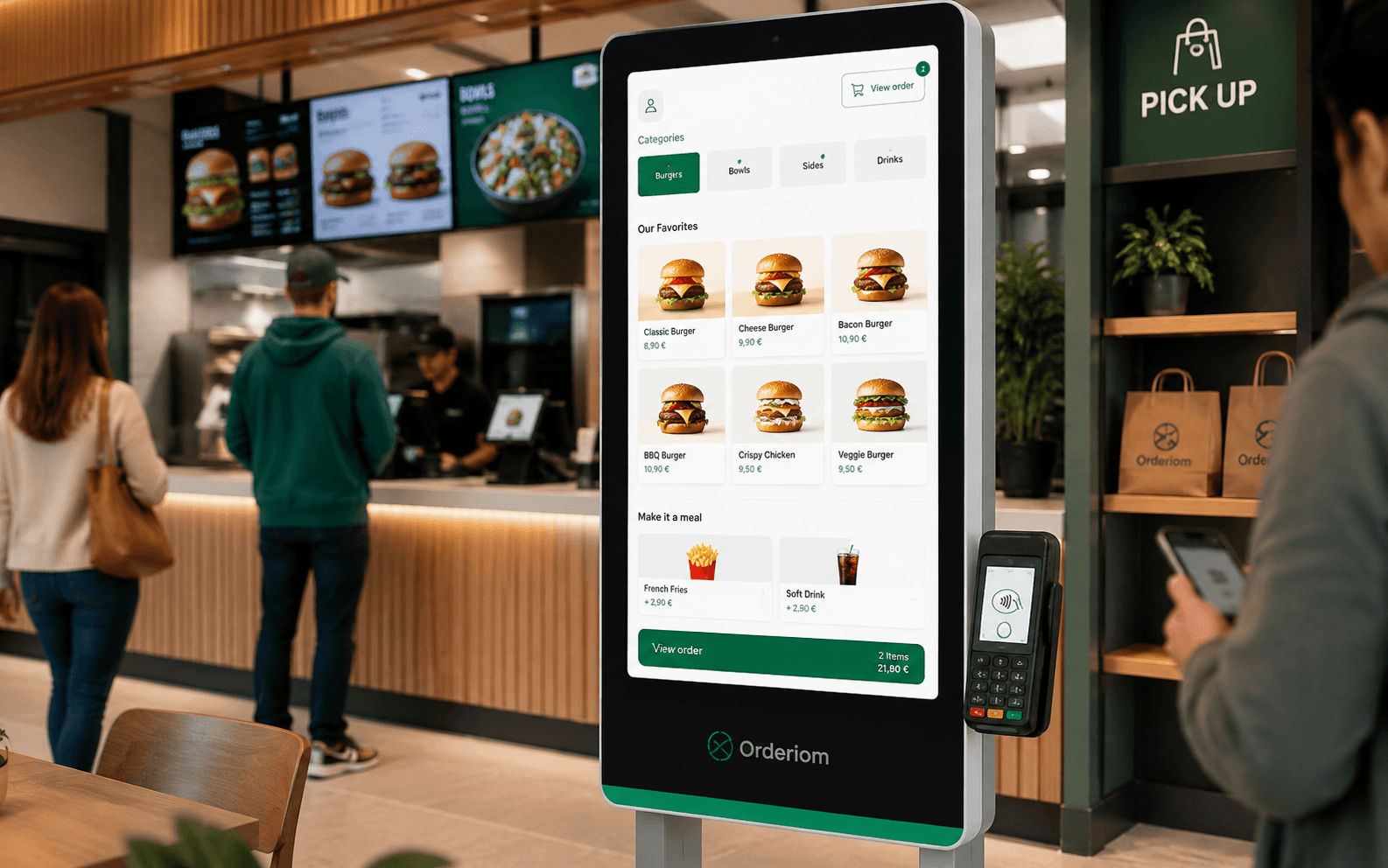
QR Ordering — at the table
On top of table service: guests order themselves, especially at peak times.
Optional
Customer Display
For businesses with a counter: the guest sees every item and the total live.
Optional
See all prices. →

What your restaurant gets out of it

Less walking for the service team, fewer questions from the kitchen, more from every online order.
Less walking for the service team
Taking orders, splitting bills and payment all happen at the table. On a full Saturday night you feel the difference right away.
Special requests arrive
“No onions, extra sauce” shows up on the Kitchen Display instead of handwritten on a slip of paper.
Table, pickup and delivery in one report
One end-of-day report for all channels. You see which channel really pays off, instead of comparing three reports.
0 % commission on your own orders
Instead of a high commission you pay a fixed monthly fee, no matter how many orders come through your shop.
Your guests are yours
Customer data and order history stay with you. You can reach out to regulars directly. A portal does not let you do that.
New staff trained in 15 minutes
The system is built for speed, not for training. With staff changing often, that saves time every week.
Common questions

Questions from restaurants

What owners ask us most often before they start.
Your question is not here? Talk to us →
Do my guests have to order by QR?
No. Your service team still takes orders as usual, with the handheld instead of the notepad. QR is an extra for businesses that want relief at peak times, not a replacement for table service.
How do special requests reach the kitchen?
As a note on the item, right on the Kitchen Display. You can set up common requests as options, so one tap adds them instead of typing them every time.
Does this work for pickup and delivery too?
Yes, and that is the real advantage: table orders, pickup and delivery run in the same till and the same report. You do not need a second system for takeaway.
How long does my team need to learn it?
Usually under half an hour. The screen is built for speed during service. With part-time staff changing often, that pays off every week.
Can I keep my existing hardware?
Usually yes. The till runs in the browser and on Android devices. We check your existing terminals, receipt printers and card readers first. You get a clear list instead of an offer for a whole new set.
Common questions

Before you ask

Yes — the Orderiom POS works with a certified TSE and is GoBD-compliant, including the export formats a tax audit asks for.

How long does setup take?

Usually a few days from the first call to going live — we do the setup for you.

Do I have to replace the till I already have?

No. You can start with the Orderiom POS, or simply add to the till you already have.

Do I pay commission on orders?

No — 0% commission to third parties, in every package, whatever the ordering channel.

What if I have several locations?

Multi-site management gives you one dashboard across every location — part of the chain package.

Can I start small and add to it later?

Yes — modules can be added one at a time, with no forced package change.

Request a free consultation

We look at how your business actually runs and tell you which parts make sense — even when that turns out to be fewer than you expected.
Check - Elements Webflow Library - BRIX Templates

Thank you!

Oops! Something went wrong.
Prefer to talk to someone?
Call us or book a time
Mon – Fri   8:00 – 18:00