


Call us directly
Mon – Fri   8:00 – 18:00
Call either number — we will pass you on internally.
Request a call back instead
POS SYSTEM

The guest sees every item — and gets the receipt without paper

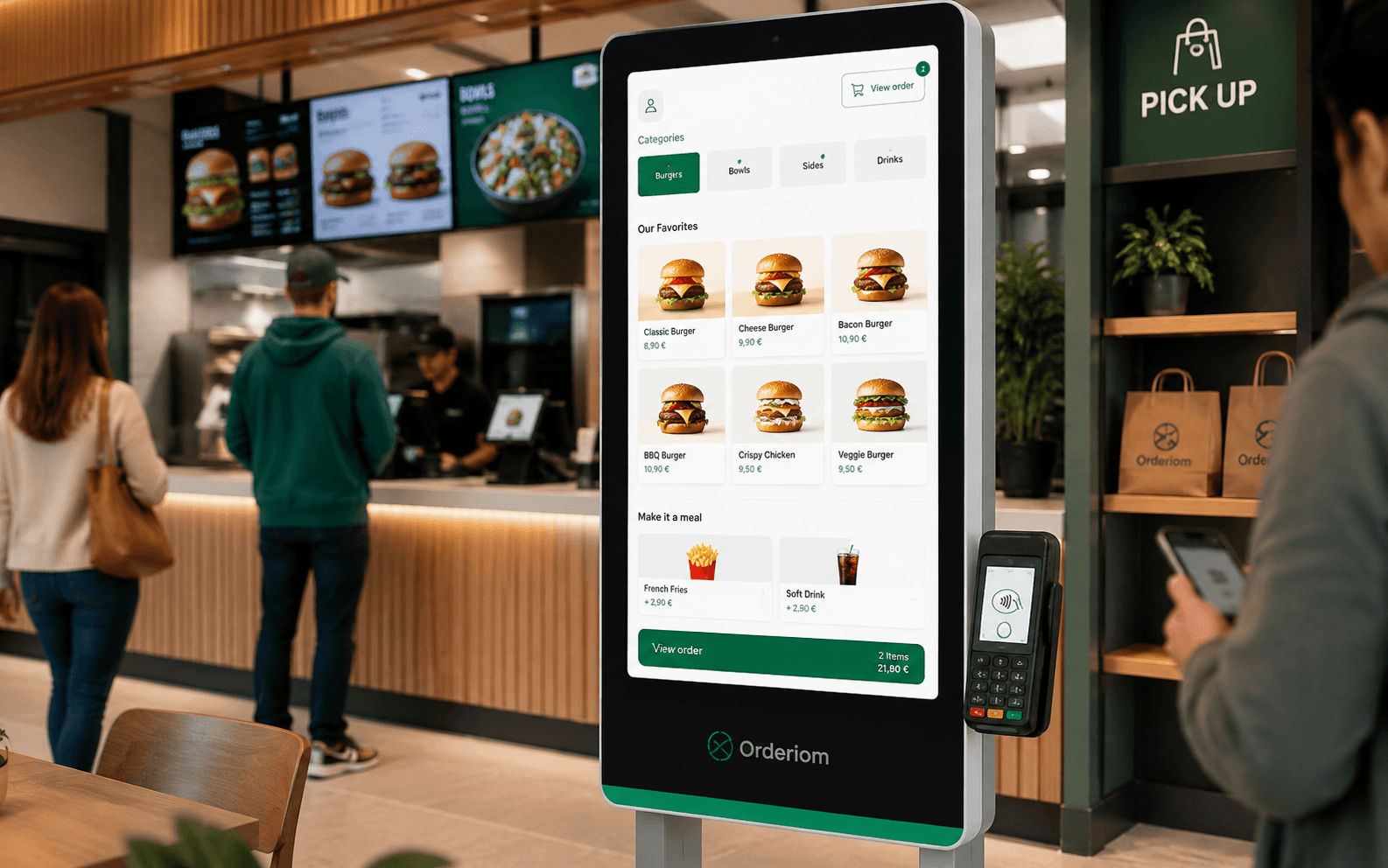
The second screen at the till shows every item as it is rung up. And it sends the receipt to the guest's phone as a QR code, instead of printing paper that nobody takes.

Live order list
Receipt by QR, not paper
Runs on tablets you already have

What the guest can read,
he does not have to ask

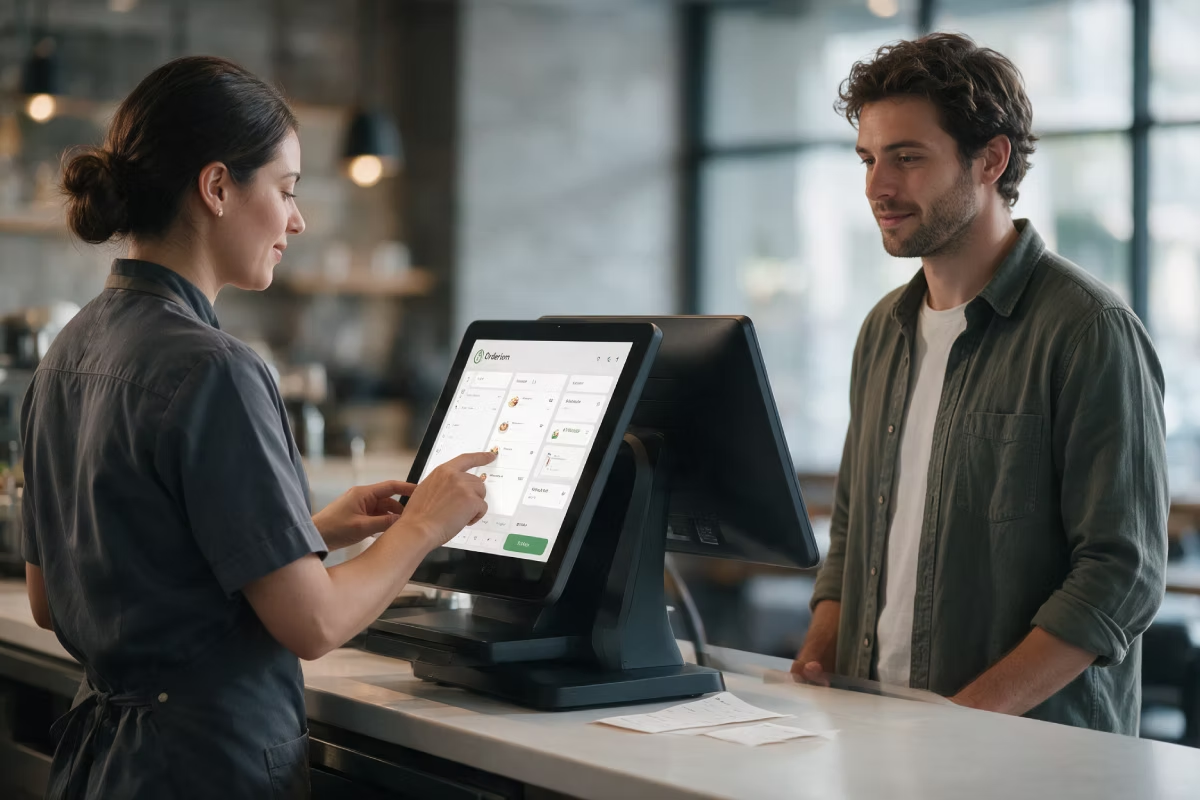
The Customer Display is the second screen at the till. It faces the guest. Every item appears as it is rung up: product, quantity, price, total. It sounds small. But it takes away the most common friction at the counter.
Every entry is visible right away — mistakes show up before payment
The guest sees the total, the discounts and the tip before paying
Fewer questions and fewer arguments about the receipt
Between orders the screen shows your own picture or your offer
A receipt is required by law. Paper is not.

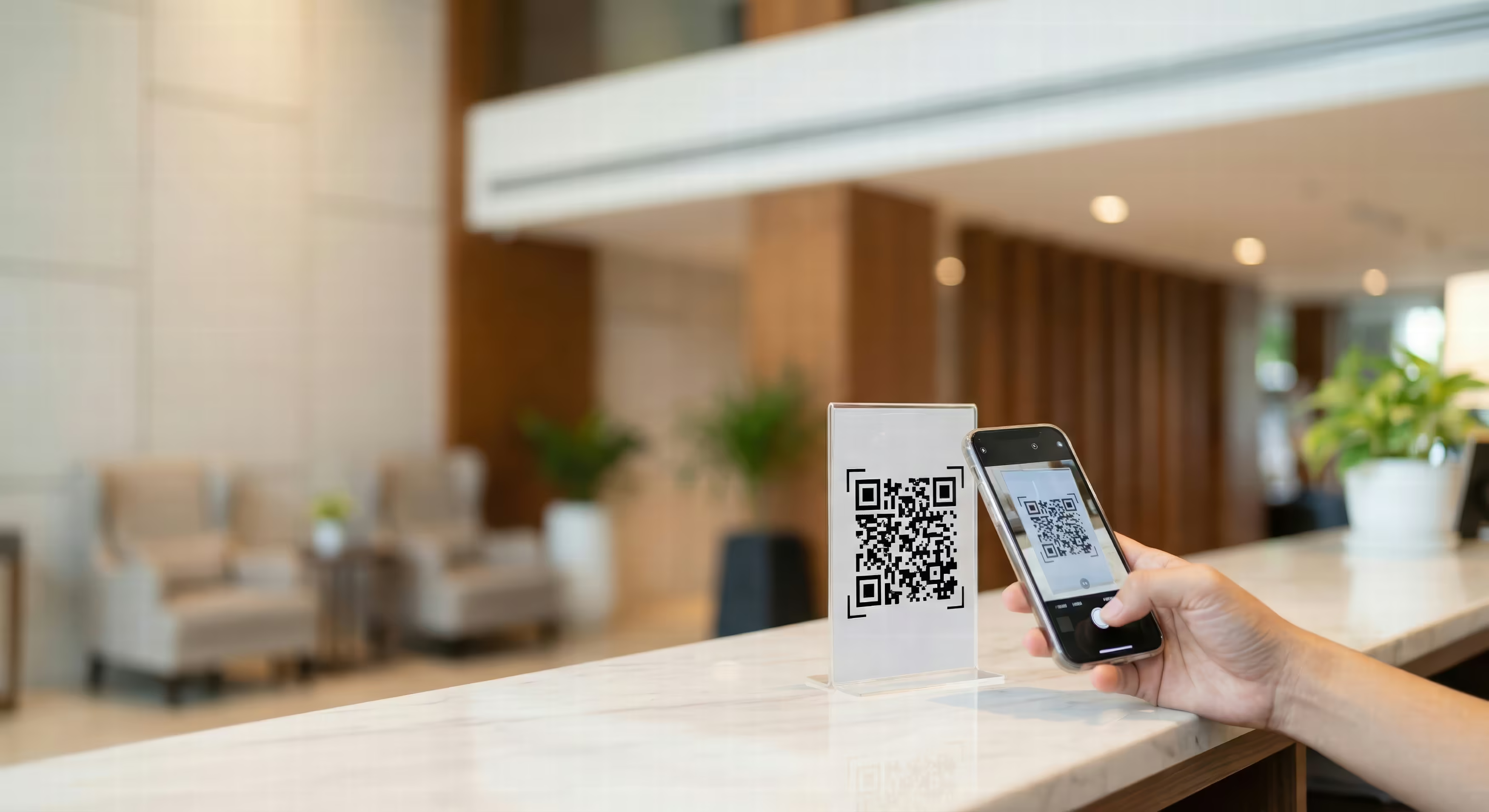
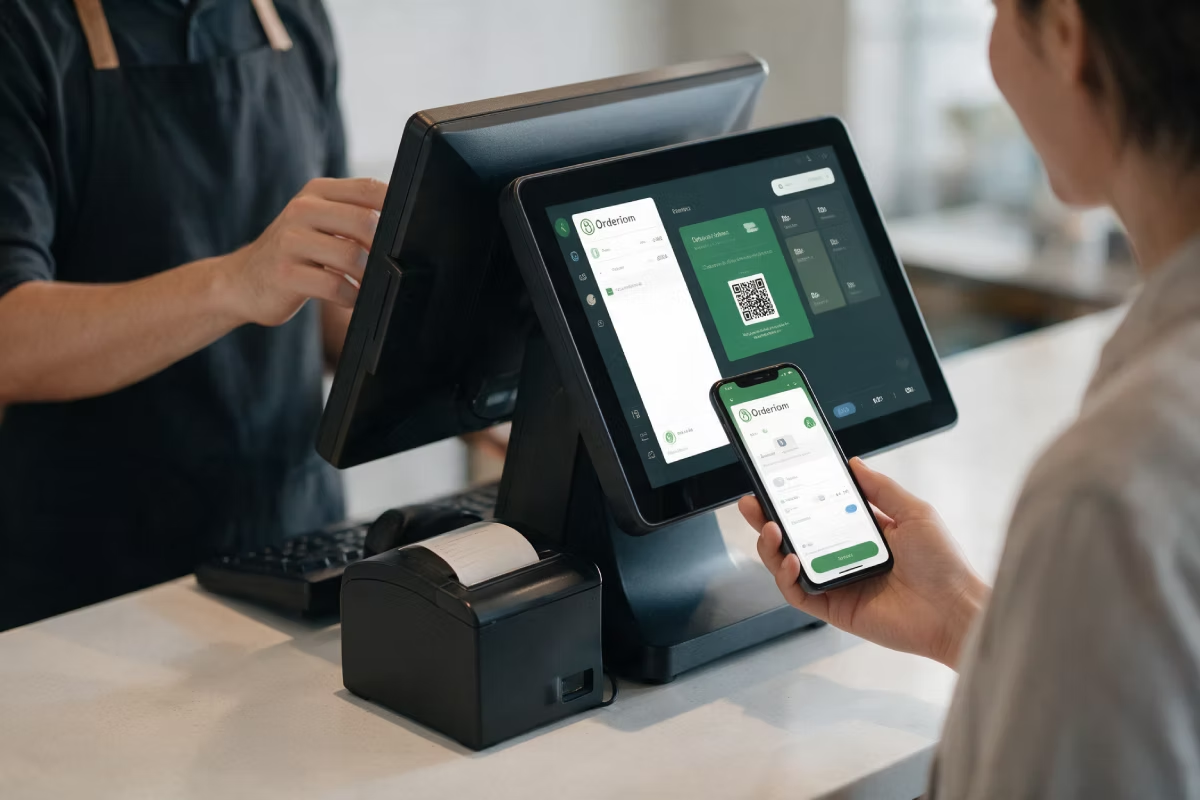
Since January 2020, every sale must come with a receipt. But the law does not say it has to be paper. A digital receipt is allowed if the guest agrees. The Customer Display shows a QR code for this. The guest scans it with the phone camera — receipt on the phone, nothing in the bin.
The QR code is on the screen the guest is already looking at
No account and no app needed to open the receipt
A paper receipt is still possible any time the guest wants one
Fewer paper rolls, fewer roll changes in the rush

Paper receipt or digital receipt

Both meet the law. The difference shows in daily work.
Paper receipt only
Changing the paper roll — usually when the place is full
Most receipts go straight into the bin next to the till
Running costs for rolls, printer and service
A lost receipt means no proof for a complaint or an expense claim
Digital receipt by QR code
The receipt goes to the guest's phone — no account, no app
Paper only for the guests who ask for it
You use far fewer paper rolls
The guest can find the receipt again, even days later

Features

What the second screen does.
Live order list
Every item appears at once with quantity and price. The guest follows along instead of trusting the total at the end.
Total, discount and change
Subtotal, discounts given, amount to pay and change — shown at the moment it matters.
Receipt by QR code
The guest scans and has the receipt on the phone. You print paper only on request.
Tips without asking
If you turn it on, the guest picks an amount on the screen. Nobody has to ask for a tip.
Advertising in between
When no order is running, the screen shows your daily offer, your brand or your opening hours.
Works with card payment
Together with the Payment Integration, the guest sees the amount and the payment status without leaning over the terminal.

What you need

A second screen at the till. That is all.
POS
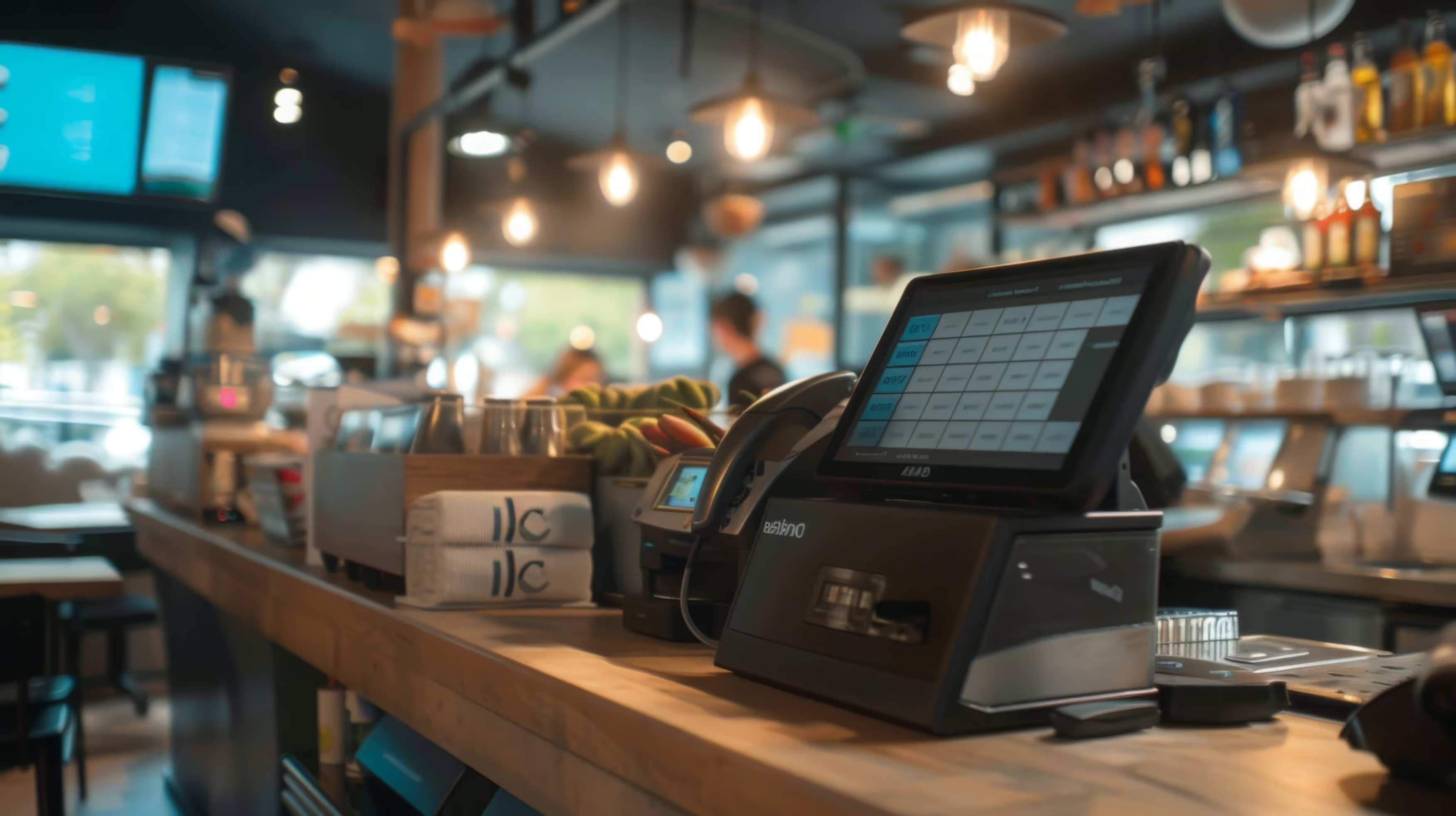
The Customer Display is the guest side of the till. Without the POS there is nothing to show.
Required
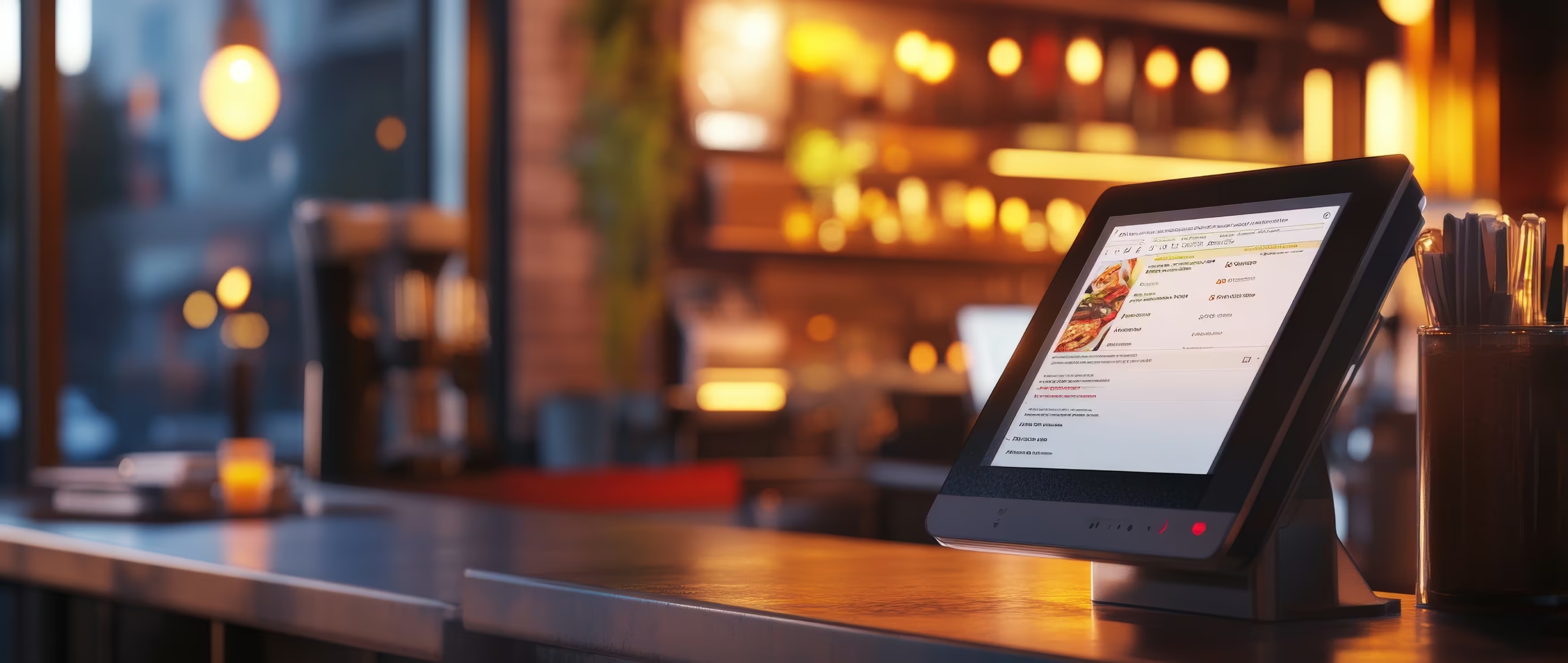
Second screen or tablet
In many cases a tablet you already have, or a small monitor, is enough. We look at what fits your place before you start.
Required
Mount or stand
Mounted so it can turn. The guest can read it without staff turning the screen every time.
Recommended
See all prices. →

Price & packages

The Customer Display is a separate module. You book it per till.
Customer Display
9,90 €
/month
Customer Display
9,90 €
/month
POS Portale Basis
POS / SOT
Delivery Basis
Delivery Profi
Delivery All in
Packet A
Packet B
Packet C
Packet D
Packet E
It is not part of the packages by default. But you can add it to your own package.
Common questions

Questions about the Customer Display

What people almost always ask us first about this product.
Your question not here? Talk to us →
Does a digital receipt meet the legal receipt requirement?
A digital receipt is allowed if the guest agrees. It does not have to be printed. What matters is that the receipt is ready right at the time of the sale. That is exactly what the QR code on the Customer Display does. This is general information, not legal advice — check your own setup with your tax advisor.
Does the guest need an app to see the receipt?
No. The guest scans the QR code with the phone camera and gets the receipt as a web page. No account, no install, no login.
Can I still print paper receipts?
Yes, any time. The digital receipt is an option, not a rule. A guest who wants paper — for an expense claim, for example — still gets it.
Is a normal tablet enough for the Customer Display?
In many businesses, yes. It depends on the size, the viewing angle and the brightness at your counter. We look at your till area and tell you if a device you already have is enough, or if a separate monitor is better.
Can I also use the screen for advertising?
Yes. When no order is running, the screen shows any picture you choose — daily offer, promotion, opening hours or just your logo.
Can the next guest see what the last guest ordered?
No. When the sale is finished, the screen is cleared and goes back to your standby picture.

Goes well with this

Products that connect directly to it.
POS
The till behind it — the Customer Display is its guest side.
Payment Integration
Card payment with your own payment provider.
TSE & Cloud TSE
The technical security device required by law — the basis of every receipt.
Common questions

Before you ask

Yes — the Orderiom POS works with a certified TSE and is GoBD-compliant, including the export formats a tax audit asks for.

How long does setup take?

Usually a few days from the first call to going live — we do the setup for you.

Do I have to replace the till I already have?

No. You can start with the Orderiom POS, or simply add to the till you already have.

Do I pay commission on orders?

No — 0% commission to third parties, in every package, whatever the ordering channel.

What if I have several locations?

Multi-site management gives you one dashboard across every location — part of the chain package.

Can I start small and add to it later?

Yes — modules can be added one at a time, with no forced package change.

Request a free consultation

We look at how your business actually runs and tell you which parts make sense — even when that turns out to be fewer than you expected.
Check - Elements Webflow Library - BRIX Templates

Thank you!

Oops! Something went wrong.
Prefer to talk to someone?
Call us or book a time
Mon – Fri   8:00 – 18:00