

Call us directly
Mon – Fri   8:00 – 18:00
Call either number — we will pass you on internally.
Request a call back instead
POS SYSTEM

Waiter App — take orders and payments at the table

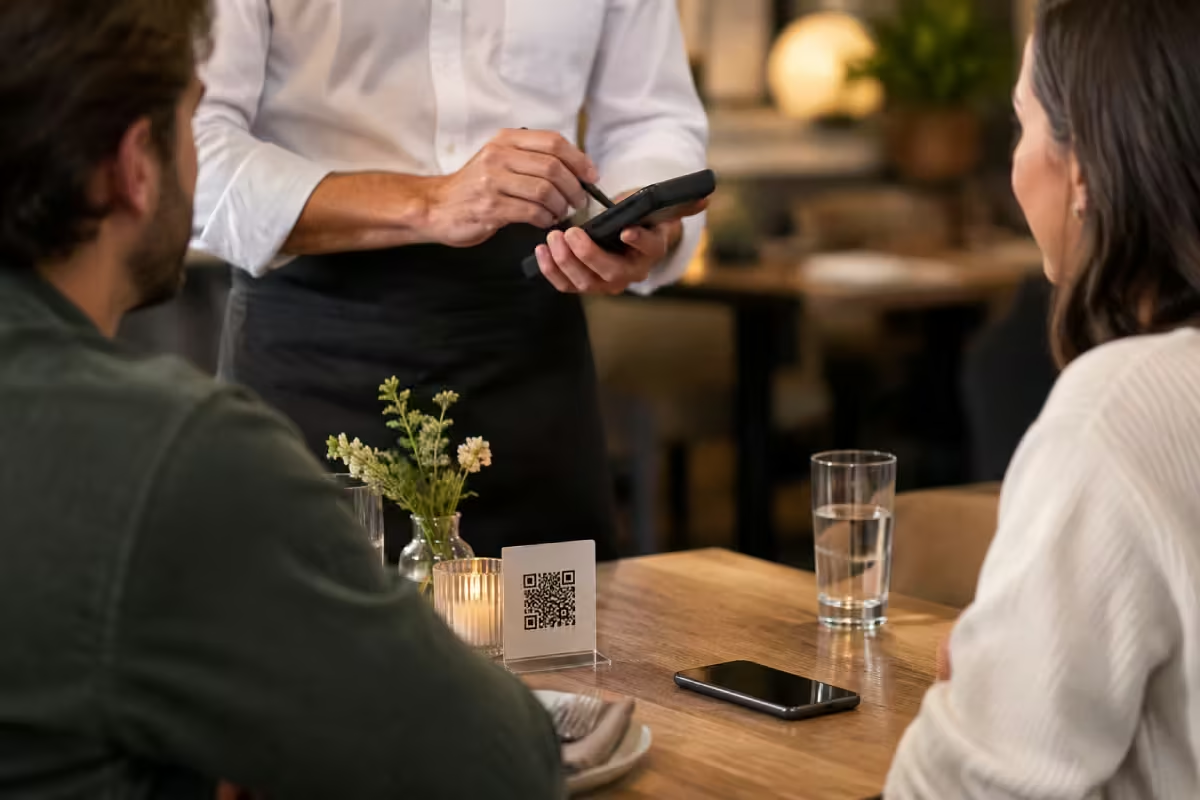
A handheld for your service team. Take the order, send it to the kitchen and take payment right at the table. Nobody has to walk back to the till.

Card payment on the device
Orders go straight to the kitchen
Training in under 30 minutes

No more walking back to the till

You take the order, split the bill and take payment where the guest is sitting. The order is in the kitchen before your staff would have reached the counter — and the card is paid at the same time.
Take the order at the table — no paper pad, no typing it in again
Card payment on the device, tips included
Split the bill — by guest or by item
Runs in the same till and the same reports as everything else
Features

What a handheld has to do during service.
Split & move
By guest, by item or by share. Moving guests to another table takes two taps.
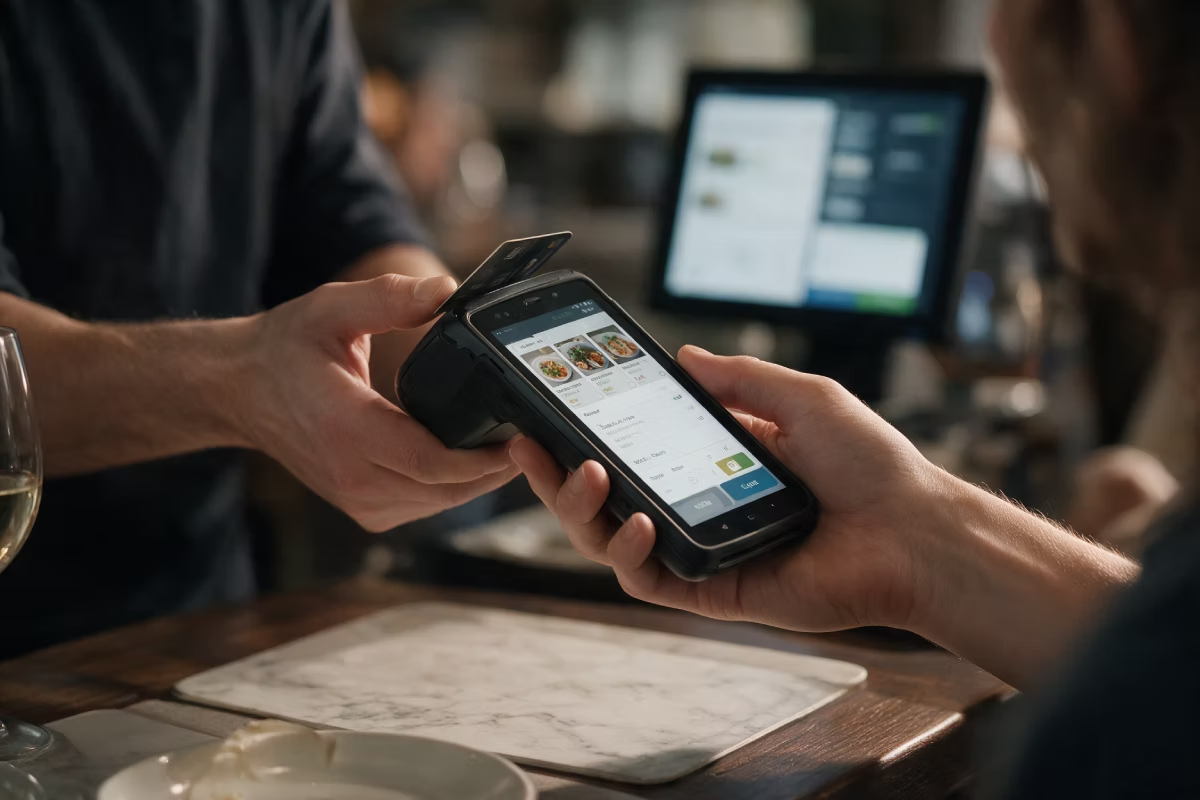
Card payment on the device
Girocard, credit card, Apple Pay and Google Pay right at the table — with your own payment provider.
Tips recorded properly
The tip is recorded when you take payment and reported per member of staff — no paper notes at the end of the shift.
Straight to the kitchen
Special requests as text, courses kept apart, and a fire button for the next course.
Own login for each member of staff
Every order belongs to one person. You can see sales and tips per shift.
Training in under 30 minutes
Big buttons, few steps. That pays off every week when part-time staff keep changing.

How it works

Three steps at the table. No walking in between.
STEP 01
Take the order at the table
Tap the items. Pick side dishes and special requests right there. The table is already set in the device.
STEP 02
The kitchen sees it at once
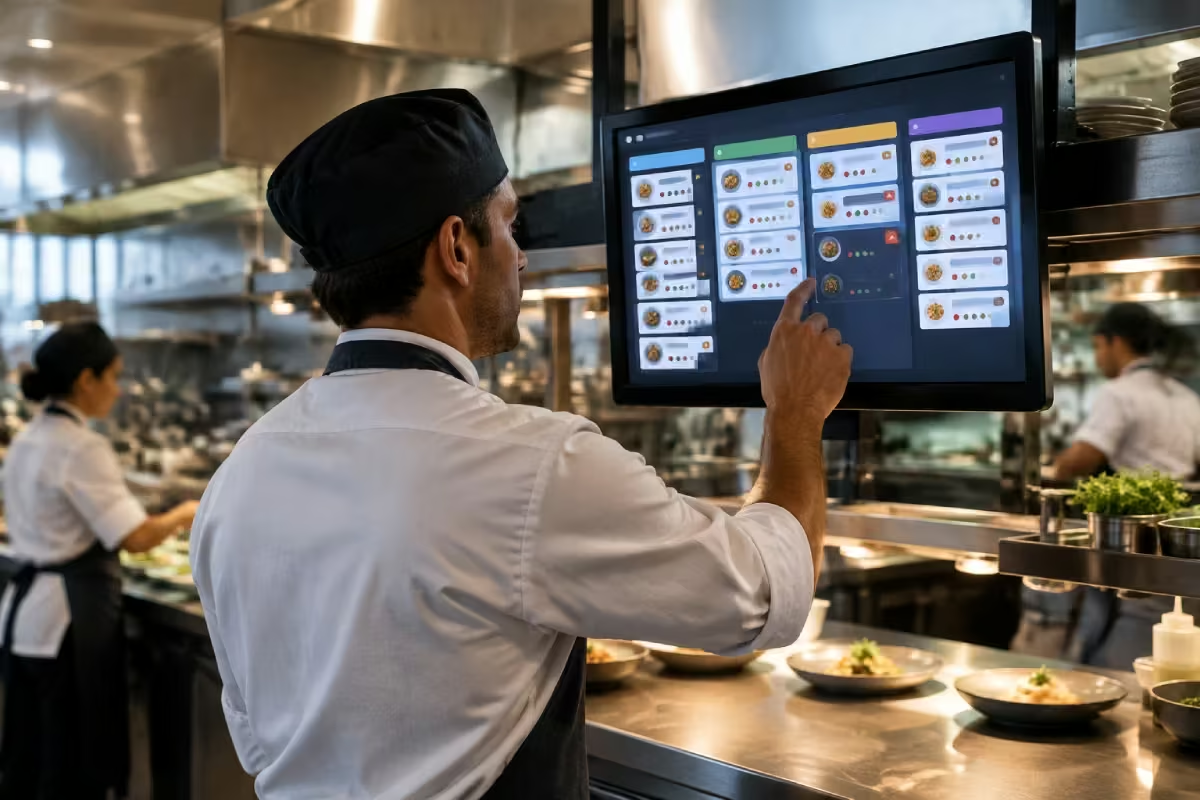
The order appears on the Kitchen Display with the special request, sorted by course.
STEP 03
Take payment at the table
Split the bill, add the tip, pay by card or cash — right at the table, with no walk back to the till.

What you need

One Android device per server — buy, lease or rent.
POS
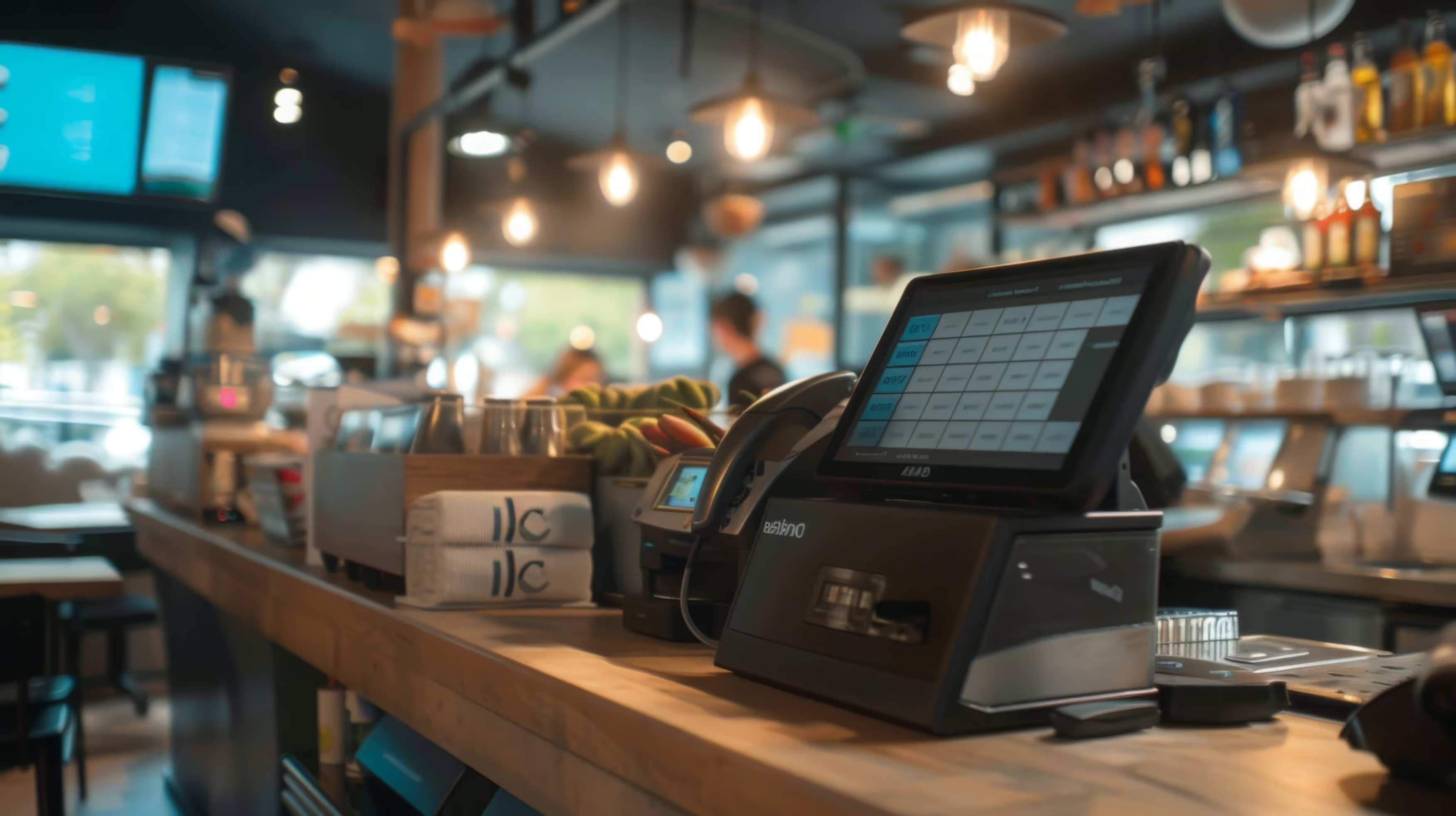
The till where all table orders come together and are settled.
Required
Your existing Android device
If your team already uses Android handhelds, we check first whether they will work.
Free
Android handheld with card payment
A rugged device with a protective case and a charging station. Card payment is built in. It arrives ready to use.
Recommended
See all prices. →

Price & packages

The Waiter App is charged per device. You can add it to any package.
Waiter App
9,90 €
/month
Waiter App
9,90 €
/month
POS Portale Basis
POS / SOT
Delivery Basis
Delivery Profi
Delivery All In
Packet A
Packet B
Packet C
Packet D
Packet E
It is not part of the packages by default, but you can add it to your own package.
Common questions

Questions about the Waiter App

What people almost always ask us first about this product.
Your question not here? Talk to us →
Do I need one device for every member of service staff?
Not always — staff can share a device, each with their own login. In practice it is much faster when everyone on the shift has their own device, above all when several people take payments at the same time.
Can I take card payments on the device?
Yes, card payment runs on the handheld — tips included. You keep your own payment provider; we only connect it.
Does it work when the Wi-Fi outside is weak?
The device holds the orders and sends them as soon as the connection is back. For terraces and large rooms we still recommend one extra access point — it is usually the cheapest part of the whole project.
Can my team handle it?
Training usually takes less than half an hour. The screen is built for speed during service, not for long training.
Can I use my existing Android device?
Often yes. We check the model and the Android version first and tell you honestly whether it will keep up during service or whether a rugged device is the better choice.

Goes well with this

Products that connect directly to it.
POS
The till where all table orders come together.
Kitchen Display
Orders on a screen in the kitchen, sorted by course.
Payment Integration
Card payment with your own provider.
Common questions

Before you ask

Yes — the Orderiom POS works with a certified TSE and is GoBD-compliant, including the export formats a tax audit asks for.

How long does setup take?

Usually a few days from the first call to going live — we do the setup for you.

Do I have to replace the till I already have?

No. You can start with the Orderiom POS, or simply add to the till you already have.

Do I pay commission on orders?

No — 0% commission to third parties, in every package, whatever the ordering channel.

What if I have several locations?

Multi-site management gives you one dashboard across every location — part of the chain package.

Can I start small and add to it later?

Yes — modules can be added one at a time, with no forced package change.

Request a free consultation

We look at how your business actually runs and tell you which parts make sense — even when that turns out to be fewer than you expected.
Check - Elements Webflow Library - BRIX Templates

Thank you!

Oops! Something went wrong.
Prefer to talk to someone?
Call us or book a time
Mon – Fri   8:00 – 18:00