

Call us directly
Mon – Fri   8:00 – 18:00
Call either number — we will pass you on internally.
Request a call back instead
Use Cases

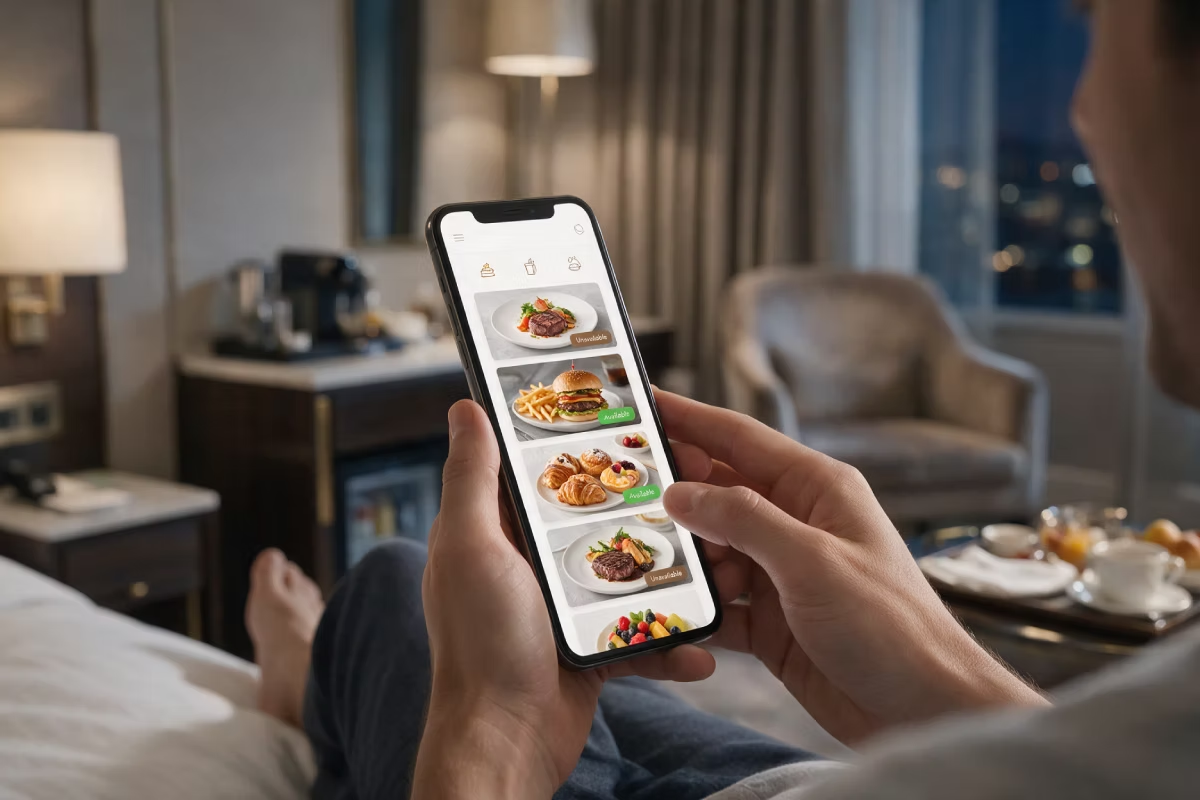
Room service starts on the guest's phone.

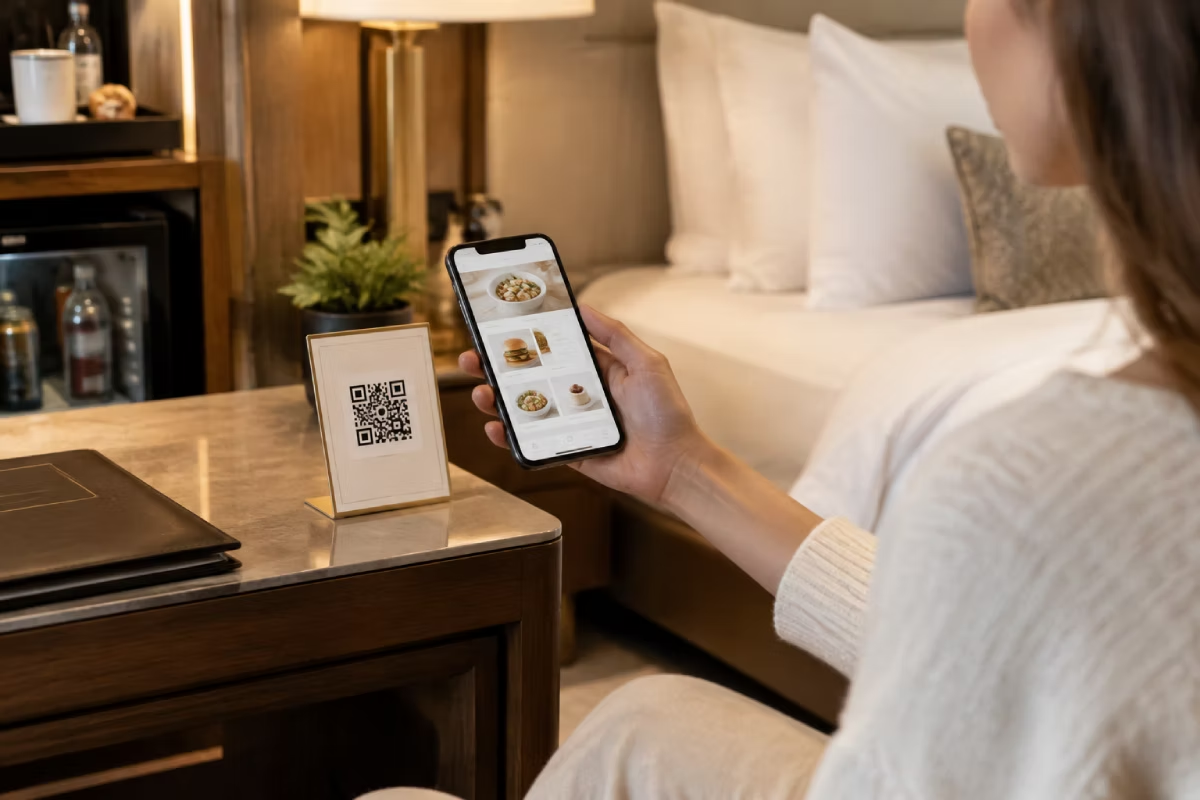
The guest scans the QR code in the room, orders from the digital menu and has it brought up to the room. No call to reception, no app, no new hardware in the house.

0 % commission on your own orders
No hardware needed in the room
Ready to go in a few days

The menu in the room is from 2019

It is 9 p.m. The guest is hungry and already in bed. Between the guest and an order: a laminated menu in a drawer, a phone number, and having to call someone. Most guests just skip it.
Guests do not call — you lose the revenue per room
The printed room menu is out of date as soon as a price changes
Reception takes the order and passes it on — twice the work, twice the mistakes
With no kitchen in the evening, there is no room service at all

How it works with Orderiom

No app, no account, nothing to install in the room. The guest only needs their own phone.
STEP 01
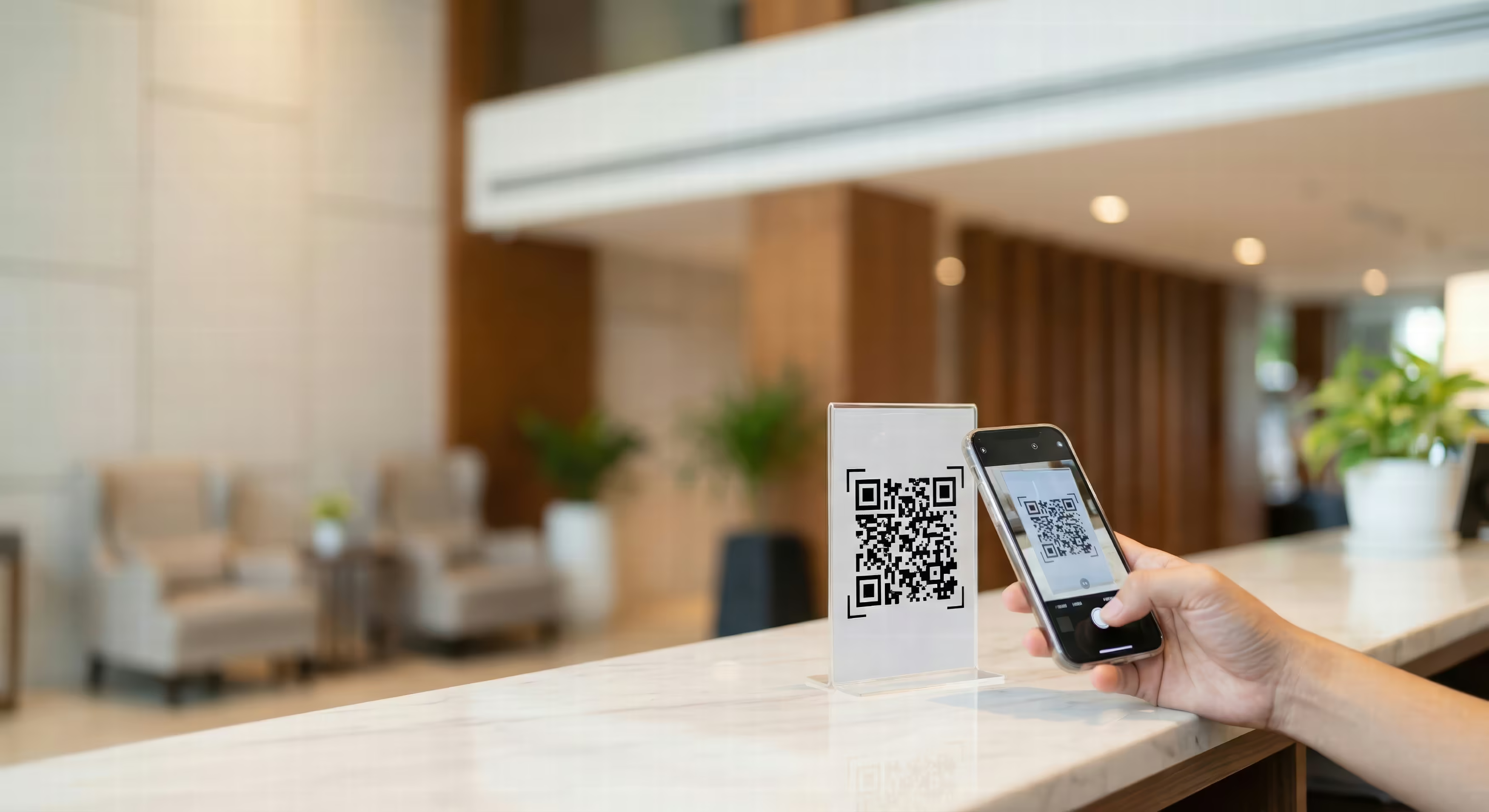
Scan the QR code in the room
On the table stand, on the minibar or in the room folder. The room number is stored in the code — the guest does not have to type it in.
STEP 02
Order from the digital menu
Kitchen, bar or breakfast, with photos instead of a text list. You change prices and availability in one place — the menu in the room is up to date right away.
STEP 03
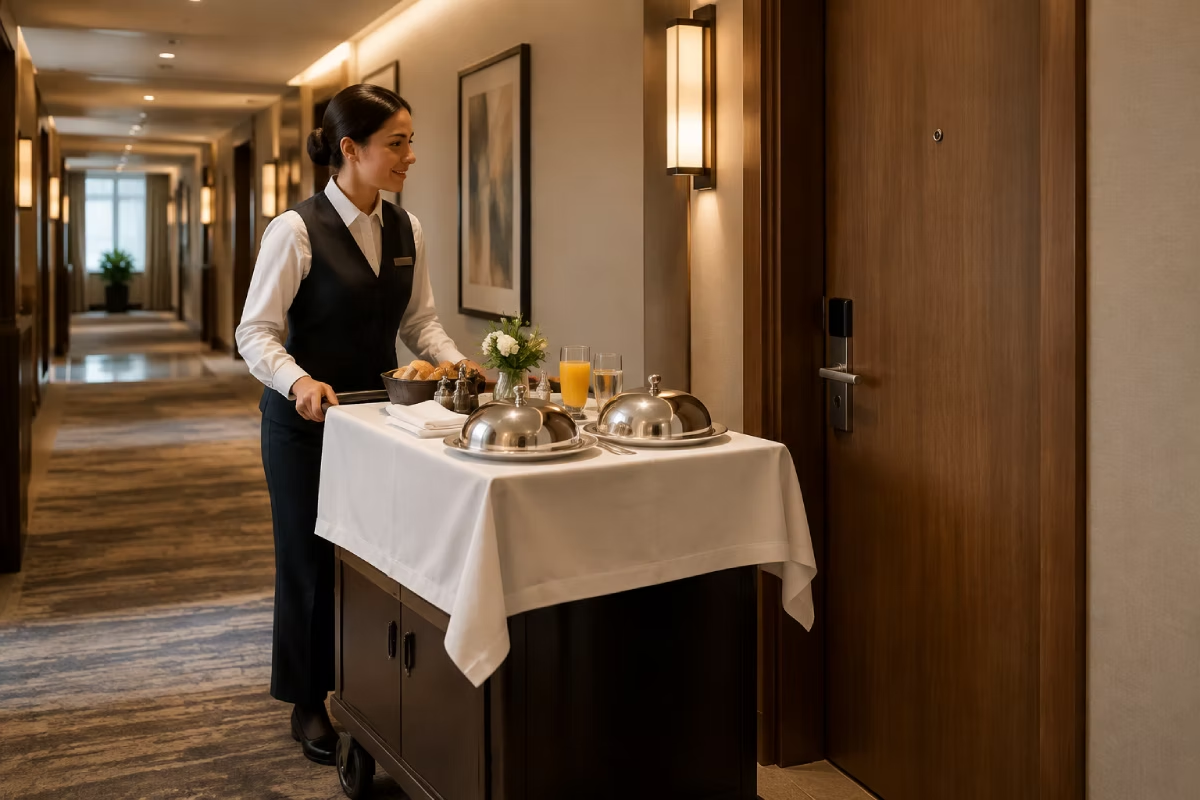
Have it delivered to the room
The order goes straight to the kitchen and to the service team, with the room number. Reception does not have to take it down or pass it on.

Virtual room service

Hotels, guesthouses and accommodation of any size — from your own kitchen or from restaurants nearby.

What you need

A small setup is enough for room service. A restaurant and bar in the house run on the same products.
QR Ordering — orders from the room
The core piece for a hotel: digital menu, a QR stand in every room, room number stored automatically.
Basic
POS — the till on site
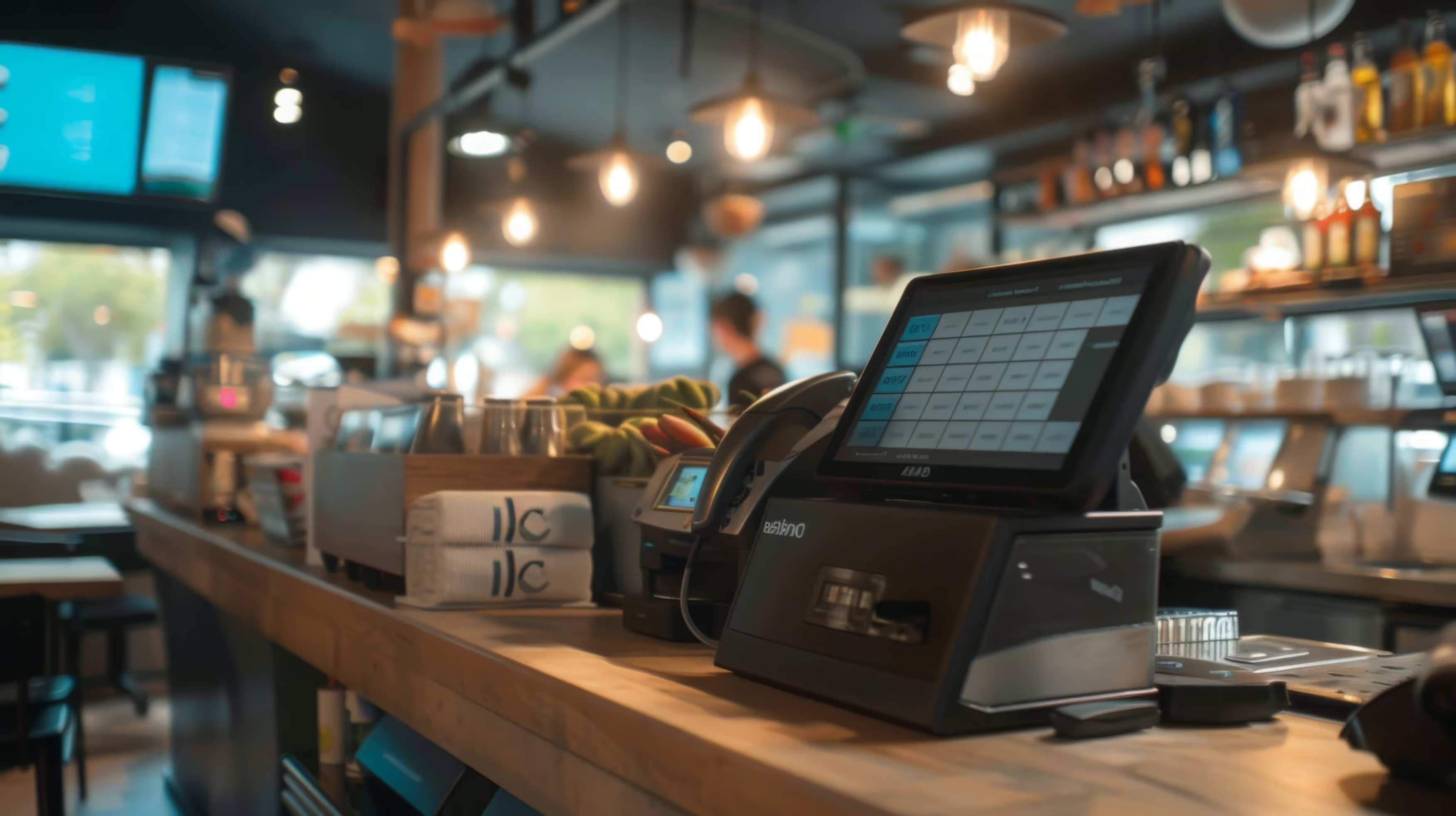
Restaurant, bar and room service run in the same till and the same reports. TSE is included.
Basic
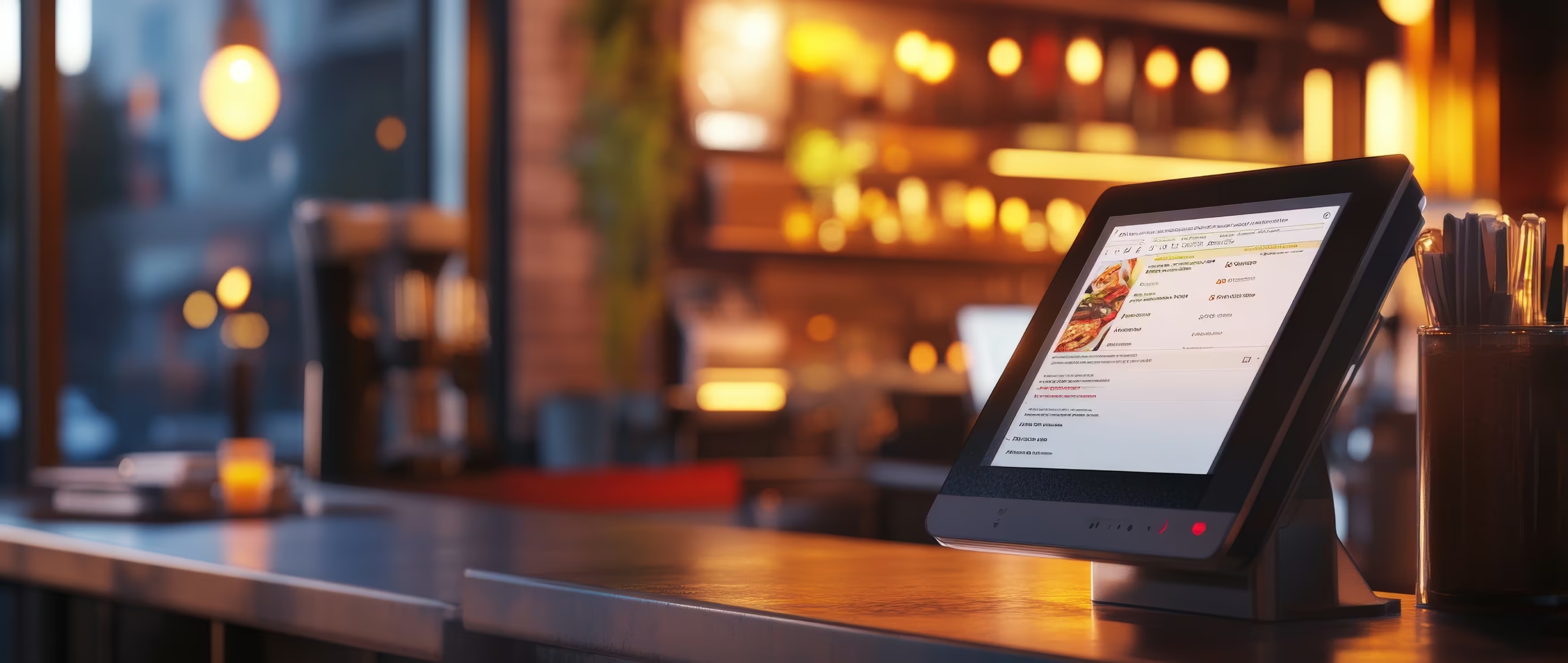
Kitchen Display
Room orders appear in the kitchen with the room number — no paper slip, no asking back.
Recommended
Payment Integration
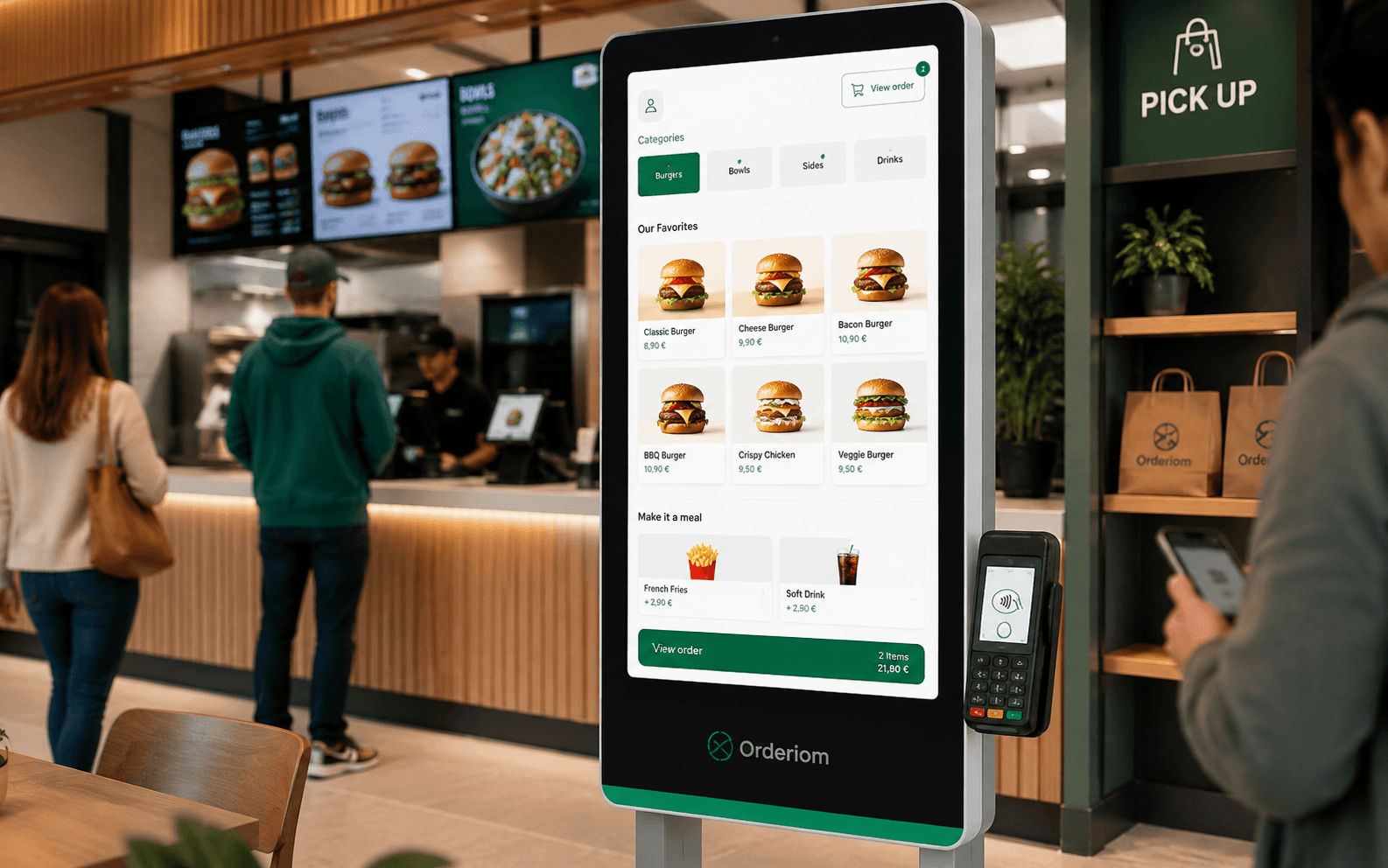
The guest pays during the order by card, Apple Pay or Google Pay.
Recommended
Waiter App — handheld for restaurant & bar
Useful if you also serve at the table: take the order and take payment right at the guest.
Optional
See all prices →

What your hotel gets out of it

Fewer calls at reception, more orders from the rooms.
Ordering without a phone call
The barrier of “I would have to call someone now” is gone. When ordering is easy, guests still order late in the evening.
A menu that never goes out of date
Price changed, dish sold out — you change it once, and every room shows the right thing. No reprinting, no swapping cards.
Less work for reception
Orders go straight to the kitchen instead of over the front desk. On a late shift with few staff, that makes the difference.
Works without your own kitchen
No evening service in the house? Then the orders go to partner restaurants nearby — the guest only notices that it works.
More revenue per room
Breakfast, snacks, drinks and minibar refills can be ordered, instead of only sitting on a menu.
0 % commission
The order runs through your own channel. You share nothing with a third party, however well it goes.
Common questions

Questions from hotels

What operators ask us most often before they start.
Your question is not here? Talk to us →
Can guests charge to the room bill?
TO BE CONFIRMED. This answer depends on whether there is an integration with your PMS. If yes: describe here which systems are supported. If no: say honestly that the guest pays by card or mobile directly during the order — for many hotels that is even the simpler way, because nothing has to be posted later.
Does this also work if we have no kitchen in the evening?
Yes. The orders then go to partner restaurants nearby, and the guest still gets room service that works. For smaller hotels and guesthouses this is often the real reason to switch.
How does the QR code get into the room?
You get the codes ready to use — as table stands, stickers or printed into the room folder. Every code carries the room number, so the order is matched to the right room automatically. No installation, no device in the room.
Do guests need Wi-Fi for this?
Not necessarily — most guests use their mobile data. But in buildings with thick walls or rooms with no signal, guest Wi-Fi helps, otherwise it fails on the connection instead of the software.
What about guests who prefer to call?
They can keep calling. Reception takes the order as before and enters it in the till — it lands in the same system and on the same Kitchen Display. Orderiom does not take the phone call away from anyone, it just makes it unnecessary.
Common questions

Before you ask

Yes — the Orderiom POS works with a certified TSE and is GoBD-compliant, including the export formats a tax audit asks for.

How long does setup take?

Usually a few days from the first call to going live — we do the setup for you.

Do I have to replace the till I already have?

No. You can start with the Orderiom POS, or simply add to the till you already have.

Do I pay commission on orders?

No — 0% commission to third parties, in every package, whatever the ordering channel.

What if I have several locations?

Multi-site management gives you one dashboard across every location — part of the chain package.

Can I start small and add to it later?

Yes — modules can be added one at a time, with no forced package change.

Request a free consultation

We look at how your business actually runs and tell you which parts make sense — even when that turns out to be fewer than you expected.
Check - Elements Webflow Library - BRIX Templates

Thank you!

Oops! Something went wrong.
Prefer to talk to someone?
Call us or book a time
Mon – Fri   8:00 – 18:00