
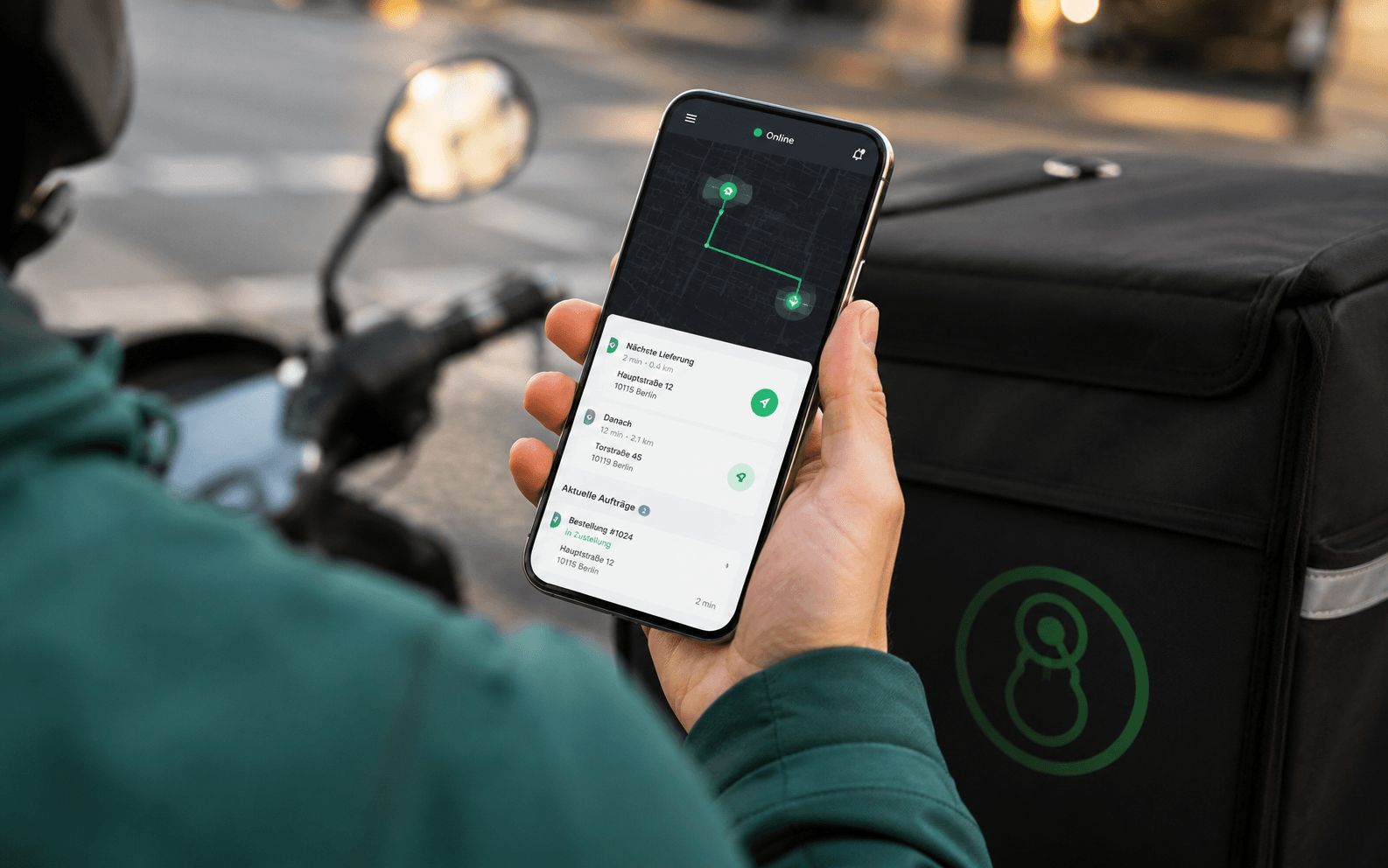



A digital solution is not a goal in itself. It must cut walking distances, record special requests cleanly and send orders straight into the kitchen workflow without retyping. Otherwise it only moves the work from the notepad to the guest's smartphone, and then back to the service team.
Table of contents
- When a digital menu with ordering really helps in daily work
- Three problems must be solved
- Minimum conditions in your own business
- How to judge the pricing model and costs
- What to check before you sign
- The four ordering channels and the businesses they fit
- QR ordering on the guest's own smartphone
- Tablet at the table
- Self-order kiosk
- Online shop or app
- Onboarding in three phases without order chaos
- The internal test run
- The controlled start
- Connecting the POS system and data protection properly
- Check data flows before going live
- Barriers to starting and the honest business case per type of business
- Decision matrix and recommendation for your business
When a digital menu with ordering really helps in daily work
The financial benefit comes per table served, not from the number of features in the provider's dashboard. When guests open the menu themselves, choose dishes and send the order straight to the till or kitchen system, your team gains time for work that really adds service value. This includes advice, handling complaints, refilling drinks and keeping an eye on busy tables.
Three problems must be solved
First, self-ordering cuts unnecessary walking. Staff do not have to go back to the table for every extra order and then copy handwritten notes. Second, special requests can be recorded in a more structured way. Choice fields for side dishes, cooking levels or allergen notes are more reliable than hard-to-read notes in the margin.
Third, the order must arrive where it is prepared. A digital menu that only sends a message to a tablet, but no table number, tickets or status changes, does not solve the process. It stays a digital flyer.
Practical rule: Do not buy an ordering function before you have sketched on paper the path of one order, from the QR code to the kitchen ticket. Every manual transfer is a planned source of errors.
Minimum conditions in your own business
Self-ordering only works if the setting allows it. Tables need enough space for clear labels, the Wi-Fi must be stable in the whole guest area, and the team must be ready to share tasks in a new way. A QR code on every table is not enough.
Acceptance in Germany is also mixed. 85.73 % still prefer a physical menu, while 43.51 % use a QR code when no printed menu is available; 35.13 % actively ask for a paper menu, and 6.29 % leave the restaurant if only a QR menu is offered. These figures come from the German survey on acceptance of QR menus.
So the right conclusion is: offer digital ordering, but do not force it. A paper menu, a clear way to reach staff and an accessible design protect your sales and your relationship with guests.
How to judge the pricing model and costs
The most common mistake is not in the technology but in the contract. Providers like to sell digital menus as a cheap monthly flat fee. But transaction costs, payment fees, hardware, support and minimum contract terms decide your real margin.
For a restaurant with 80 seats and 25,000 euros monthly sales, the cost-benefit can only be judged in general terms, because real provider prices and contract terms vary a lot. What matters is which costs you pay regardless of sales, and which costs come with every order.
What to check before you sign
Do not only ask for the monthly price. Ask for a full cost overview for several situations: a normal month, a seasonal drop, growth to more locations, and cancellation. Check whether the base fee is charged per location, device, till or branch.
Watch out especially for minimum sales, automatic contract renewals, export rights for item data, support fees and payment processing costs. You are locked in if you cannot fully export your menu, or if the POS integration only works with your current provider.
The best contract is not automatically the cheapest one. A share of sales can be easier at first for a small business with uncertain demand. A clear flat fee is easier to plan for a busy restaurant. In the end, the numbers decide: Which orders really run digitally, what does each order cost, and how much manual work is still left afterwards?
The four ordering channels and the businesses they fit
The ordering channel must fit how you meet your guests. A beer garden does not need fixed devices on every table. A fast-food restaurant, on the other hand, loses time if every guest has to wait for a staff member.
QR ordering on the guest's own smartphone
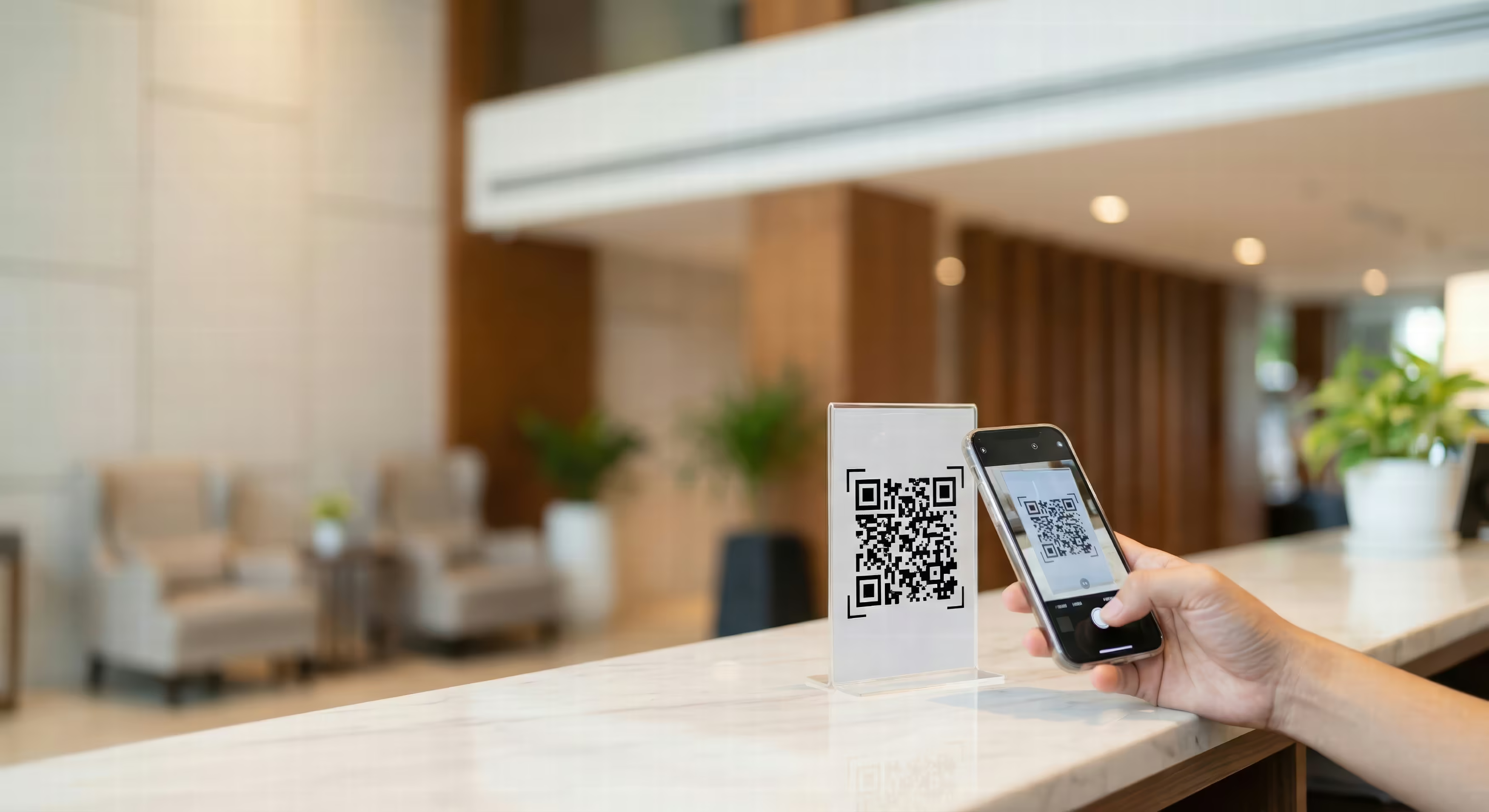
The QR code is the flexible option with low investment. Guests use their own smartphone, choose food and drinks and, depending on the system, can pay directly. This fits cafés, bistros, beer gardens and classic full-service restaurants, especially when guests stay longer and often order more.
The downside is acceptance. Some guests do not want to use their own device, have a flat battery or need advice. So staff should always be able to take over. For delivery and pickup, a digital ordering channel for delivery is a good fit, because the guest is not tied to a table.
Tablet at the table
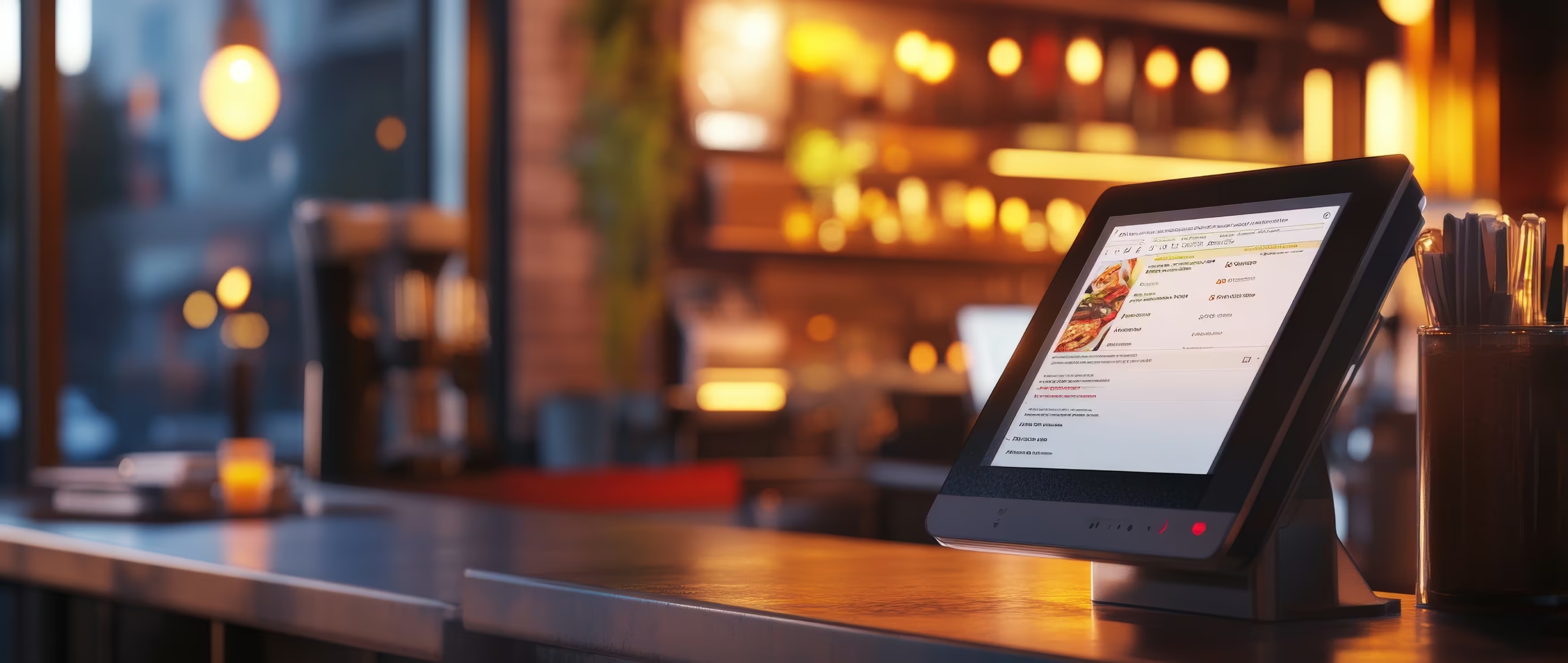
A fixed tablet gives controlled access. It makes sense for family restaurants and experience dining, when several people order together and the menu needs explaining. The device costs more and needs cleaning, maintenance and theft protection. It only pays off if guests use the extra convenience regularly.
Self-order kiosk
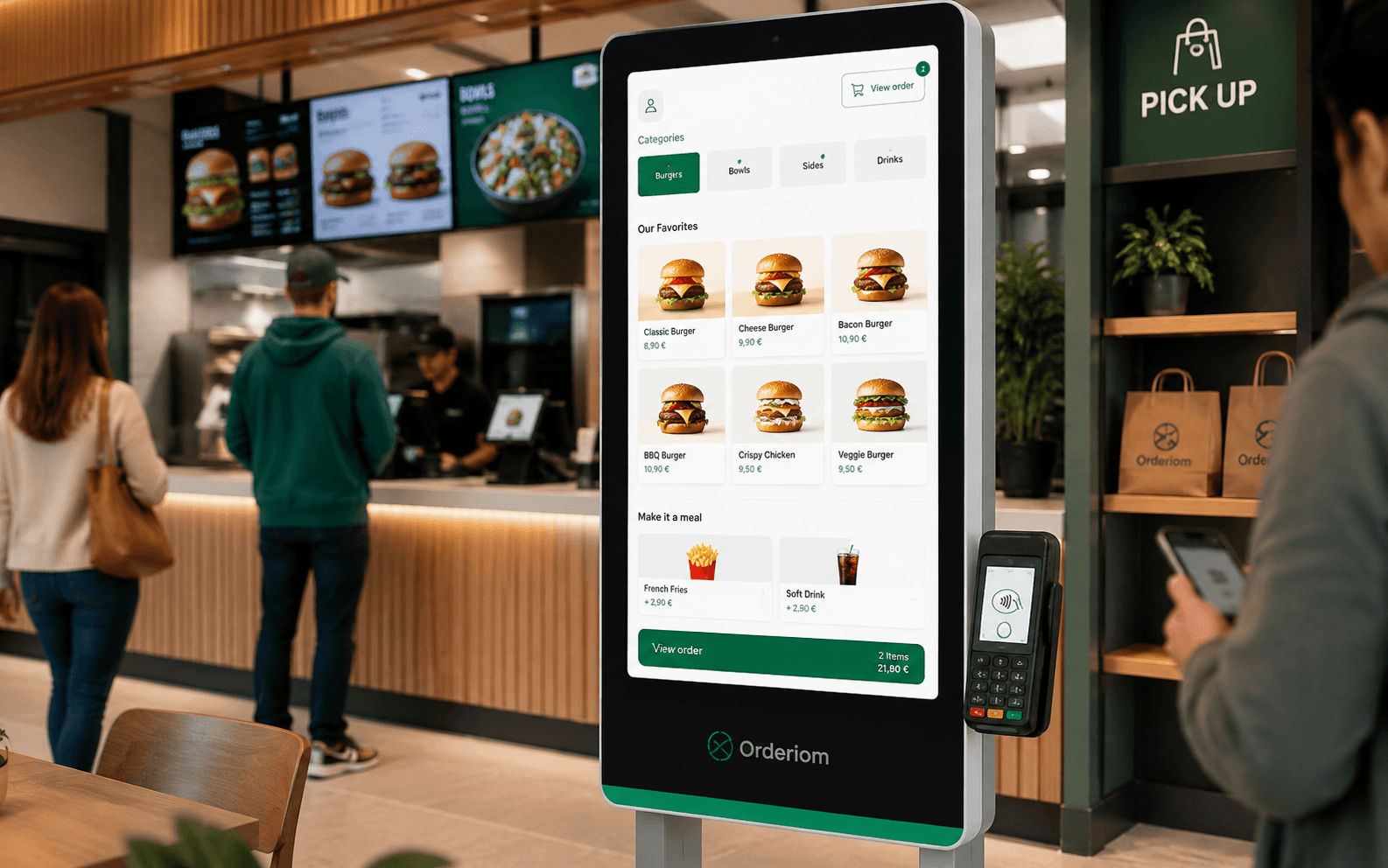
The kiosk belongs at the entrance or the counter. Fast-food restaurants, snack bars and other high-volume concepts benefit, because queues get shorter and guests can put together their own orders. For a small café with personal service, it is often technically possible, but wrong for the atmosphere and too big for the budget.
Online shop or app
An online shop and an app are the right channels for delivery, pre-orders, pickup and click-and-collect. They extend your sales beyond the dining room. But they need up-to-date pickup times, payment processes and reliable order management. Your own app is not worth it as a prestige project. It must support repeat orders or a clear pickup process. Otherwise a mobile online shop is enough.
Onboarding in three phases without order chaos
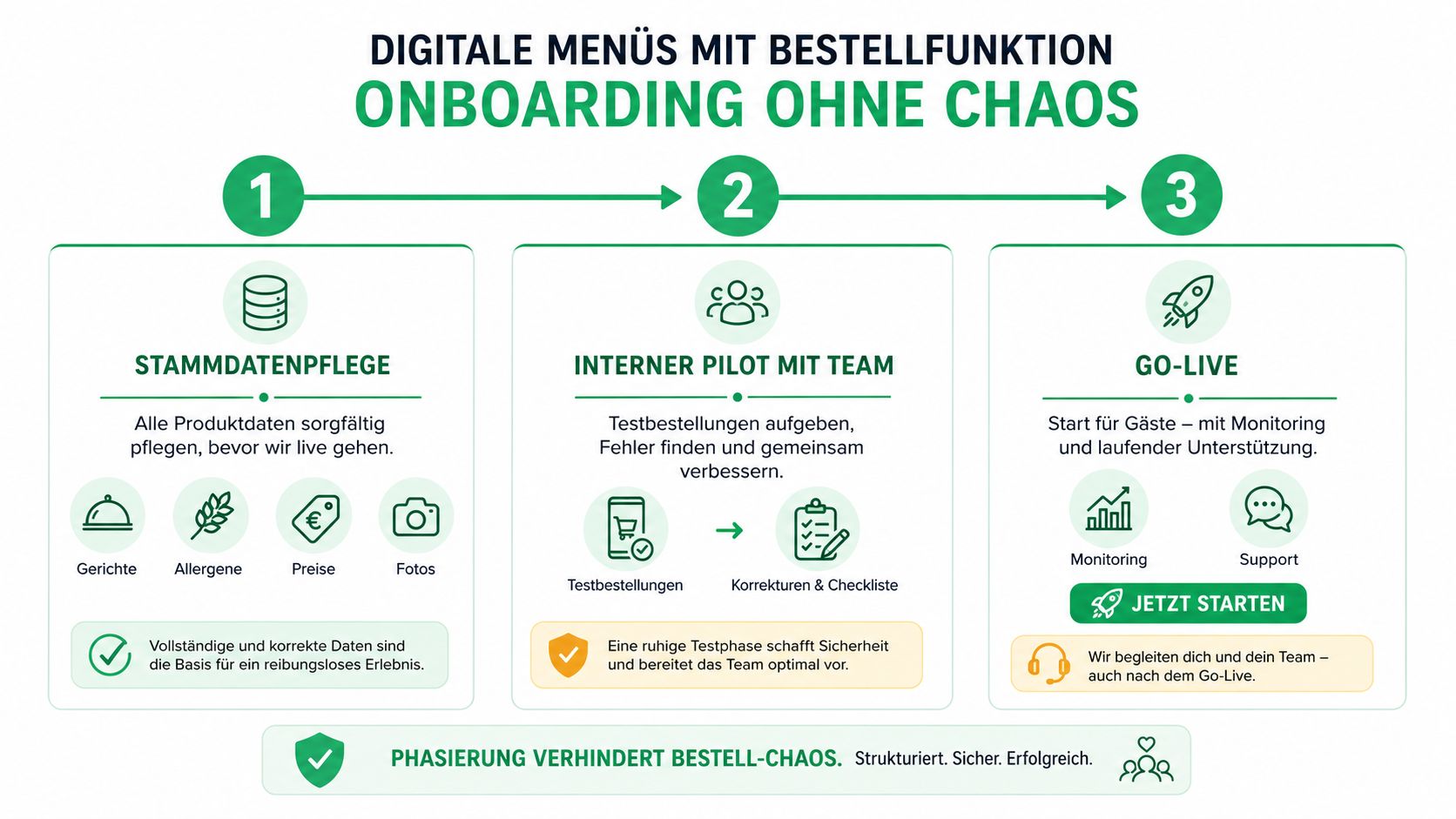
A digital menu is not live just because the QR codes are printed. A safe start begins with data entry, goes through an internal test and ends with controlled use by guests.
In phase one, you enter all master data completely. This includes dishes, variants, allergens, required declarations, special portions, images and current prices. Empty categories, wrong VAT labels or unavailable items damage trust right away. For the kitchen, every choice must also match the later ticket exactly.
The internal test run
In phase two, the team orders by itself. Service staff test table assignment, special requests, cancellations and extra orders. The kitchen checks tickets, order sequence, changes and escalation paths. Every unclear point is fixed before a guest finds the mistake.
This test is not a formality. It shows whether the digital menu matches your real workflow or only the software provider's view. The interface must also work on different smartphones and in poor light.
The controlled start
Phase three starts with a few tables or at a quiet time. The team watches incoming orders, printing, payment status and response times. Only when these steps run smoothly do you put table stands, table stickers and service notices everywhere.
The same rule applies to a self-order kiosk for restaurants. Test first, then put up signs, then scale. A soft launch lets you fix mistakes while guest pressure is still low.
Connecting the POS system and data protection properly
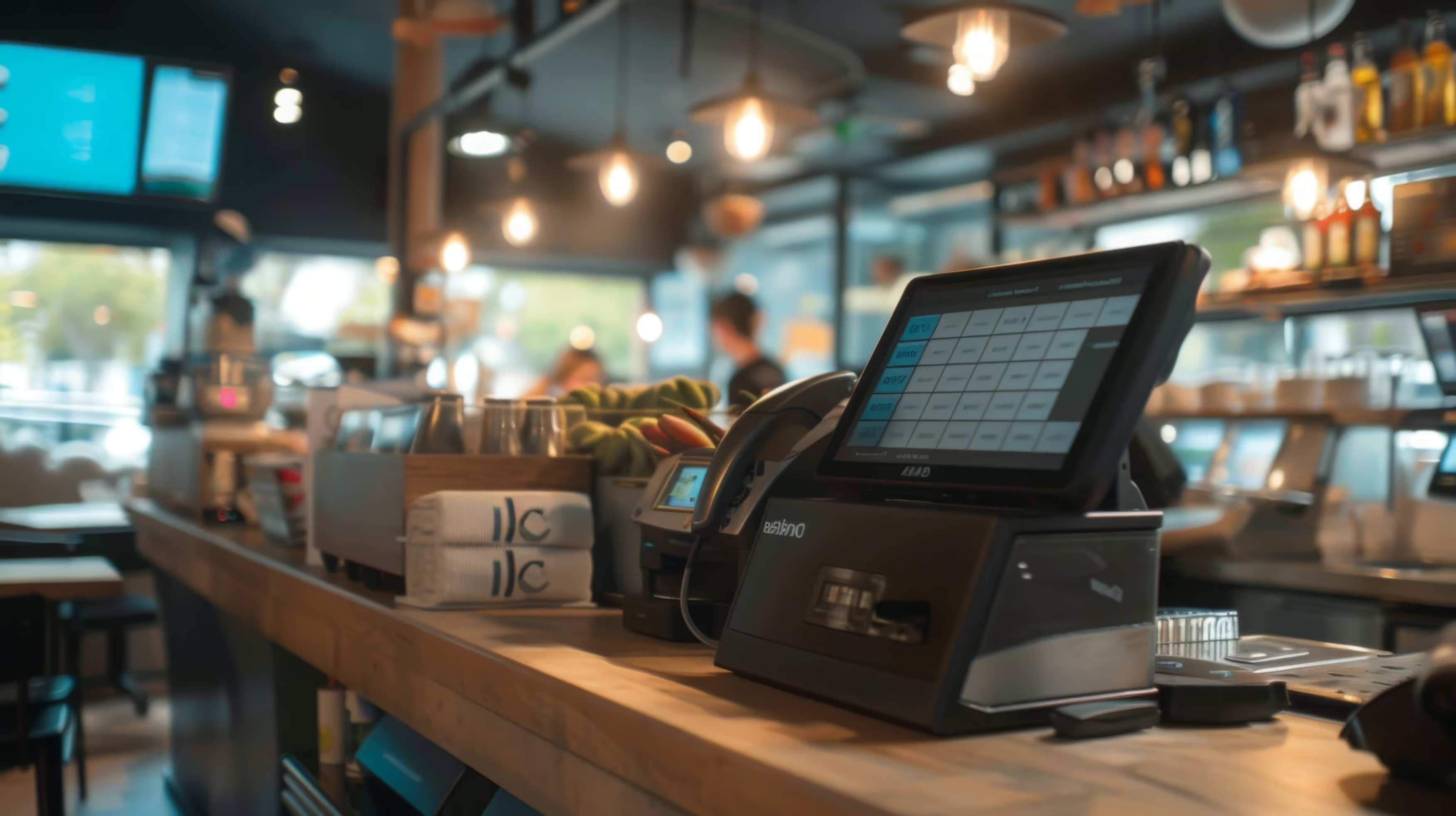
The POS connection decides whether a digital menu makes processes shorter or creates new weak points. A reliable API or certified middleware must sync items, prices, table assignment, tickets, payments and cancellations without errors.
Without table assignment, you get ghost orders. If cancellations are not transferred, the end-of-day report and stock use do not match. If payment runs through a separate module, staff have to match transactions by hand. That is exactly the break in the process that self-ordering should remove.
Check data flows before going live
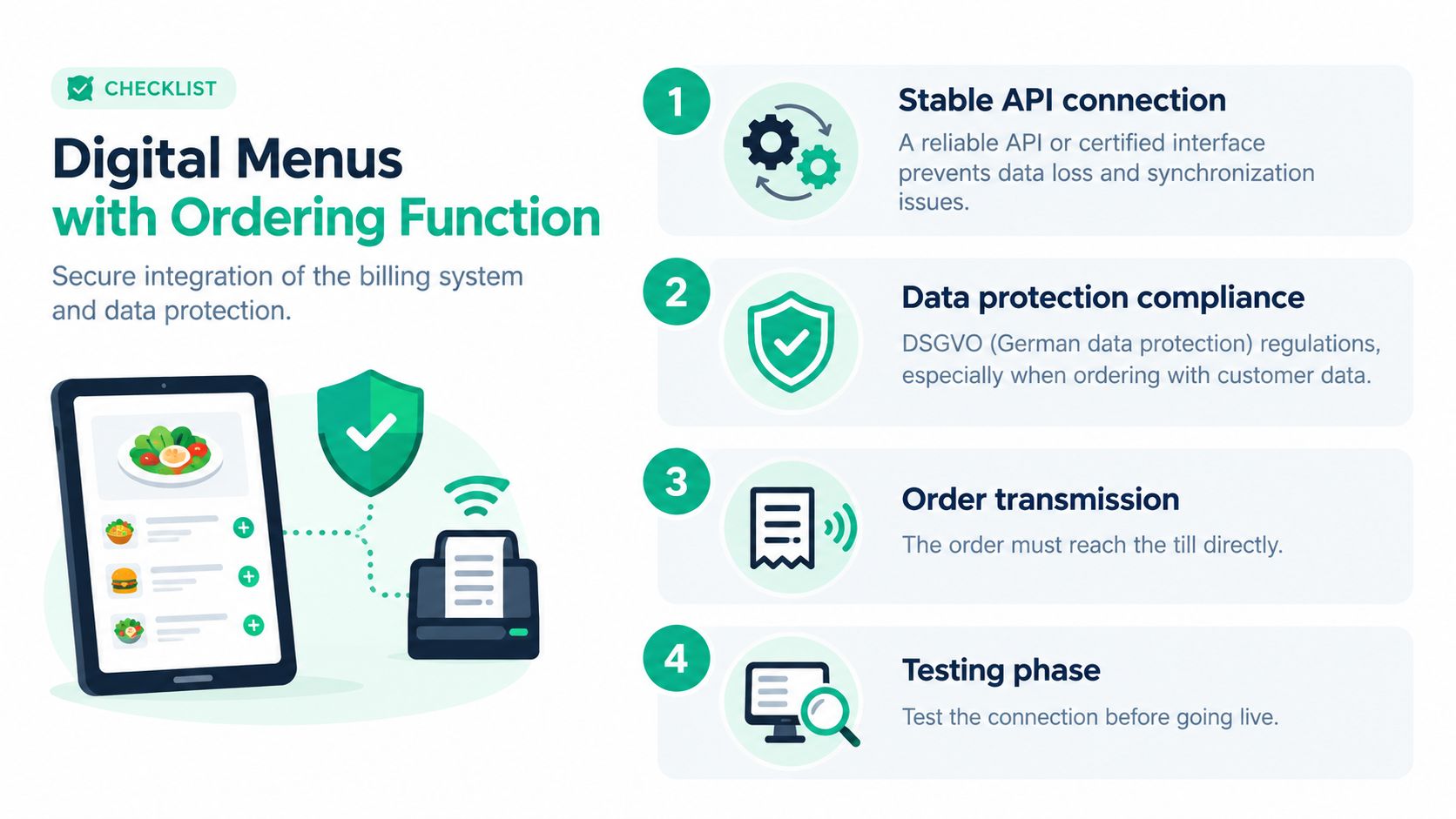
Data protection belongs in the project plan, not in the follow-up. For online orders, name, address and shopping basket are usually processed to fulfil the contract under Art. 6 Abs. 1 lit. b DSGVO (GDPR). Marketing consent must be collected separately. You also need a data processing agreement (AV-Vertrag), a record of processing activities and a cookie banner for non-essential cookies, as the GDPR checklist for online orders in restaurants explains.
Checkout should need only a few steps and support mobile payment methods. This matters for sales, because 55 % of guests prefer contactless or mobile payment, and among people under 45 it is 73 %, as the same German practical source shows. Personal data may only be sent to payment providers in encrypted form. Before you start, ask to see which data is stored, how long it is kept and who handles requests for information or deletion. A consultation on POS integration should check these points against your actual POS system.
Barriers to starting and the honest business case per type of business
Whether self-ordering pays off does not depend on business size alone. What matters is the share of regular guests, the average bill, the number of service staff, how complex the menu is and how many orders need advice.
A fast-food restaurant with many guests, a simple range and high staff cost pressure has a clear advantage. When guests choose standard products themselves and the order goes to production without extra work, a kiosk or QR channel can reduce waiting and order entry. A Michelin-star restaurant with a changing menu, lots of advice and individual allergy questions, on the other hand, quickly loses quality if personal contact is replaced by a required digital menu.
The German restaurant industry is also cautious. Only 19 % of the businesses surveyed by Orderbird in 2025 named QR code ordering as a priority new tool, while 44.8 % see mandatory card payment critically, as the published summary of the survey on digital gastronomy reports.
So do not plan with imagined table turnover. Compare licence and transaction costs with the service minutes you really save, the extra sales you expect and the money you tie up. If the order still has to be checked, transferred or explained by hand, the business case is weak.
Decision matrix and recommendation for your business
The decision starts with four questions: How many orders does one staff member handle per shift? How long do guests stay at the table? What investment budget do you have? And how naturally do your guests use digital services?
Demand exists in Germany. 38 % of guests have already used digital menus, and among people under 45 it is 50 %. At the same time, 55 % of German restaurant guests prefer cashless payment by card, mobile or QR code, as the representative market study on digital gastronomy in Germany shows. This justifies offering it, but not forcing it.
My recommendation is clear: Start with the channel that removes your biggest manual bottleneck, not with the most complex technical solution. For a full-service restaurant, QR table ordering as an optional extra is usually the most sensible start. Fast-food restaurants should look at a kiosk, delivery and pickup businesses at an online shop. Cafés and businesses that give a lot of advice often only need a digital menu and an optional way to pre-order.
Not using self-ordering is also a valid choice if personal advice justifies the bill, the menu changes a lot or your guests reject digital processes. Orderiom offers, among other things, digital QR menus, ordering and payment, tablet and kiosk options, and online shop processes for pickup and delivery. Check how your business really works and compare it with the available Orderiom solutions before you invest.
Have your current ordering process checked for walking distances, manual transfers, POS connection and payment process. Visit Orderiom to find the right mix of digital menu, QR ordering, kiosk or online shop for your type of business and to plan your start step by step.