
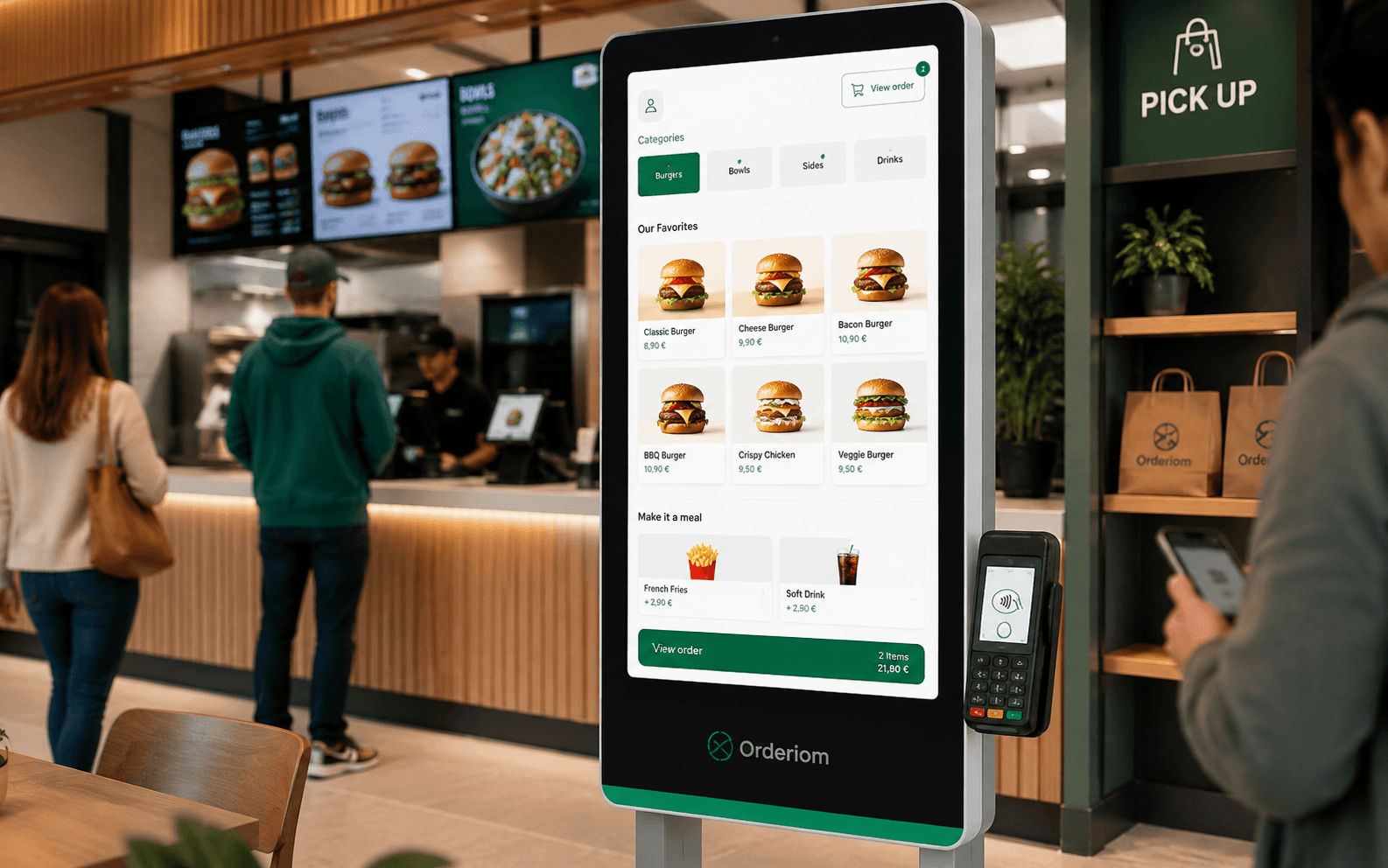
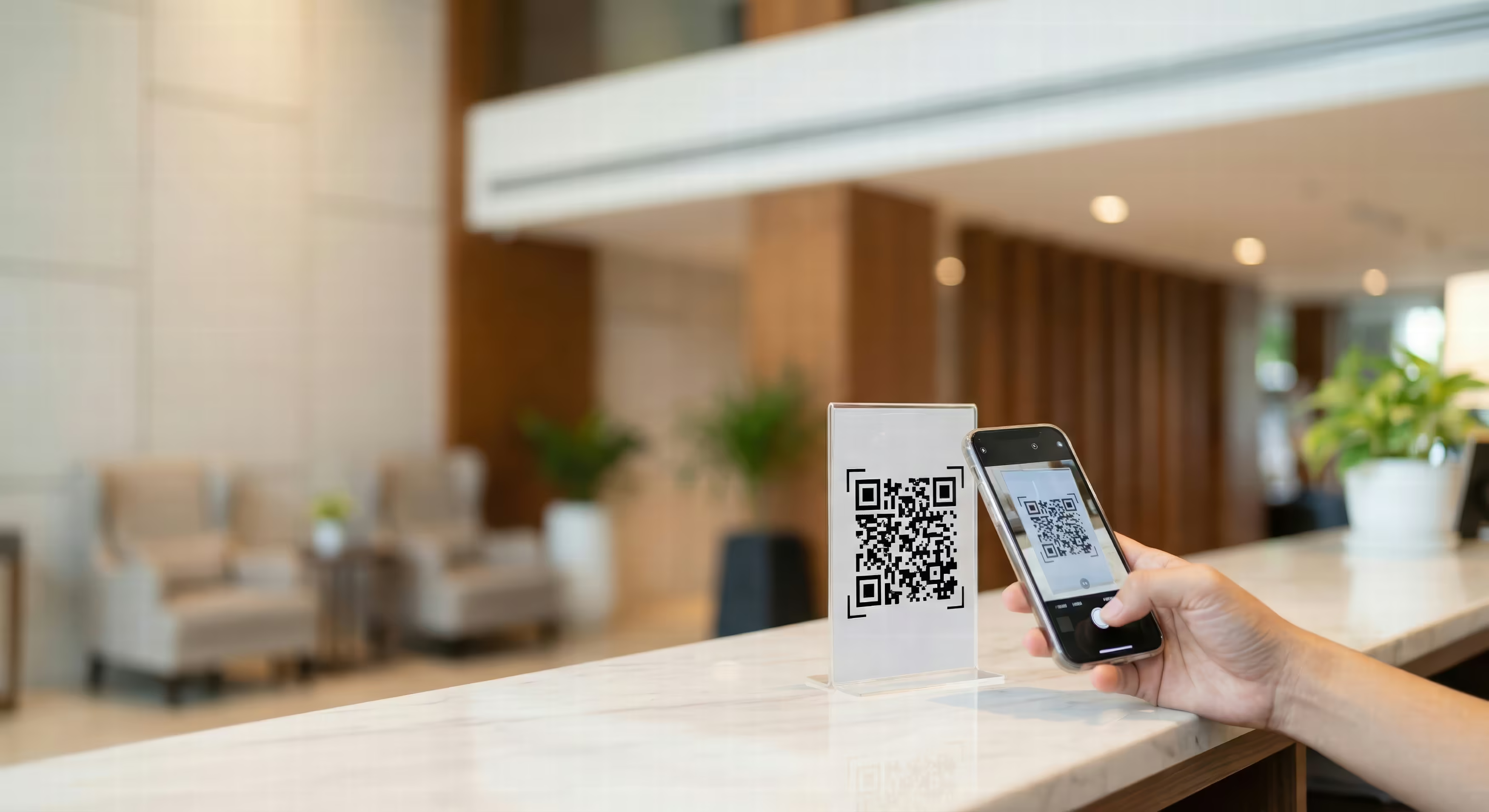



A guest asks about milk, egg and gluten, and suddenly you see how solid your business really is. If the menu only shows cryptic small numbers, the team has to improvise and the kitchen is also working with a changed sauce, a simple question turns into a risk within seconds.
Table of contents
- Why a menu with allergens is essential today
- Trust comes from clarity
- Why gaps can become expensive
- Legal basics for allergen labelling in Germany
- Which formats are allowed
- What the obligation means in practice
- How to build your allergen matrix step by step
- Break down recipes instead of just labelling dishes
- Take hidden sources seriously
- A reliable workflow
- Improving the layout and readability of your menu with allergens
- Directly next to the dish or with footnotes
- Readability beats decoration
- Think differently about print and digital
- Keeping your digital menu with allergens consistent across all channels
- One source instead of four versions
- What works well in practice
- Where digital systems still fail
- Summary and checklist for your next menu update
- The short check before every go-live
Why a menu with allergens is essential today
At the table, you notice right away whether a business has its data under control. If a guest asks about the allergens in the daily special and the server first has to check with the kitchen, the mood can turn quickly. Clear labelling takes away exactly this pressure. It does not only inform the guest. It also gives the team a clear basis for answers.
Trust comes from clarity
In practice, the best menu is not the one with the most symbols. It is the one you can rely on. A well-kept menu with allergens shows guests that your business takes responsibility seriously. It also helps your staff stay confident during busy shifts. Small businesses benefit most, because there the same people often take orders, serve and answer questions.
It is important to separate what is required from what is extra service. Required: the 14 main allergens must be shown correctly. Everything beyond that is voluntary, for example extra information on intolerances, diets or marketing notes. If you mix both, the menu often becomes confusing, and guests are more likely to miss the required information.
A good allergen menu does not save conversations. It saves the wrong conversations.
Why gaps can become expensive
Missing or contradictory information is not just a service problem. If the printed menu, the QR menu and the kitchen instructions do not match, there is a formal gap between what should be and what is. This is exactly where many businesses fail in practice, even though they know the rules in principle.
In Berlin businesses, I often see the same typical mistake. The menu is built once, then the kitchen keeps developing, but the labelling stays frozen. Guests, however, expect that what is on the menu really matches the dish. That is the real value of clean allergen labelling: it makes your business predictable.

Legal basics for allergen labelling in Germany
The legal basis is clear, but businesses often apply it carelessly. In Germany and the EU, the 14 main allergens must be labelled for non-prepacked food, including in restaurants (allergen labelling under the LMIV). They include, among others, cereals containing gluten, eggs, milk, celery, mustard and sulphites.
Which formats are allowed
The information can be shown directly on the menu, in a footnote or legend, or in a separate document. It is also allowed for guests to reach the information reliably before they order, not only after asking at the counter or in the kitchen.
For your business this means: the menu, the QR menu, the online shop and the till must all use the same allergen logic. If one source is different, an error appears at once, and I see these gaps in practice all the time. For non-prepacked food, information can be given in writing, electronically or verbally. But for verbal information, you need written documentation in the business. Without this safeguard, everything depends on who is working that shift.
What the obligation means in practice
The list of substances is fixed at 14 main allergens. Vague notes are not enough. Just writing "contains allergens" does not help the guest, because it does not show what exactly they need to watch out for. Labelling must name the specific substance and be easy to understand. Otherwise it has no effect in daily work.
A clear legend pays off when you put this into practice, for example with a letter or number system directly on the menu. This helps the team answer questions and keeps the printed menu, digital menu and till notes up to date. That is exactly the difference between just meeting the obligation and running a business that works. IHK Erfurt on allergen labelling
If you also keep fixed documentation in daily work, you reduce disputes and rework. Consistent master data is more important than nice wording on the menu.
How to build your allergen matrix step by step
The menu is only the output. The real work is in the data, and that is where most errors happen. If you want to run a clean menu with allergens, you need an allergen matrix based on recipes, raw ingredients and real production practice. If the menu, QR menu, online shop and till do not use the same logic, the information breaks with the next update. That is why master data comes first, and the nice layout comes after.
Break down recipes instead of just labelling dishes
The first step is simple but important. Break every dish down into single ingredients, not just the menu description. For a schnitzel with fries, it is not enough to mark only "schnitzel" if the breading, flour mix or gravy contain other ingredients.
Then check the raw ingredients against an allergen master database. This is not theory. It is the point where the printed menu, digital menu and till note either match or drift apart. If a sauce, a stock cube or a dressing changes, the matrix must be updated at once. Otherwise the information is only correct in one channel.
Take hidden sources seriously
In restaurants, allergens are often not in the main product, but in components that are easy to miss. Typical problem areas are stock cubes, dressings, sauces, spice mixes and breadings. These ingredients come up all the time in daily work, but are still often missed in labelling. A clear checking method helps more here than correcting the printout later. GastroInsider on allergen labelling in restaurants
For nuts and cereals containing gluten, the details must stay precise. That means not just the group of substances, but the specific ingredient in the recipe. For sulphites, labelling is only required above 10 mg/kg or 10 mg/l. Many menus handle exactly these details too roughly, and then the matrix no longer matches the food.
A reliable workflow
A useful process is clear and repeatable. First, split the recipe completely. Then check the raw ingredients against the master data. After that, document cross-contact risks in production and serving. Then create the menu output with a symbol or letter code, and check it again before go-live and after every change.
If you only approve once, you lose control at the latest with the daily special. This is especially true when data comes from several systems. A clean link between allergen logic and item master data is the practical lever, and Orderiom's POS and system consulting focuses exactly on this when digital menus and POS systems come together.
Improving the layout and readability of your menu with allergens
At the counter, it does not matter whether the allergen information exists somewhere. What matters is whether the guest understands it in seconds. That is why a menu with allergens must be well maintained and clearly laid out. Directly next to the dish, with a footnote or as a separate overview: each solution has its place, but also its cost in daily work.
Directly next to the dish or with footnotes
Information directly next to the dish is the fastest to read. The guest sees right away what is affected, and the team has to explain less. The downside shows on crowded menus, especially with many items and changing side dishes.
Footnotes or legends save space. They work well if you use letters or numbers and the explanation at the bottom of the page stays clear. The catch is maintenance: every reference must be correct and the legend must match the menu.
A separate allergen menu makes sense mainly for daily specials, changing extras or several output channels. It keeps the main menu lighter, but needs discipline from your staff. Guests must actually receive it.
Readability beats decoration
Symbols only help if they stay simple and consistent. Too many colours, small icons or changing fonts make the menu harder to read. IHK Nordschwarzwald on legends and readability points out exactly this need for clear guidance.
Use strong contrast, keep the labelling close to the dish and do not hide it behind the actual menu text. A typical mistake is overloading simple dishes, for example when a schnitzel with fries comes with several extra lines, advertising text and pictograms. This does not look professional. It looks messy.

Think differently about print and digital
Printed menus need to last. After printing, they are hard to change, so the layout must not rely on quick workarounds. Digital menus can be more compact, as long as references stay stable and the legend works the same everywhere.
Good readability does not come from more characters, but from less searching.
If you design it properly, you save questions during service and avoid gaps between the printed menu, QR menu, online shop and till. For the visual side, a clear menu structure with clean page flow helps, for example with Orderiom Design.
Keeping your digital menu with allergens consistent across all channels
In daily work, the problem is rarely the labelling itself. It is keeping the channels in line. The printed menu, QR menu, online shop and till often run side by side, even though they must say the same thing. This is exactly where errors happen that guests notice during service or that become a problem during inspections. Dish on consistency for digital allergen information
One source instead of four versions
In practice, it becomes clean with an allergen master database as the single source of truth. For each dish, it holds not only the menu text, but also the allergens as fixed metadata. If the supplier changes a sauce or a new daily special is added, you update the data once. It is then sent to all output channels.
That is the difference between truly digital and just put online. A digital menu only brings real value when recipe maintenance, approval and output work together. Otherwise you have a QR menu, but the same coordination errors as in a paper folder.
What works well in practice
A working model with versions and approvals has proven itself. Every recipe change needs a new check, every output needs a clear status, and every kitchen instruction must use the same data as the guest menu.
In practice, this also means documenting changes properly. Daily specials, supplier changes and quick adjustments are faster to update digitally than on paper, as long as the team enters them not only in the front end, but also in the master data. If you are looking for a digital menu with structured maintenance, you can take a look at Orderiom for digital menus.
Where digital systems still fail
Many businesses rely on software to solve the problem by itself. That does not happen. If a staff member changes the cake in the online shop but does not update the kitchen instructions, the inconsistency remains.
That is why you need clear responsibilities. Who maintains recipes, who checks approvals, who approves the go-live, and who checks after a supplier change? In daily work, these questions matter more than the nicest menu layout. In the end, a digital menu is only as strong as the discipline behind it. That is exactly why a central process with clean item maintenance is worth it.
Summary and checklist for your next menu update
A good menu with allergens is not a one-time design project. It is an ongoing maintenance process. The menu must be legally correct, easy for guests to read and say the same thing on all channels. If you only label but do not sync, you are already building in the next error.
The short check before every go-live
- Check the recipe: Are all single ingredients fully recorded, including sauces, breadings and side dishes?
- Compare the allergen matrix: Do the 14 main allergens match the current raw ingredients?
- Document cross-contact: Are risks in the kitchen, at serving and for daily specials written down?
- Compare channels: Do the printed menu, QR menu, online shop and till match exactly?
- Check the legend: Are letters, symbols or footnotes clear and consistent?
- Approve changes: Was every recipe or supplier change checked again before go-live?
- Train the team: Can service and kitchen give the same information?
Labelling alone does not make your business safe. Discipline in updating does.
For daily work this means: better a lean, reliable menu than an overloaded but unclear one. If you start today, first clean up your master data, then the legend, and finally the output to all channels. Everything else then becomes much easier, because your menu is no longer made of separate pieces but is one reliable system.
If you want to manage your menu, your QR menu and your till from one source, take a look at Orderiom. The platform is built for digital menus, orders and POS system integration – exactly the kind of data consistency that makes the difference with allergens.