
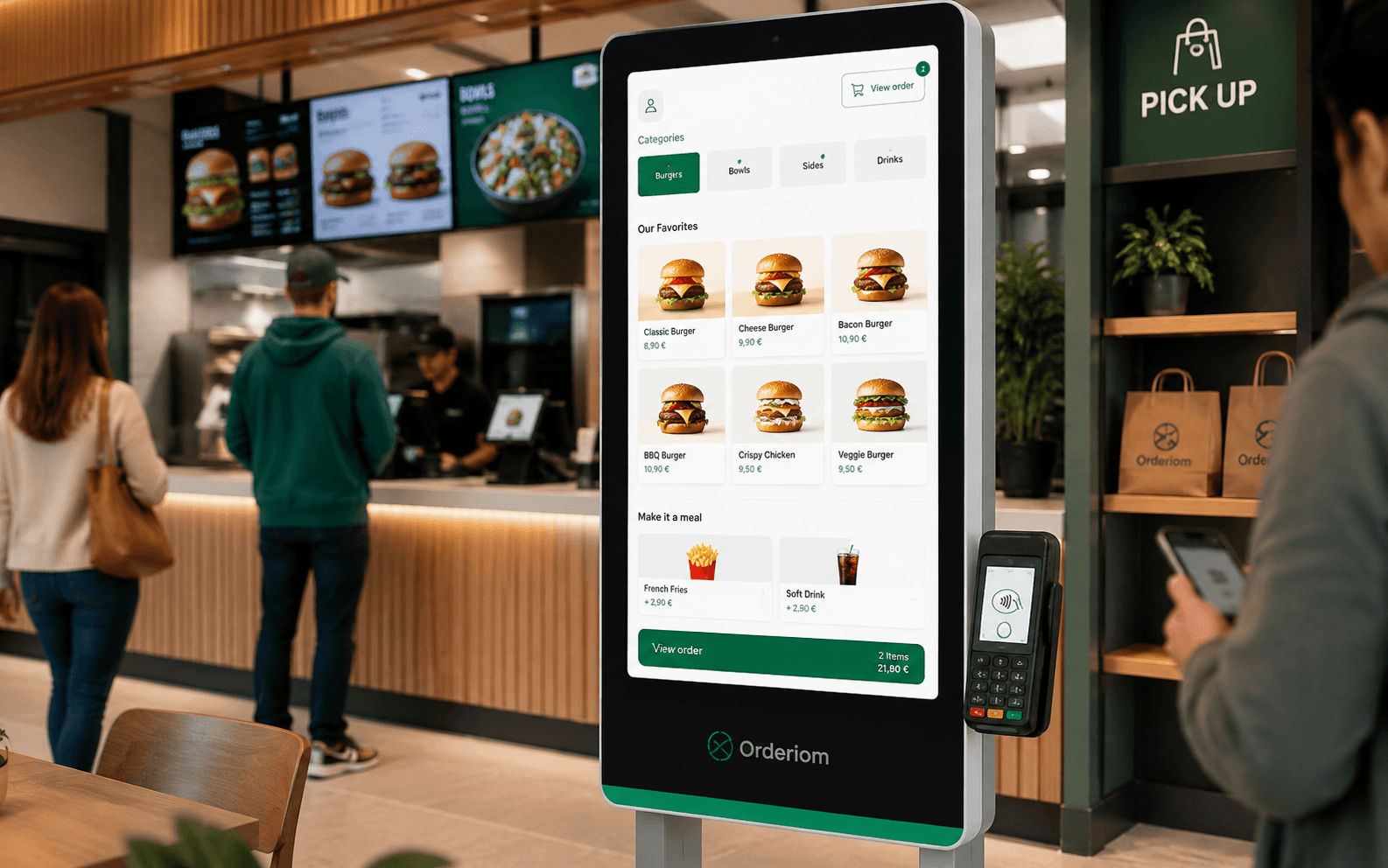
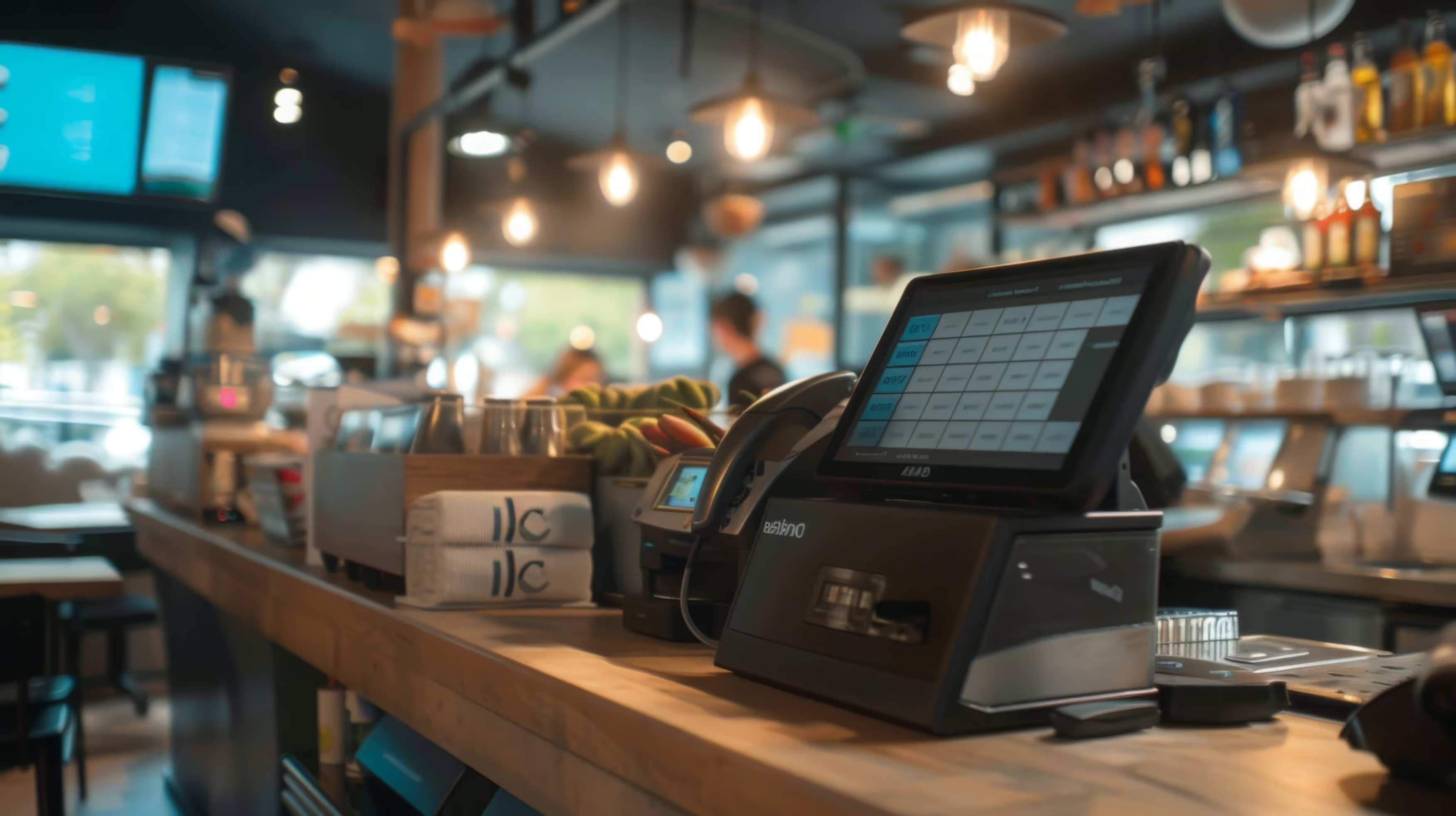
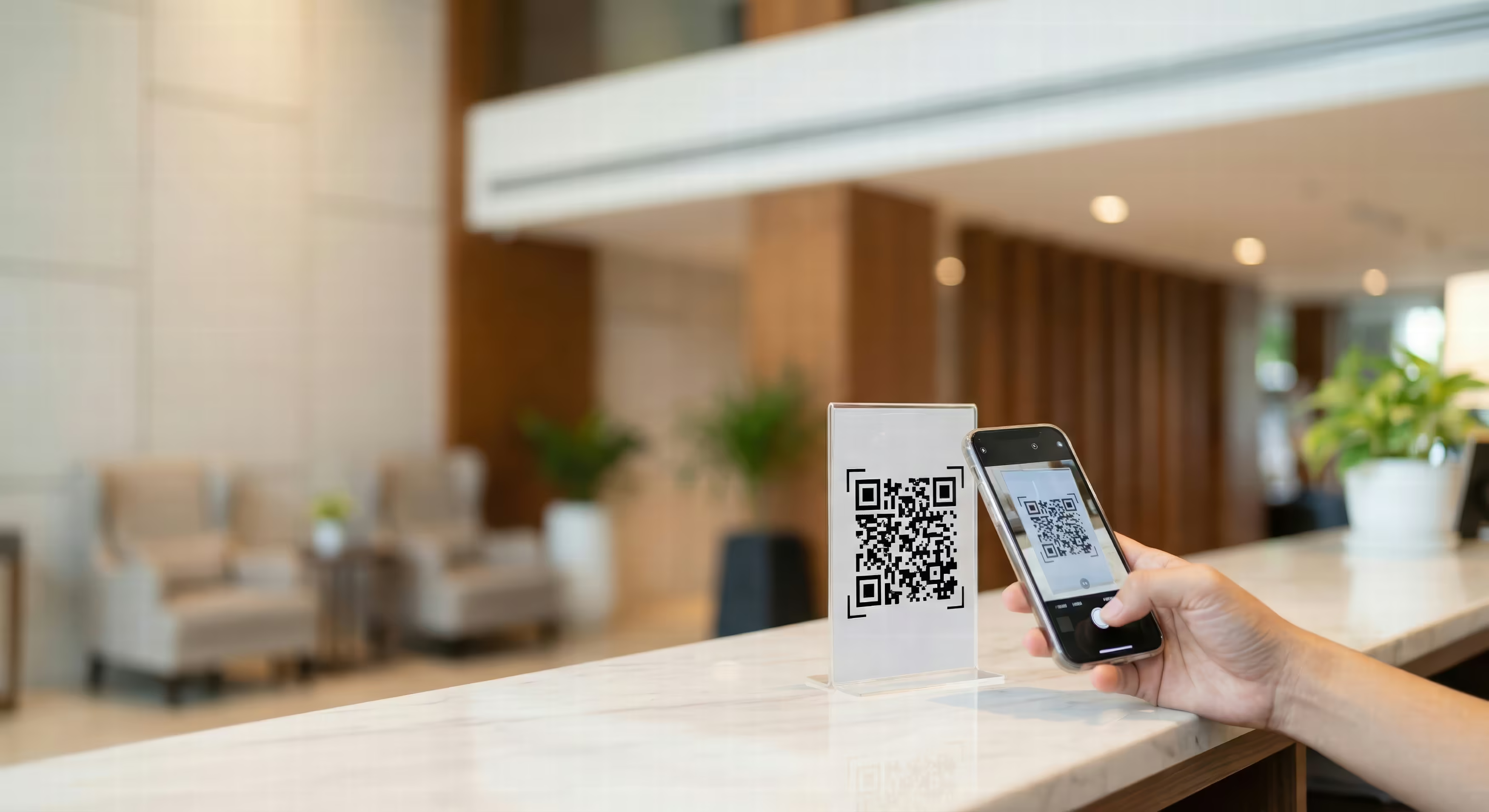
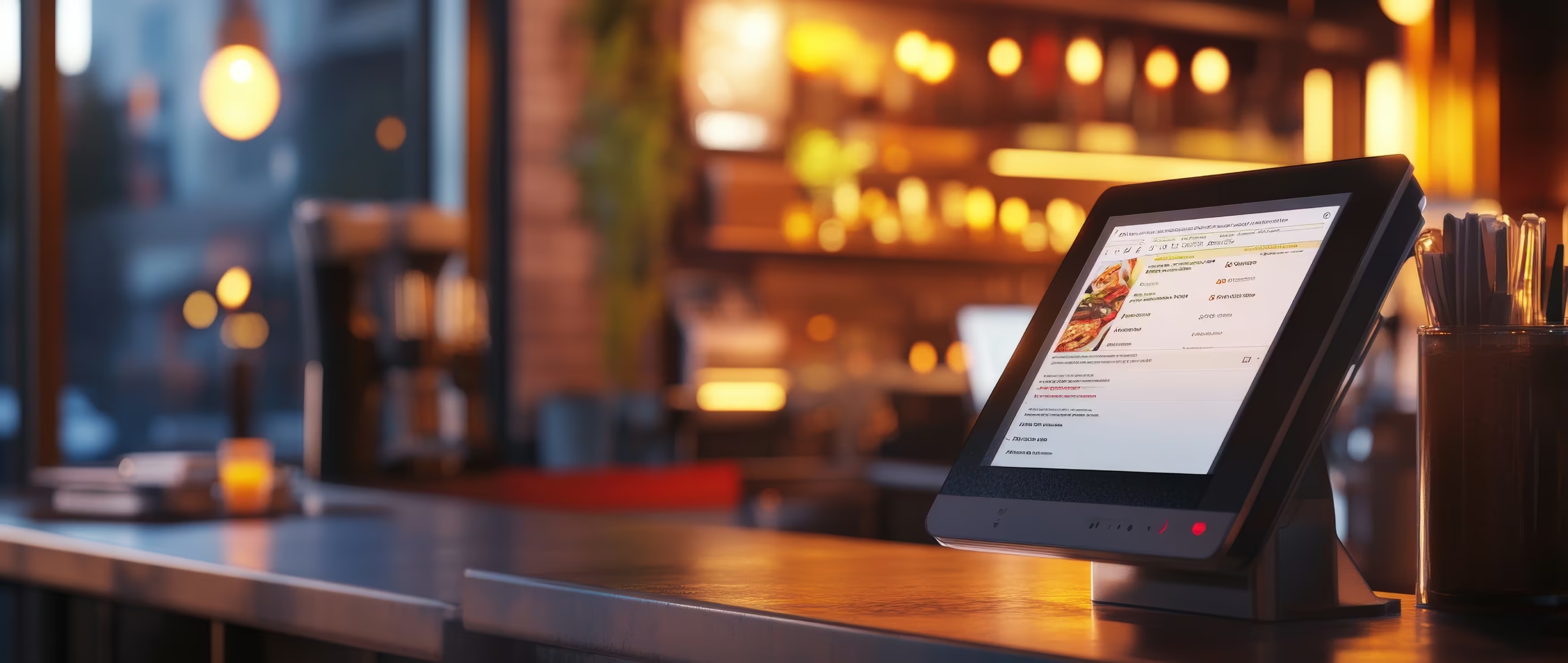



The trend in Germany is clearly measurable. In 2021, only about 3 % of all transactions in shops were made with a smartphone. By 2023, according to an analysis by the Bundesbank (German central bank), the share was already 6 % of all transactions and 5 % of sales. So the share of transactions doubled within two years. The Bundesbank describes this change in smartphone payments in detail.
For restaurants, the hype matters less than the practical question: can the guest pay at the table, at the counter or at pickup the way they are used to in daily life? The answer depends on the NFC terminal, the wallet, the POS system, the internet connection and a well-practised process.
Table of contents
- Why card payments by phone are now part of daily restaurant life
- You can see the change in guests and at the till
- How the technology behind NFC and wallets works
- The wallet does not replace the card
- NFC is not the same as a QR code
- These mobile payment methods matter in Germany
- Which priority makes sense for your business
- Technical requirements for card payments by phone
- The building blocks: a check for your business
- Mobile POS and placement
- Processes at the table, at the counter and for delivery
- Three situations, three requirements
- What staff need to learn
- Benefits, typical pitfalls and what guests really expect
- Where the process fails in practice
- Quick check: is my business ready for card payments by phone?
Why card payments by phone are now part of daily restaurant life
Three guests want to pay at the same time. At one table, a guest holds their smartphone to the terminal, while at the counter the next order is already being prepared. For the team, what matters most is that payment works without an extra trip to the till. Card payments by phone have arrived in daily restaurant life because they fit into existing processes.
Demand comes from different groups. Some younger guests only bring a smartphone or smartwatch. Business travellers and tourists often look for Apple Pay or Google Pay. Regular guests, on the other hand, may still use a digital girocard or a banking app. So for your business, no single method decides whether it works in daily life. The real question is whether your terminal accepts several mobile payment types.
You can see the change in guests and at the till
The Postbank Digital Study 2024 showed that 66 % of people asked in Germany pay contactless by card or mobile device. The share of mobile use has grown since 2016 from about 10 % to 66 %. The Bundesbank explains the growing importance of mobile payments in the context of modern checkout processes and contactless payments.
For restaurants, this becomes a practical question. If you only offer cash or a fixed card terminal that is slow to reach, you make paying take longer than needed. A terminal at the table saves walking. At the counter, it should stand where guests can reach it themselves, so the team can prepare the next order at the same time.
Practical rule: Mobile payment only improves service if the terminal, the order and the till closing all support the same process.
Cash and physical cards are still part of the offer. Phone payments add to the existing options. A restaurant should allow mobile payments without dropping other options too quickly. This way, the team can serve different guests, and payment happens where each process ends anyway.
How the technology behind NFC and wallets works
NFC, short for Near Field Communication, is a radio technology for very short distances. The smartphone and the payment terminal both have antennas. When the guest holds the phone close to the marked area of the terminal, both devices exchange the information needed for the payment.
The process has only a few visible steps:
- Staff enter the amount on the terminal.
- The guest opens the saved card in their wallet and holds the smartphone to the reader.
- The terminal receives the payment data and asks for an extra confirmation if needed.
- A sound or a message confirms whether the payment was accepted.

The wallet does not replace the card
A wallet usually does not hold a real card number that is sent openly and that the restaurant can simply read. The virtual card is managed in a payment app. For authorisation, a digital replacement value (a token) is used, which protects the real card data. The German Federal Office for Information Security (BSI) names an NFC-enabled smartphone and an installed payment app as the requirements for contactless payment. The BSI explanation of contactless payment by NFC describes the basic technical process and the devices you need.
The restaurant does not have to read each wallet separately. What matters is that the terminal accepts contactless payments under the right card standard. For the till, the payment basically looks like a contactless card payment.
NFC is not the same as a QR code
A QR code usually leads to a website, an ordering page or a payment form. The guest scans the code with the camera and confirms the payment in an app or browser. With NFC, the guest holds the device directly to the terminal. App-to-app payments are also a separate process, because they do not always use the terminal's contactless card function.
This difference matters in daily restaurant work. A QR code on the table can combine ordering and payment. A mobile NFC terminal, on the other hand, is especially good for classic table service, where the bill is already in the till and the guest only has to approve the payment.
These mobile payment methods matter in Germany
Restaurants do not have to advertise every possible app. First, they should understand which methods their guests use, and whether their own terminal accepts the matching contactless cards.
Apple Pay matters for guests with an iPhone or Apple Watch. Google Pay is mainly for Android users. Samsung Wallet can also play a role, depending on the device, bank and saved card. In addition, the girocard and mobile services from individual banks remain important, for example solutions from the Sparkasse group or banking apps with payment functions.
Which priority makes sense for your business
For most restaurants, the right order is practical: first provide an NFC-enabled terminal, then test Apple Pay and Google Pay in real daily service. After that, check whether mobile girocard payments from the most important local banks work.
At the table, easy use is what counts. At the counter, the team needs a visible contact area that is quick to reach. For delivery, online payments, payment links or an online shop also matter. So the wallet is only one part of the solution. What matters is whether guest, order, terminal and till work together without breaks in the process.
Technical requirements for card payments by phone
A restaurant does not need a completely new digital system for phone payments. The key requirement is a contactless card terminal that accepts NFC payments and is connected to the POS system or your chosen payment provider.
Start by checking what you have. Does the terminal show the contactless symbol? Does it react to a contactless physical card? Do Apple Pay and Google Pay work in test payments? A device can look modern and still be set up wrong. So it is not only the model that counts, but which payment types the network operator or acquirer has activated.
The building blocks: a check for your business
The internet connection needs special attention. Even if a smartphone does not always have to be online for a single NFC payment, the terminal, till and payment provider need a reliable connection. An LTE router or a prepared hotspot can help if the restaurant Wi-Fi fails. Test the backup before you need it, not during the evening rush.
Mobile POS and placement
Mobile POS solutions turn a compatible smartphone or tablet into a payment device. They fit small cafés, food trucks and pop-ups especially well, as long as the solution supports the required card standards, receipts and till processes. For a restaurant with several service staff, a separate, reliable terminal is often easier to manage.
A good solution for mobile payment processes should fit into your whole workflow. So before you decide, do not only check the transaction fee, but also cancellations, tips, sending receipts, user rights and POS integration.
A terminal is not a goal in itself. It must be available where the guest pays, and take the amount from the order without extra typing.
Processes at the table, at the counter and for delivery
At the table, a clean process does not start with the phone, but with the bill. The staff member opens the open bill in the mobile POS system, checks the amount and brings the terminal to the guest. The guest chooses their card in the wallet, confirms the payment on the device and waits for the terminal's signal.

Three situations, three requirements
At the counter, the terminal usually stands in a fixed, clearly visible place. The guest sees the amount, holds the smartphone to the reader and gets a confirmation. Staff do not need to check payment by calling out or doing an extra check at the till, as long as the terminal and till are synced correctly.
For pickup and delivery, the time of payment moves. Guests can pay in advance through an online shop or payment link. A QR code can lead to the order, while a payment status in the system means the team does not have to follow up on the order by hand. For businesses with a digital menu, a solution for digital menus and ordering can combine ordering and payment in one mobile channel.
Tips should appear as a separate, clear step. The terminal can show options before confirmation, or the guest enters the amount when asked. It is important that the tip is shown correctly in the till closing, and that the team knows how tips are refunded or handled when a payment is cancelled.
What staff need to learn
Training is simple if it uses real situations instead of abstract functions:
- Check the bill: Check the amount and table number before you start.
- Position the terminal: Hold the reader so the guest sees the NFC area right away.
- Explain errors: If a payment is declined, offer another card or payment method.
- Handle tips: Show the options, let the guest confirm and book it correctly.
- Check the closing: Do not confuse a successful payment with the till status.
A realistic process is: open the bill, hand over the terminal, hold the phone to it, wait for confirmation and offer a receipt. The benefit does not come from one magic action, but from fewer extra walks, questions and manual transfers.
Benefits, typical pitfalls and what guests really expect
Mobile card payment can make restaurant work noticeably easier if the technical setup fits your service concept. Staff carry less cash through the dining room, type in amounts by hand less often and can close the table faster after the payment is confirmed. Digital receipts and structured transaction data also make checking easier afterwards.
The Bundesbank reports that about 80 % of card payments at the point of sale are contactless, and that by far most of these are made by smartphone or wearable. The Bundesbank study on mobile payments shows that contactless payment is already widely established in shops.

Where the process fails in practice
Most problems happen where systems connect:
- Wrong cards: A wallet may be set up, but the saved card is not accepted under your contract or by the terminal.
- No NFC function: The smartphone or the mobile payment app does not support the process.
- Weak connection: The terminal and till lose connection in the dining room, or do not switch cleanly to a backup.
- Unclear fees: The team does not know the cost structure, and management finds it hard to match single transactions.
- Missing rights: Staff cannot cancel a payment or cannot see the payment status.
- Flat battery: A guest cannot use their phone if it is switched off. So the card must stay as a backup option.
Guests do not expect a technical lecture. They expect the terminal to show the amount clearly, accept the payment without unnecessary delay and react clearly if an extra device or card confirmation is needed. A sign at the entrance, at the till or on the menu shows that contactless payment is welcome.
If a guest asks whether they can pay by phone, staff should not have to check an internal chat first. The team needs one clear, consistent answer.
Test the process regularly with several wallets and card types. Do not just collect complaints as single events. Sort them by cause: terminal, connection, till, card, operation or receipt. This way, a single error becomes a real improvement for the next service.
Quick check: is my business ready for card payments by phone?
Take a short break from service and answer each question with yes or no:
- NFC terminal in place: Does every relevant terminal accept contactless payments? If no, check your devices and clarify the setup with your payment provider.
- Wallets tested: Do Apple Pay and Google Pay work with real test amounts? If no, check card activation, terminal profile and payment app.
- Till connected: Is the payment status sent back to the till automatically? If no, document the interface or the manual handover.
- Dining room covered: Does the connection reach every table and the counter? If no, improve Wi-Fi placement and backup.
- Team trained: Can all staff explain payment, declines, cancellations and receipts? If no, run a short training in the shift with a test process.
- Tips sorted: Is it clear how digital tips are shown, booked and paid out? If no, agree the process with your till provider and tax advisor.
- Alternatives available: Can the guest pay another way if the battery is flat or the wallet is declined? If no, keep planning for card and cash.
Use your answers to make a to-do list in order of priority. Start with the terminal and POS integration, then test connection and wallets, and only then train the whole process. A structured consultation on the right POS system can help you assess technical needs and restaurant processes together.
Orderiom connects digital ordering and payment through its own channels, including digital menus, online shop and self-order processes, and connection to common POS systems. If you want to integrate card payments by phone cleanly into table service, pickup or delivery, visit Orderiom and check which process fits your business.