
Call us directly
Mon – Fri 8:00 – 18:00
Reservations, digital menu, direct ordering and local SEO: which parts a restaurant website really needs in 2026 – and which mistakes cost you speed and margin.
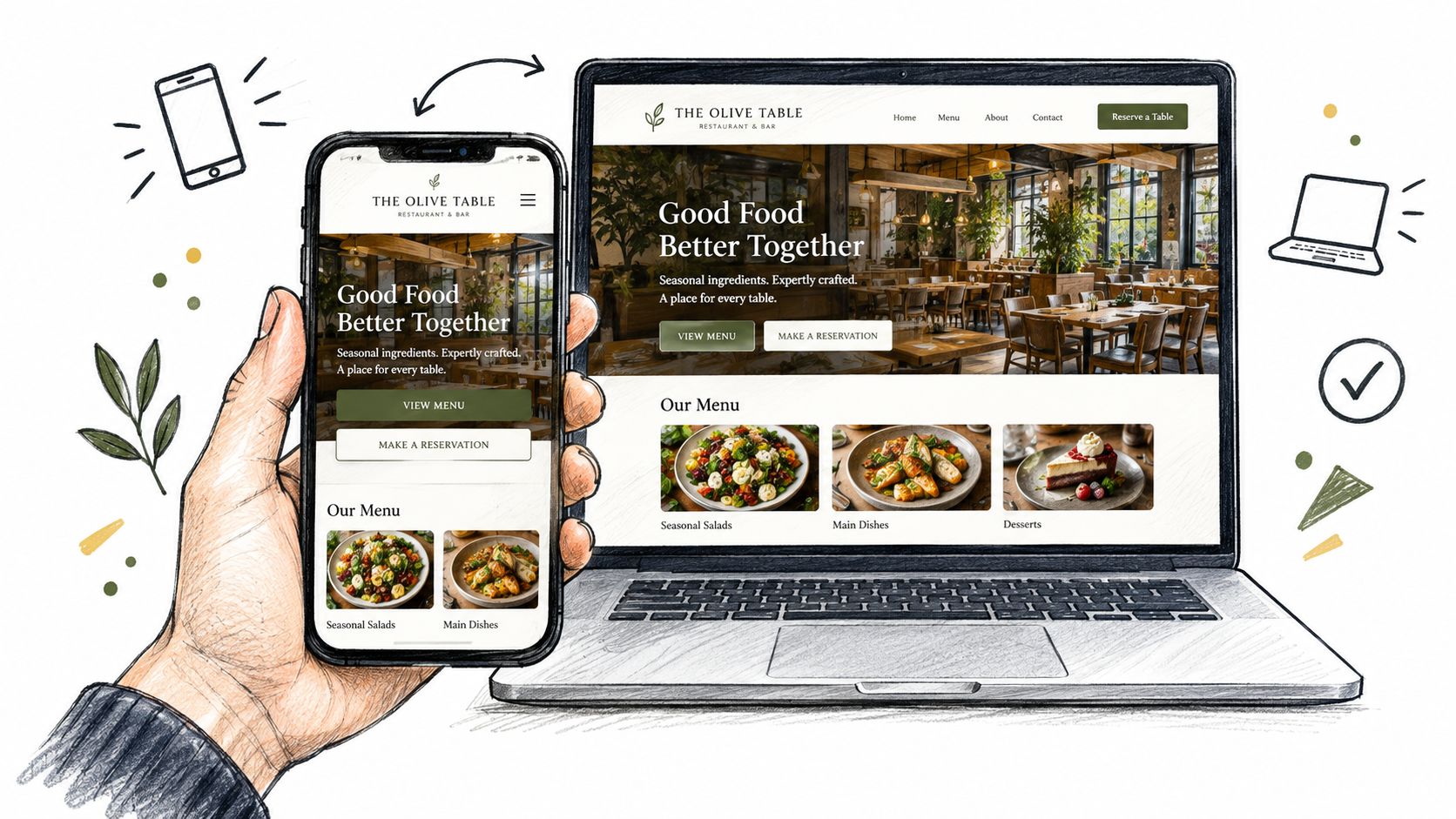
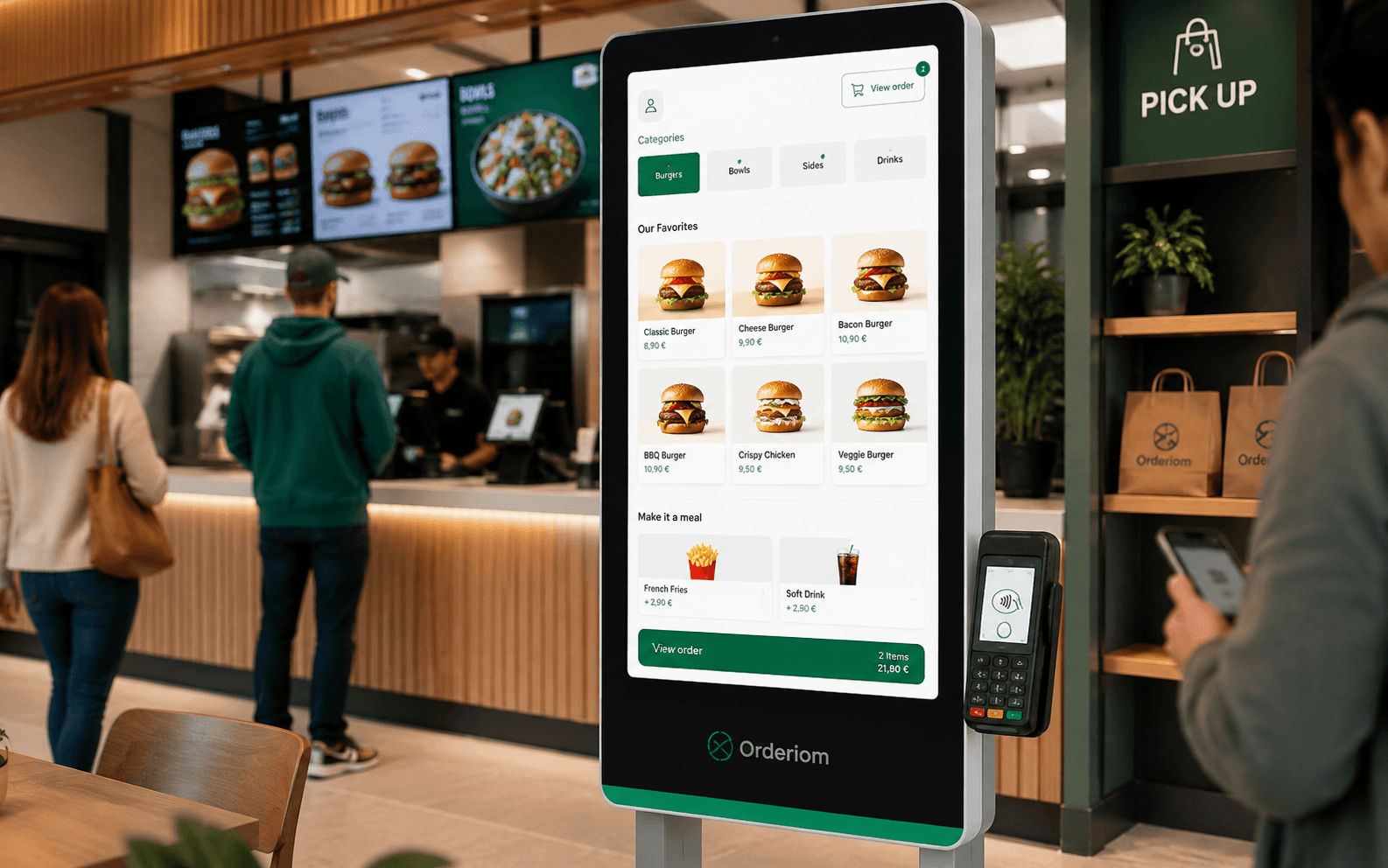
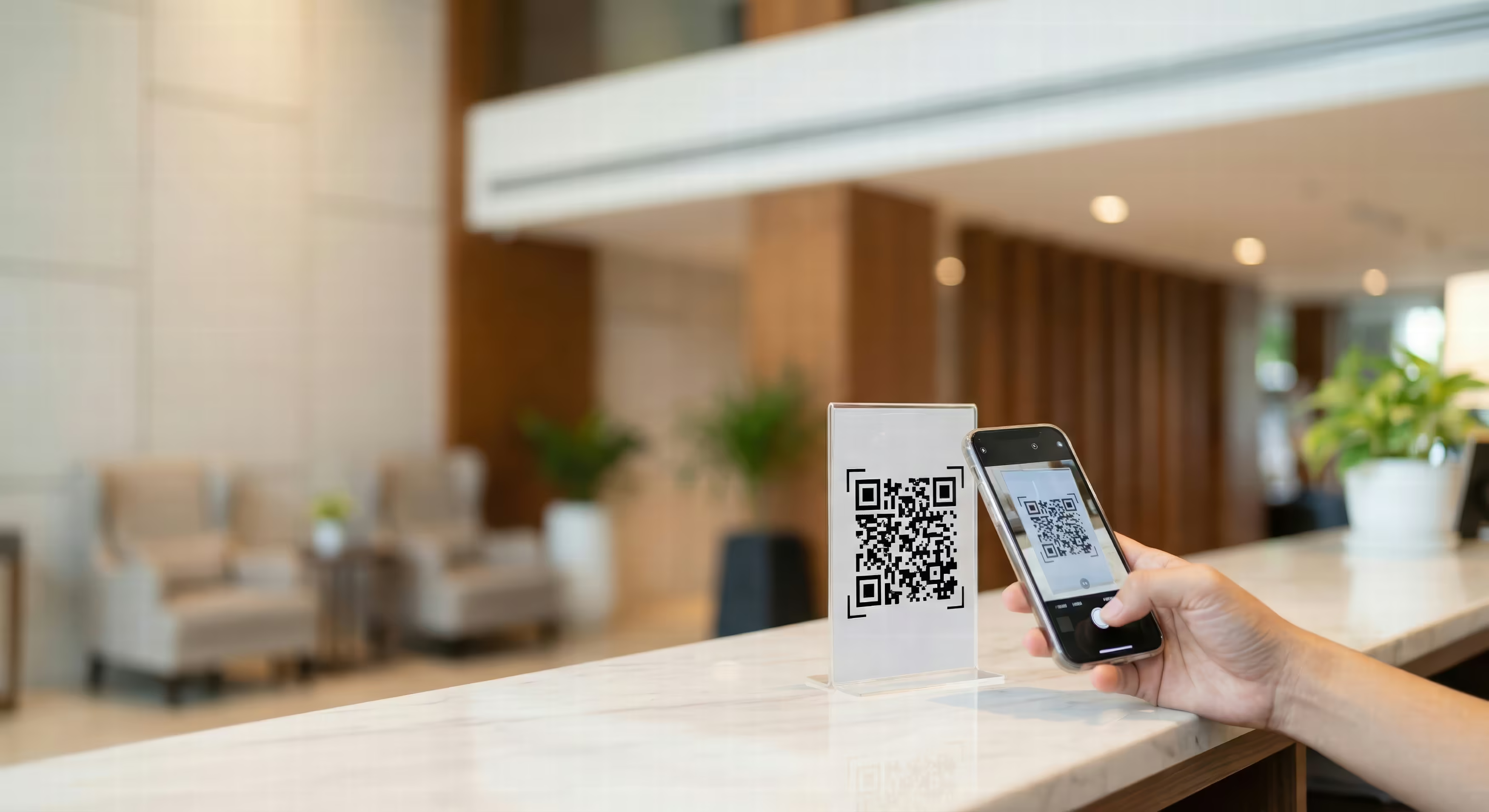
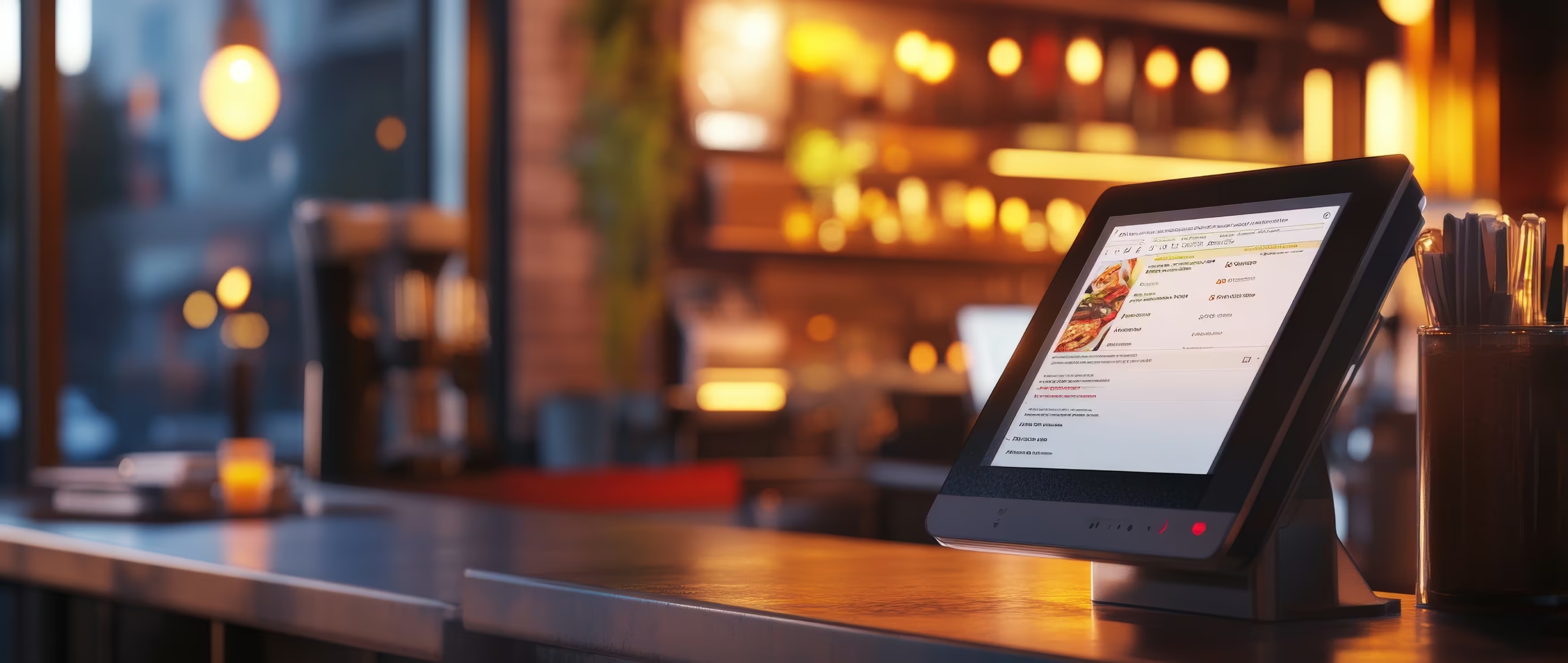
Saturday night. The restaurant is full. A waiter walks to a table with a tablet. At the next table, a guest scans the QR code. At the same time, a reservation comes in through Google. This is the moment that shows if a restaurant website only looks nice or if it really supports the business. Without your own website, these contacts go in different directions, and you lose speed, control and margin.
In Germany, a restaurant website in 2026 is no longer a shop window. It is a central hub for daily work. Guests already use it. A YouGov survey for METRO shows that 50 % of restaurant guests have already booked a table online. For guests who eat out every week, it is 71 %. At the same time, 55 % prefer to pay cashless by card, phone or QR code. For people under 45, it is 73 %. 70 % use digital platforms to find restaurants, and 38 % of guests have already used digital menus. Lieferando Report 2025 on ordering and the use of digital features
The result is simple. If you build a restaurant website today, it must combine reservations, a digital menu, payment, local visibility and GDPR-compliant (DSGVO) ways to contact you. Anything less is too weak for how people in Germany really use the internet.
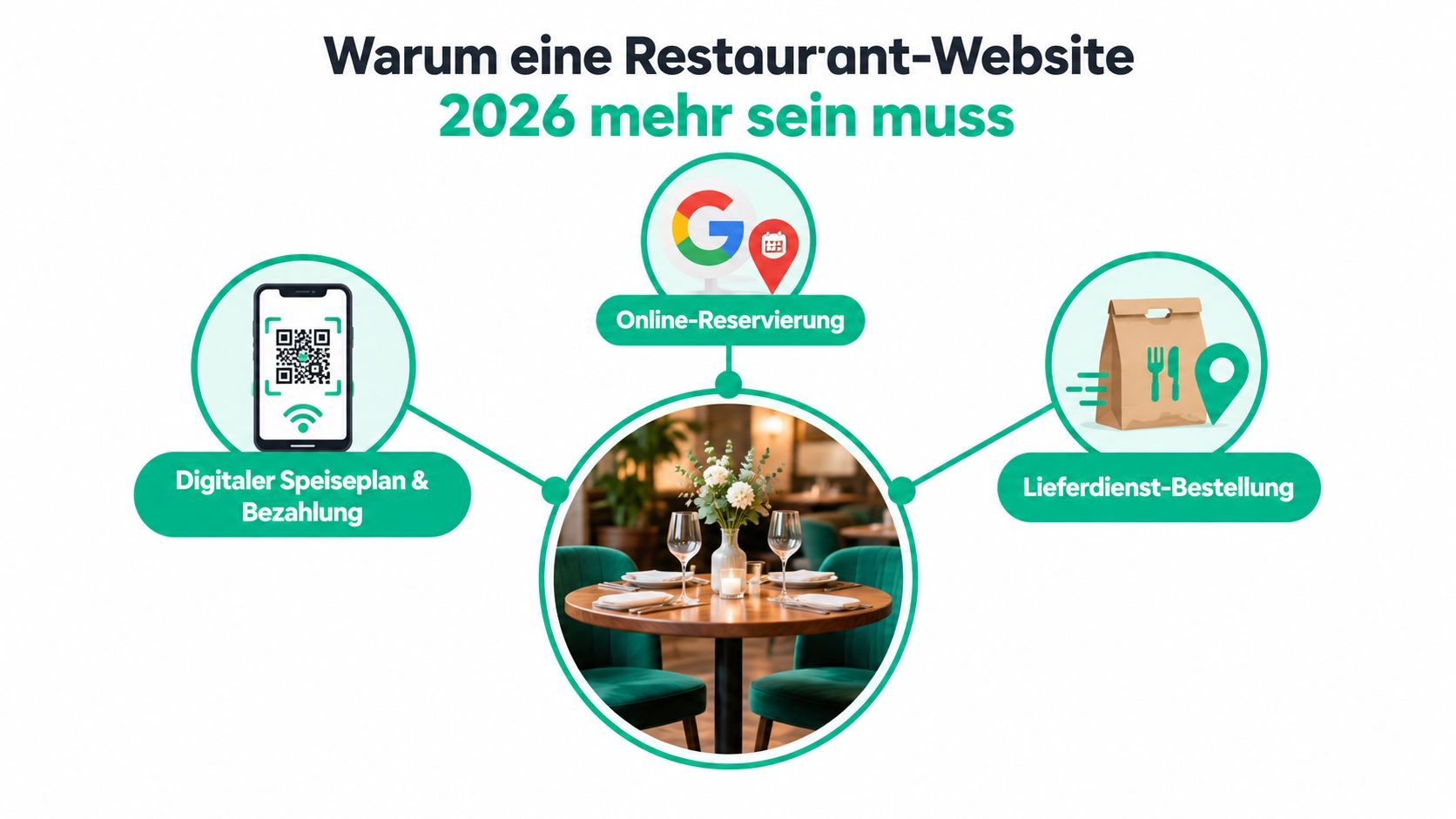
First, online reservations with your own confirmation. Guests do not want to wait until someone answers the phone. Second, a digital menu via QR code that loads right away at the table, not a PDF guests have to click through.
Third, a direct ordering channel for pickup or delivery. If you only take orders through third-party platforms, you give away sales and control. Fourth, a clean Google Business Profile as your anchor, so your website and your location work together.
Fifth, legally correct contact and data pages. In Germany, this is not optional. The legal notice (Impressum), the privacy policy (Datenschutz) and clear provider details are not a design question.
Simple rule: If a feature takes work off your team in the restaurant or secures sales in advance, it belongs on the website. If it only looks nice, it is less important.
Before anyone builds the first layout, four decisions must be made. First, who owns the domain. Second, the person responsible for content and updates. Third, the reservation system. Fourth, how you manage the menu. If you sort this out after launch, you pay twice.
In Germany, the typical traps are simple but expensive. Wrong or missing provider details in the legal notice (Impressum), unclear responsibility for changes, or a tool that collects data in a messy way can quickly cause trouble you do not need. So before you start, make clear who changes texts, who updates opening hours and who checks reservations.
Your budget should not only cover building the site. It should also cover hosting, maintenance, the reservation tool and menu updates. If you ignore these running costs, your website will look outdated again after a few months.
My advice from practice: Processes first, then design. Pretty chaos is still chaos, just in new colours.
Domain, hosting and SSL are not three separate steps. They are one basic decision. The domain must be short, easy to say on the phone and easy to type. For German guests, a .de ending is the most practical choice, because it feels familiar and clear.
I would not experiment with hosting. Restaurants collect guest data through reservation and contact forms. So the setup belongs in a clean European environment with maintenance you can track. In practice, a provider like Hetzner, IONOS or All-Inkl is much more sensible than an unclear setup that is poorly run.
SSL is a must, not an extra. Without proper encryption, even the reservation form looks risky, and guests leave at that point faster than you think. Especially on a website that takes requests, reservations or orders, the browser must show trust right away.
For many restaurants, WordPress is too heavy when speed, security and easy maintenance matter most. A lean static setup or a headless approach is often the better choice. It gives attackers less to target and needs less maintenance. This is not a strict rule, but it saves you stress later.
When you choose a system, ask yourself just three things. Is it fast? Is it easy to maintain? Can your team use it in daily work? If one answer is no, it is the wrong solution.
With restaurant websites, people often treat design and speed as separate things. That is a mistake. Guests judge the site on their phone as a whole. If it is slow, the design does not matter.
According to Google/MMA, only 5 % of German mobile websites load within 1 second. The average mobile loading time is 2,6 seconds. With 3 seconds instead of 1 second, mobile conversion rates drop by 50 %. Mobile Site Benchmark Study by Google/MMA In practice, this means: first make images lighter and the server faster, then show the menu cleanly and move the reservation or order button to the top.
The most important rule is simple. Above the fold – the part you see without scrolling – you need reservations, ordering, address, opening hours and a direct call link. Everything else comes after. If you hide the most important button below the scroll, you waste the best spot on the page.
Images should use WebP and only load when they are needed. Fonts are better served from your own server, or use system fonts, so nothing slows the page down. The menu belongs in HTML, not in a PDF, because guests do not want to zoom on their phone.
A good design check is short and strict. Is the contrast clear? Can you see the focus when using the keyboard? Are there alt texts? Does the page work well with your thumb? If one of these is missing, the mobile experience is not finished.
The menu is not just a nice extra. It is a tool to sell and to manage your business. So it should be built as structured HTML, not as a scanned PDF that you send around again after every change. Allergens, additives and required information belong directly on the page, so guests can order without problems.
For daily specials or changing offers, you need a clear override layer. This means the standard menu stays the same and only the change is updated. This keeps updates simple and the content clear.
Online orders should run on your own website, with a clear split between pickup and delivery. The reason is not ideology. It is about money. In Germany in 2023, sales in the Restaurant Delivery segment were 6,1 billion euros, while Platform Delivery reached only 452 million euros. Statista-based overview of restaurant digitalisation in Germany On top of this, restaurants are under sales pressure. The Federal Statistical Office (Statistisches Bundesamt) reported a real drop in sales of 1,7 % for January 2025, with nominal sales at +3,5 %. This mix makes direct channels strategically important.
Margin is the real point. For many restaurants, platforms take high commissions. Your own channel mainly costs payment fees and internal process costs. If you want to set up your business properly, keep order taking in your own system and use delivery platforms only as an extra.
A QR code on the table is only good if it does more than show the menu. It should take the guest straight into ordering or paying.
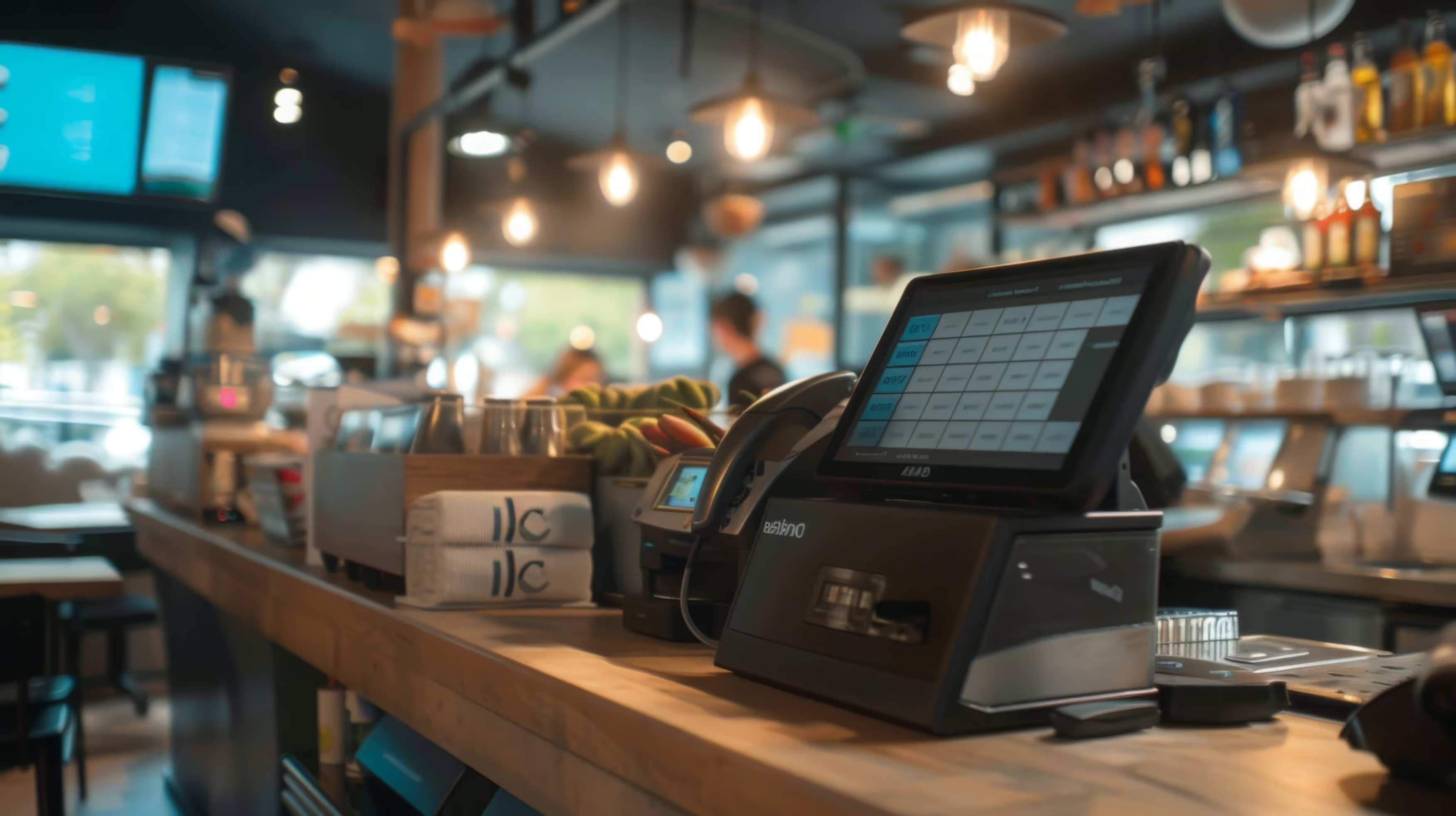
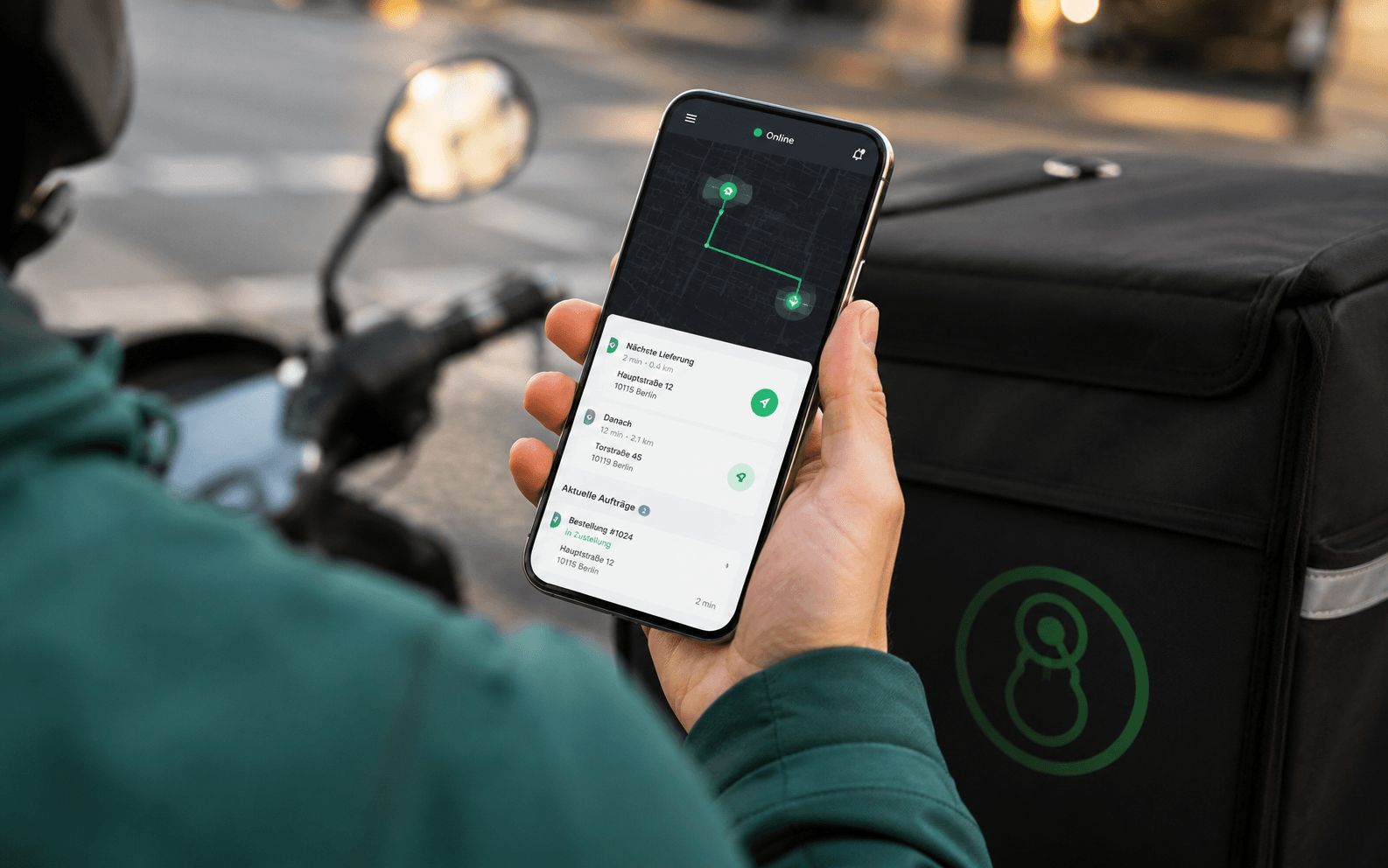
To connect the website to daily work, you need a POS system that takes orders without manual re-typing. Systems like GastroFix, Lightspeed or Orderbird are typical anchors, because they make it easier to process orders in the restaurant. This way, an order does not end up as a loose email in the inbox, but where your team really works.
Digital menus and ordering for restaurants help exactly here, when your website should not only inform but also sell directly.
For restaurants, local SEO is not an extra project. It is your ticket to being found. Google almost always treats restaurant searches as local. So your website must work well together with your location, your opening hours and your Google Business Profile. If this is not right, even good food loses reach online.
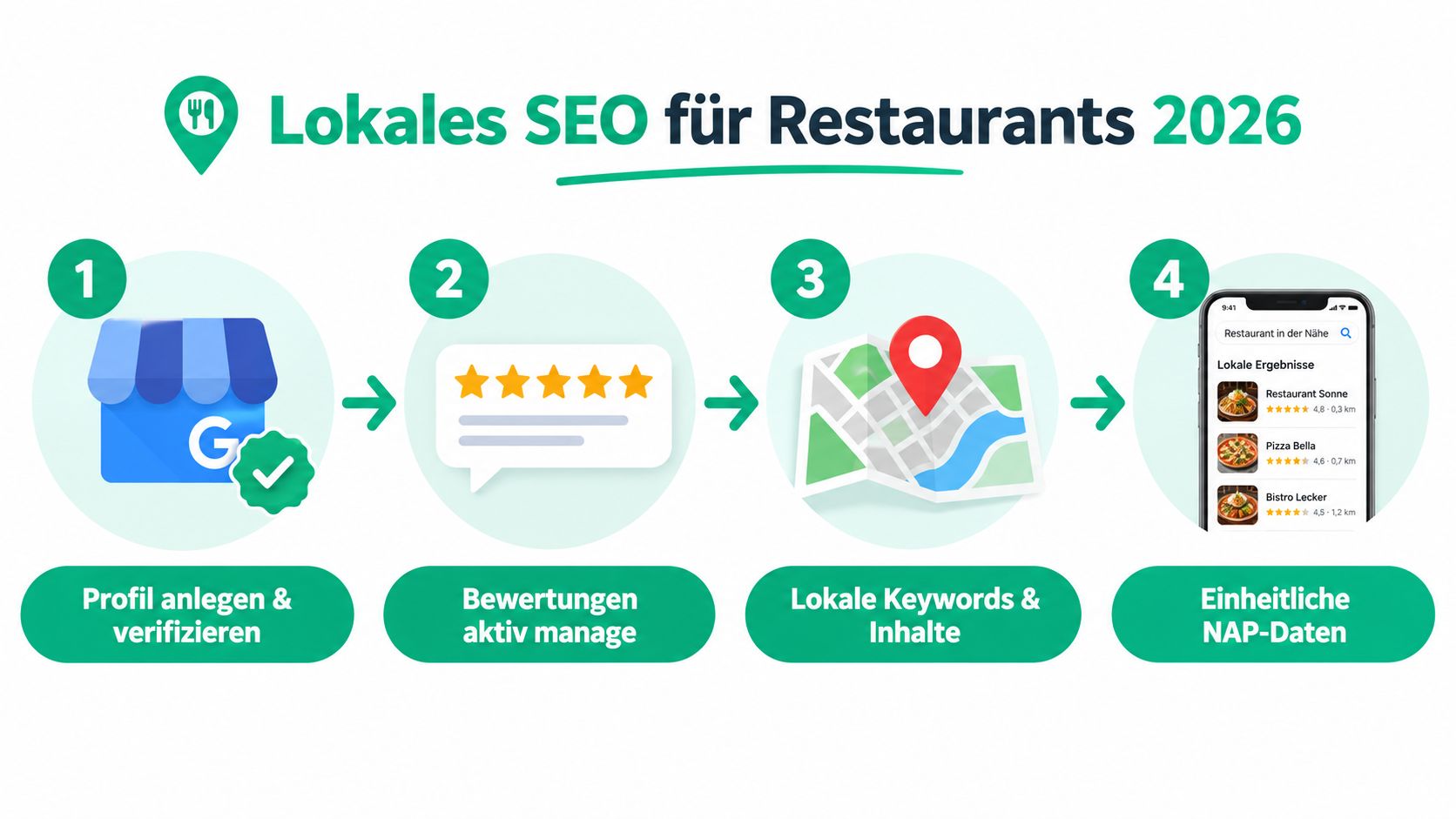
First, create your Google Business Profile in full, verify it and keep category, opening hours, menu and photos up to date. Second, keep NAP consistency: your name, address and phone number must be exactly the same everywhere – on the website, in the legal notice (Impressum), on social media profiles and in directories.
Third, actively manage your reviews. Replies are not just polite. They are a visible sign that you care and are active. Fourth, build the technical basis properly with structured data for Restaurant, LocalBusiness, Menu and Reservation.
Practical ways to manage reviews in daily restaurant work follow the same logic, because visibility and replies are connected in daily work. If you handle requests and reviews separately, you miss out.
Not only by ranking positions. What matters are calls through your Business Profile, clicks on reservations and being shown in the Local Pack (the map results on Google). Also count listings on portals and links from local partners, for example farm shops, suppliers or tourist offices.
The biggest mistakes are always the same: a menu as a PDF, a hidden phone number, no clear reservation button, slow loading on mobile, a missing legal notice (Impressum) and orders only through third-party platforms. If you have even two or three of these, you do not have a working system yet. You have a half-finished building site.
Instead, do a simple yes/no check. Does the site load fast enough on a phone? Is the menu built in HTML? Is the reservation button at the top? Is the Google Business Profile linked? Is the legal notice complete? Is the privacy policy updated for the tools you use? If you hesitate on one point, that is exactly where you are losing speed.
Red line: If a guest has to call you to do something the website should do, the website is not built well enough.
Make your website an ongoing sales tool, not a one-time project. Measure the loading time regularly, check the paths to booking and ordering, and fix content before guests get stuck on old information.
Orderiom works exactly where a restaurant website in 2026 has to become practical: digital menu, direct ordering, reservations and connection to your daily operations. If you want to do more than build a website – if you want to use it as a real channel for guests and sales – take a look at Orderiom and see how it fits your business.
Yes — the Orderiom POS works with a certified TSE and is GoBD-compliant, including the export formats a tax audit asks for.
Usually a few days from the first call to going live — we do the setup for you.
No. You can start with the Orderiom POS, or simply add to the till you already have.
No — 0% commission to third parties, in every package, whatever the ordering channel.
Multi-site management gives you one dashboard across every location — part of the chain package.
Yes — modules can be added one at a time, with no forced package change.