

Call us directly
Mon – Fri 8:00 – 18:00
Ordering, payment, reporting and compliance in one structure: which features matter, when all-in-one works better than a modular setup, and what to check before you sign a contract.

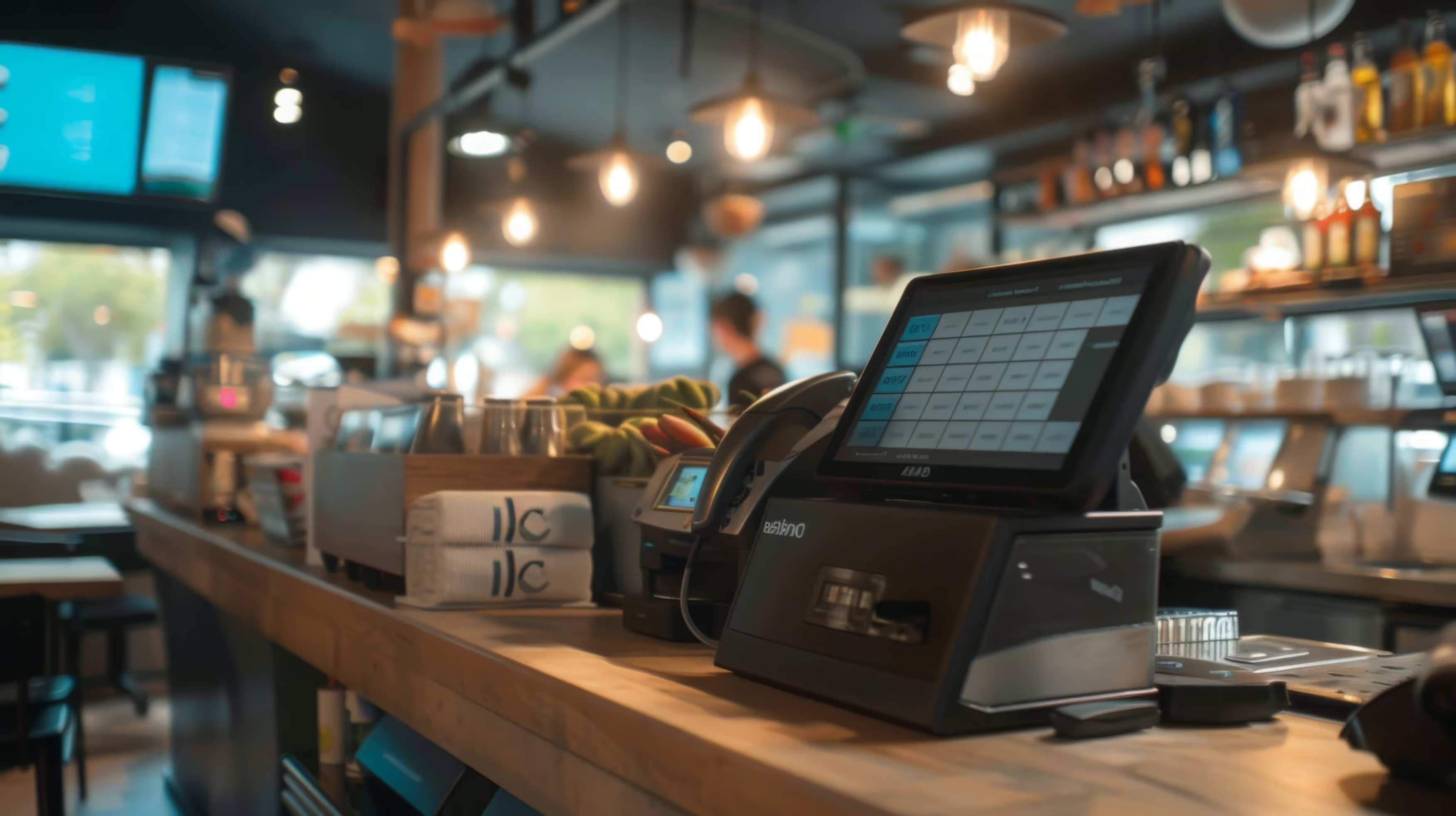
Friday evening. Almost every table is full, the kitchen is working at full speed, and more guests are already waiting at the counter. An order comes in at the table, the guest wants to pay contactless, and at the same time the branch manager calls to ask about today’s sales. Moments like this show whether an all-in-one POS system carries the business, or whether separate systems constantly need fixing.
An all-in-one POS system is not just a nicer name for a modern cash register. It means one continuous workflow that connects ordering, payment, reporting and compliance in one shared structure, instead of spreading the work across several separate tools. In Germany, this way of thinking is now well established in hospitality, because according to a Statista survey for 2022, digital POS systems have long been a measurable market standard. For businesses, this means the question is no longer whether to go digital, but how cleanly the process runs from the first receipt to an audit-ready export. Statista on the use of digital POS systems in hospitality in Germany
Think of a branch as a cockpit. If buttons, displays and flight plan are spread across several devices, the crew must constantly switch, ask and double-check. An all-in-one setup brings these paths together, so service at the table, at the counter and in the back office all speak the same language.
On a Friday evening, the problem is rarely a single feature. The problem starts when an order lands in the POS module, the payment is stuck in another terminal and the report only shows up later in the back office. Then staff have to catch up, check and often compare things by hand. This friction costs the most time during a shift.
An all-in-one approach reduces these gaps, because the same transaction stays in one connected process from start to finish. This is especially important for multi-location businesses: every extra interface creates sources of errors as soon as several locations, different teams and changing shifts come together. Once you understand the principle, you quickly see the difference between “operating a till” and “running a business”.
Practical rule: If a process in your branch only works as long as two or three systems run cleanly at the same time, it is too fragile for busy times.
Technically, an all-in-one POS system is about a clean connection between frontend, backend and fiscalisation (Fiskalisierung). The frontend is where service and till staff work: terminal, card reader and receipt printer. The backend is the level for administration, reporting, item management and staff management. In between is the data logic. It makes sure an order is not only accepted, but also correctly recorded and later available in an audit-ready format.
In Germany, the TSE is central to this. The BMF (Federal Ministry of Finance) describes the technical security device as a combination of a security module, a storage medium and a standard digital interface, and refers to BSI-TR-03153 for the technical details. Testing and certification are done by the BSI. Federal Ministry of Finance FAQ on the receipt obligation (Belegpflicht) and TSE
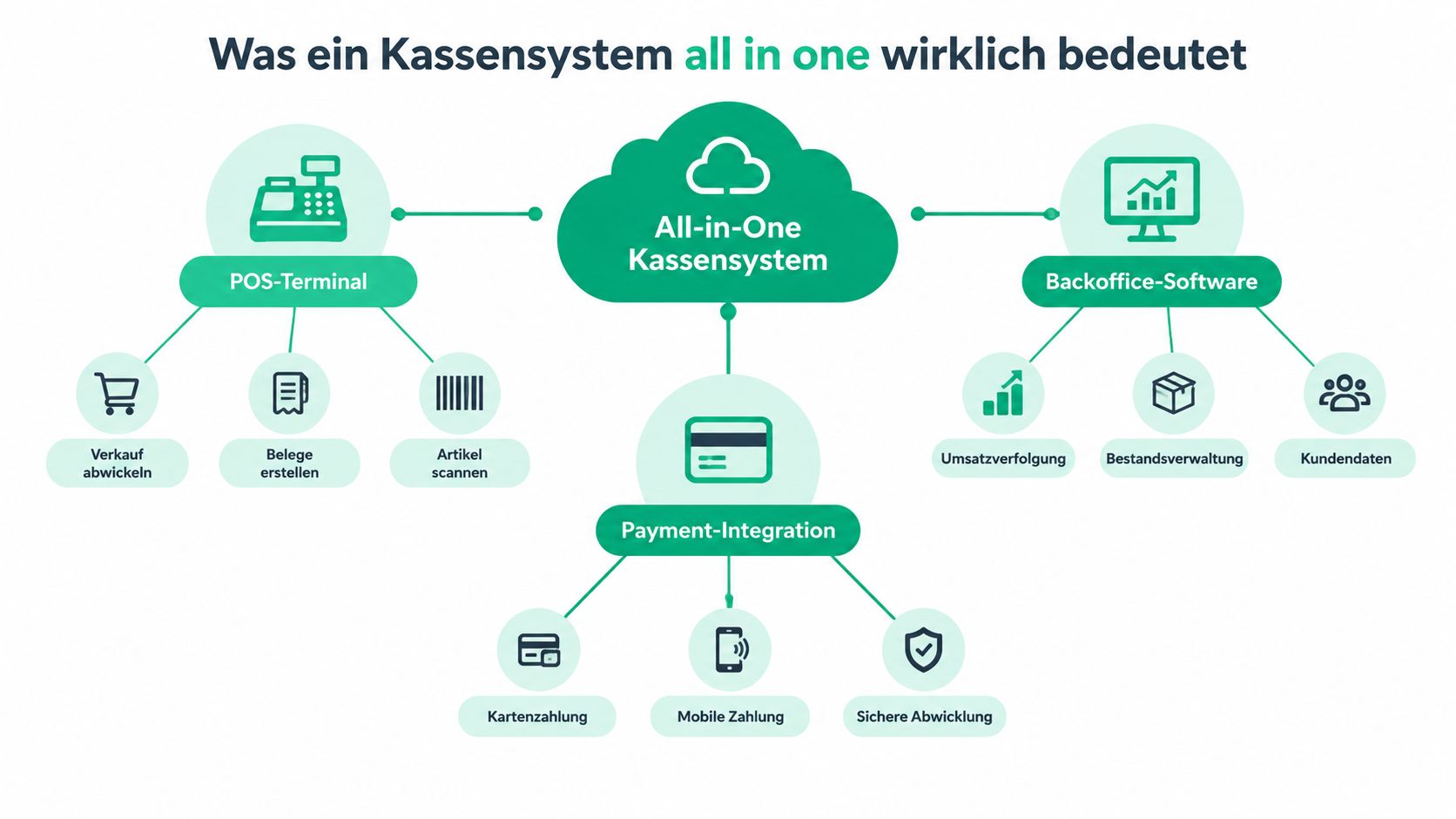
Take a table order in a branch with several tills. The server enters the dish at the terminal, the system writes the transaction into the central database, and the back office sees the same process almost in real time. When payment is complete, it does not stay as a separate payment record. It is linked to the sale. This creates one complete data record instead of a chain of loose pieces of information.
This is exactly the difference from modular setups with many separate tools. If the backend and fiscalisation are not cleanly connected, you get gaps between systems or data that cannot be exported completely during an audit. That sounds dry, but in practice it is the point where “somehow works” becomes a reliable audit trail.
A good system does not only make sales faster. It also makes each process easy to trace.
The real strength is not the single part, but the synchronisation. When item management, payment and reporting run on the same data, the branch manager sees the same status as the team at the counter. This saves questions and lowers the risk that prices, receipts or reports no longer match. That is why the all-in-one principle is more a way of running the business than a hardware concept.

A good all-in-one POS system should do more than record sales. What matters is that the core features work together so the business does not have to maintain data twice. This is where a real complete system differs from a package of separately connected modules.
All these points are only really useful when they run on one shared database. Otherwise the branch manager has dashboards, but no reliable shared truth. So the practical question is not whether a provider shows many screens, but whether all modules mean the same process.
Core principle: If a system handles payment, item management and reporting separately, you as a business have to build the bridge between the data yourself.
In Germany, the integrated system must take GoBD and KassenSichV compliance into account. Since 1 January 2025, businesses must also report electronic POS systems via ELSTER. The deadline is 31 July 2025 for systems bought before 1 July 2025, and after that within one month. Stripe on the reporting obligation for electronic POS systems in Germany
So when you compare features, do not only ask about sales tools. Just as important are auditability, data export and whether the system keeps up with the Finanzamt (tax office) workflow in daily work. For an integrated solution, this is not a special case but part of the basics.
If you want to see a concrete example of how ordering and POS logic connect, this product page gives you a useful overview in the context of digital ordering processes.
The difference between all-in-one and modular does not show in brochures, but in stressful moments. As soon as a branch has to handle many orders, changing shifts and central control at the same time, you notice whether a system works as one piece or whether several suppliers, screens and data versions have to work together. Modular sounds flexible, but it often means more coordination.
The table does not show an absolute right or wrong. A modular setup can make sense if a business has very special sub-processes or does not want to replace existing systems. An all-in-one system wins where ease of use, traceability and central reporting matter more than maximum freedom in each part.
For small businesses with simple workflows, modular can work as an interim solution if the existing technology is stable and only single building blocks are missing. But as soon as several locations, uniform prices or central reports are added, the demands on synchronisation rise. Then every extra interface becomes a point where errors, training effort and coordination grow.
Current market trends match this. In Germany, the focus is moving from the till alone to a tax-compliant platform with flexible workflows, interfaces and exit options, because data control and dependence on systems matter more and more to many businesses. That is why the decision should be made not only on technical grounds, but also on organisational ones.

Multi-location businesses do not need a pretty till. They need control. When the same items, prices and processes run in several locations, an all-in-one setup makes central management easier. Changes then do not have to be repeated in each location one by one. They can come consistently from one place.
The difference becomes clear with promotions. If a price change applies to several locations, it must be rolled out quickly and with few errors. If demand differs from branch to branch, shared reports help with purchasing, staff planning and range planning. An integrated system does not make this view perfect automatically, but it creates the basis for it.
Then there is the pressure in service. Where processes like taking orders, payment and billing come together, staff have less work, because they need to compare fewer things in parallel. For franchise structures, this is especially valuable, because standardisation not only lowers costs but also protects the brand.
Another point is control over your own data. If you keep orders, payments and reports in one shared structure, you depend less on third-party systems and their rules. This also matters because in many businesses the question is no longer whether to work digitally, but who owns the process chain.
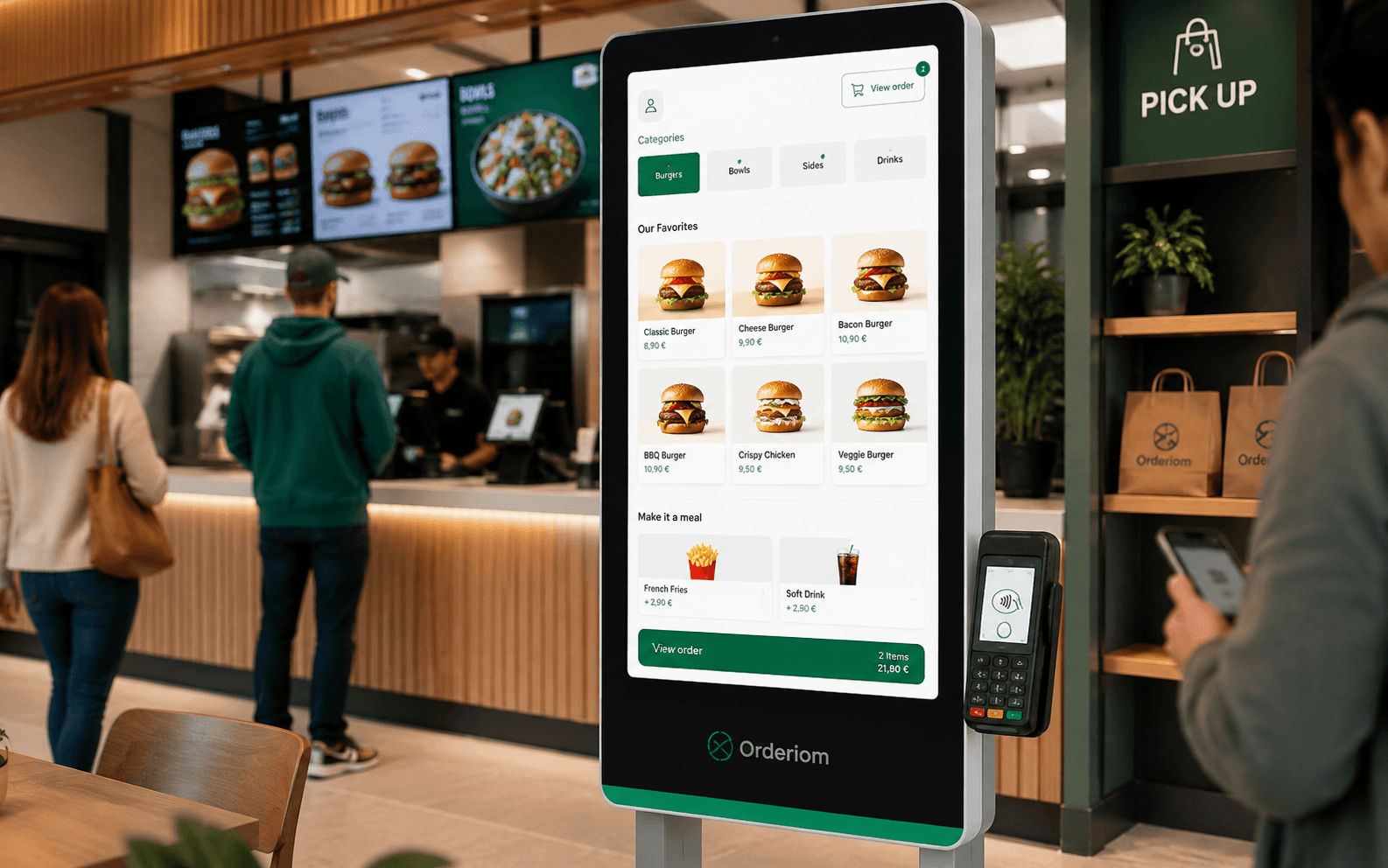
For a practical look at ordering processes in restaurants, a solution like Orderiom in the comparison of order management software can serve as a reference if you want to check how orders, POS integration and reporting work together. The key point always stays the same: does each location really get a shared view of sales, items and workflow?
In multi-location businesses, the winner is not the loudest system, but the one that gives every location the same truth.
An all-in-one POS system only proves itself in daily work, when the process from entry to audit runs without detours. So when choosing, the longest feature list is not what counts. What counts is whether the till in the branch works like a smooth, well-timed service route. The TSE must be integrated, BSI-TR-03153 must be taken into account, and the data export should support a cash register inspection (Kassen-Nachschau) and a tax audit (Außenprüfung) without makeshift solutions. The ELSTER report should also be part of your normal organisation, so no special process is needed in day-to-day business.
A good choice is like a branch test before the rollout. As soon as a till, a printer or a payment method does not work cleanly together, friction appears exactly where it hurts most in service.
The biggest source of errors is often onboarding. If data migration starts too late or staff training is planned too tightly, the branch faces new routines in the middle of service without any confidence. A clear rollout is better: with a test phase, controlled data transfer and a fixed contact person for the first days.
Also clarify early how a future system change would work. An integrated setup should make daily work easier, not create new dependencies. That is why it pays to get POS system advice for choosing and introducing a system before ordering hardware or changing processes. This lets you check how open the platform is with data, exports and connected solutions.
An all-in-one POS system is the right choice if you do not only want to sell, but want to run the whole process, from order to audit-ready records, in one shared structure. For multi-location and franchise businesses, what matters most is that processes stay uniform, reports are reliable and the legal side is covered. A modular system can make sense if you only want to add certain parts. But the more locations and processes you add, the more important a clean, shared data flow becomes.
Before you sign a contract, answer three questions. First, are the TSE and ELSTER requirements really covered? Second, can you keep using your existing hardware and interfaces? Third, if needed, can you get your data back out of the system? If you answer these points clearly, you are not making a gut decision, but a business decision.
In this market, Orderiom is an integrated platform for digital ordering, payment and business management, with app, website and online shop, plus connections to common POS systems. For businesses that want one continuous workflow from guest contact to POS integration, exactly this connection is the key point to check.
If you are reorganising your POS and ordering process right now, take a look at Orderiom and check how app, online shop and POS integration fit together. This quickly gives you a feel for whether your business needs a modular patch or an integrated platform.
Yes — the Orderiom POS works with a certified TSE and is GoBD-compliant, including the export formats a tax audit asks for.
Usually a few days from the first call to going live — we do the setup for you.
No. You can start with the Orderiom POS, or simply add to the till you already have.
No — 0% commission to third parties, in every package, whatever the ordering channel.
Multi-site management gives you one dashboard across every location — part of the chain package.
Yes — modules can be added one at a time, with no forced package change.