
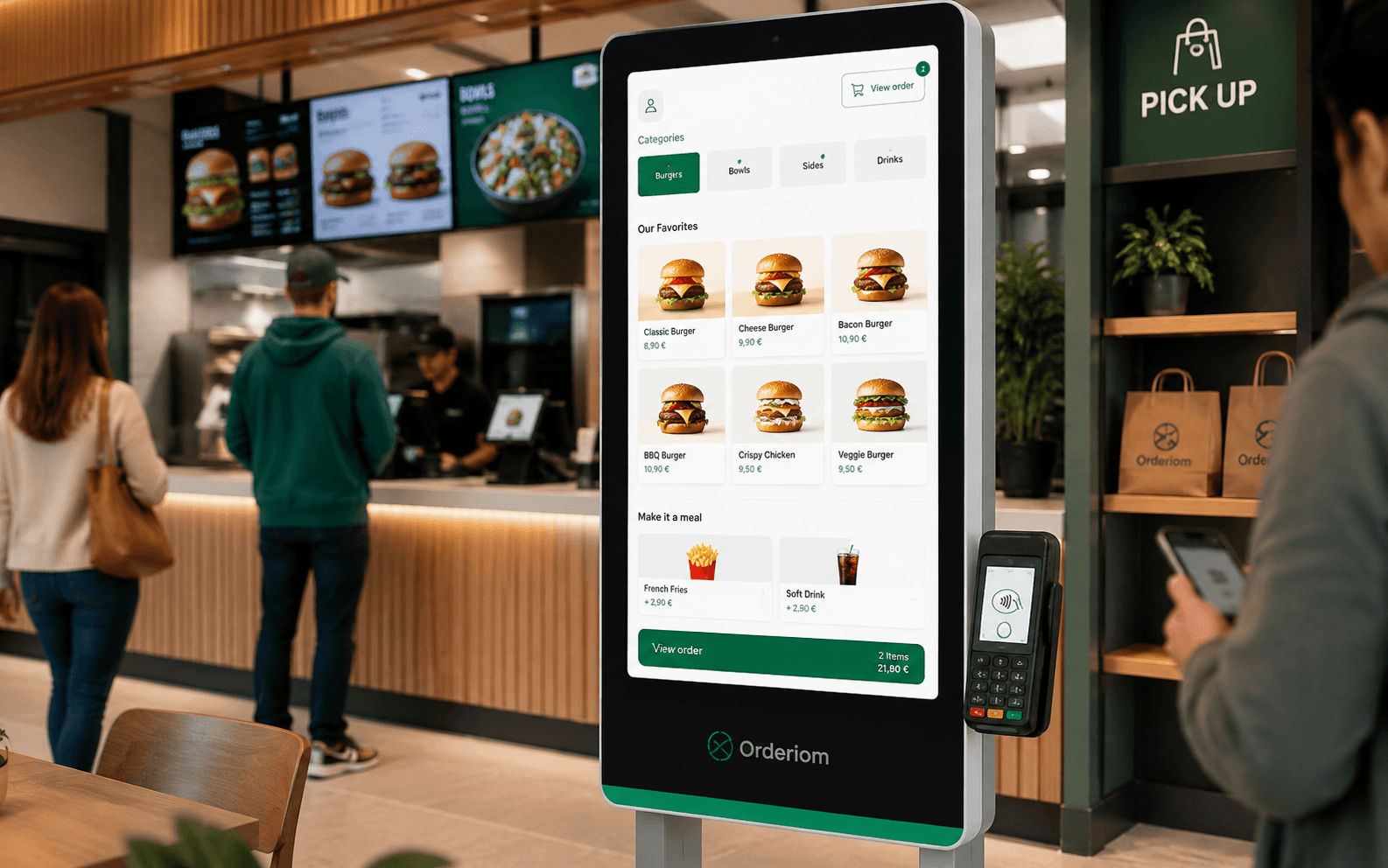
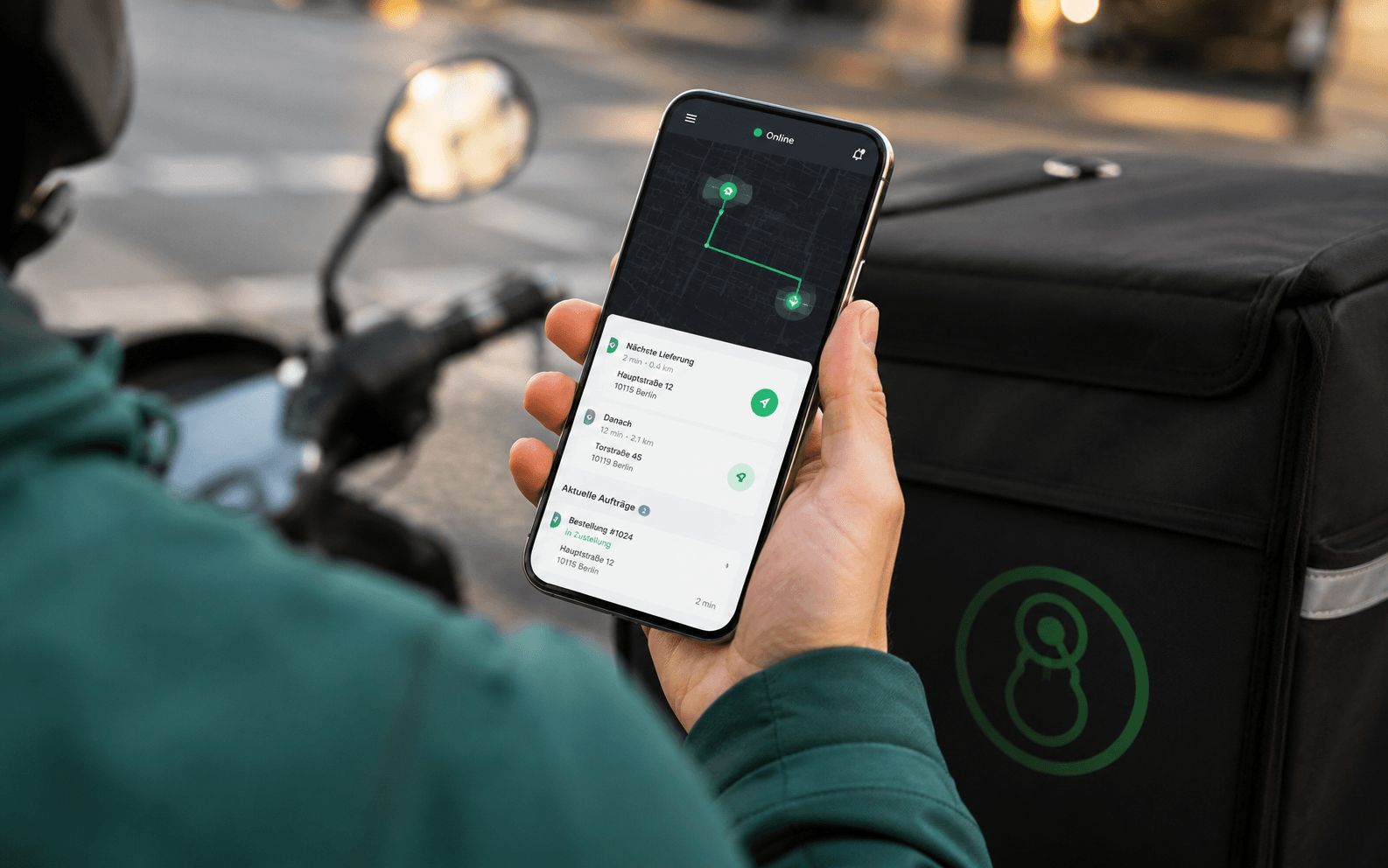


The situation in Germany is clear. According to Destatis, the share of households with mobile information and communication technology in the former West Germany (without West Berlin) rose from 81,2 % in 2018 to 89,2 % in 2023. In the new federal states and Berlin, it rose from 82,0 % to 96,9 %. In 2023, the share of households across Germany with mobile phones and smartphones was 96,7 %. So if you take payments on the move today – at the table, at the counter or on delivery – you build on habits your guests already have in daily life.
Table of contents
- Why mobile card terminals are essential in restaurants today
- Which types of mobile card terminals exist and how they work
- The functional difference that really matters
- The most important comparison criteria for mobile card terminals
- Comparison matrix for mobile card terminals by use case
- Estimating the costs and fees of mobile card terminals realistically
- What the costs are really made of
- Integration with your POS system and order flow: how it works with Orderiom
- Where integration pays off in daily work
- Which mobile card terminal fits your restaurant
- Checklist for choosing, setup and smooth operation
- The points to check before go-live
Why mobile card terminals are essential in restaurants today
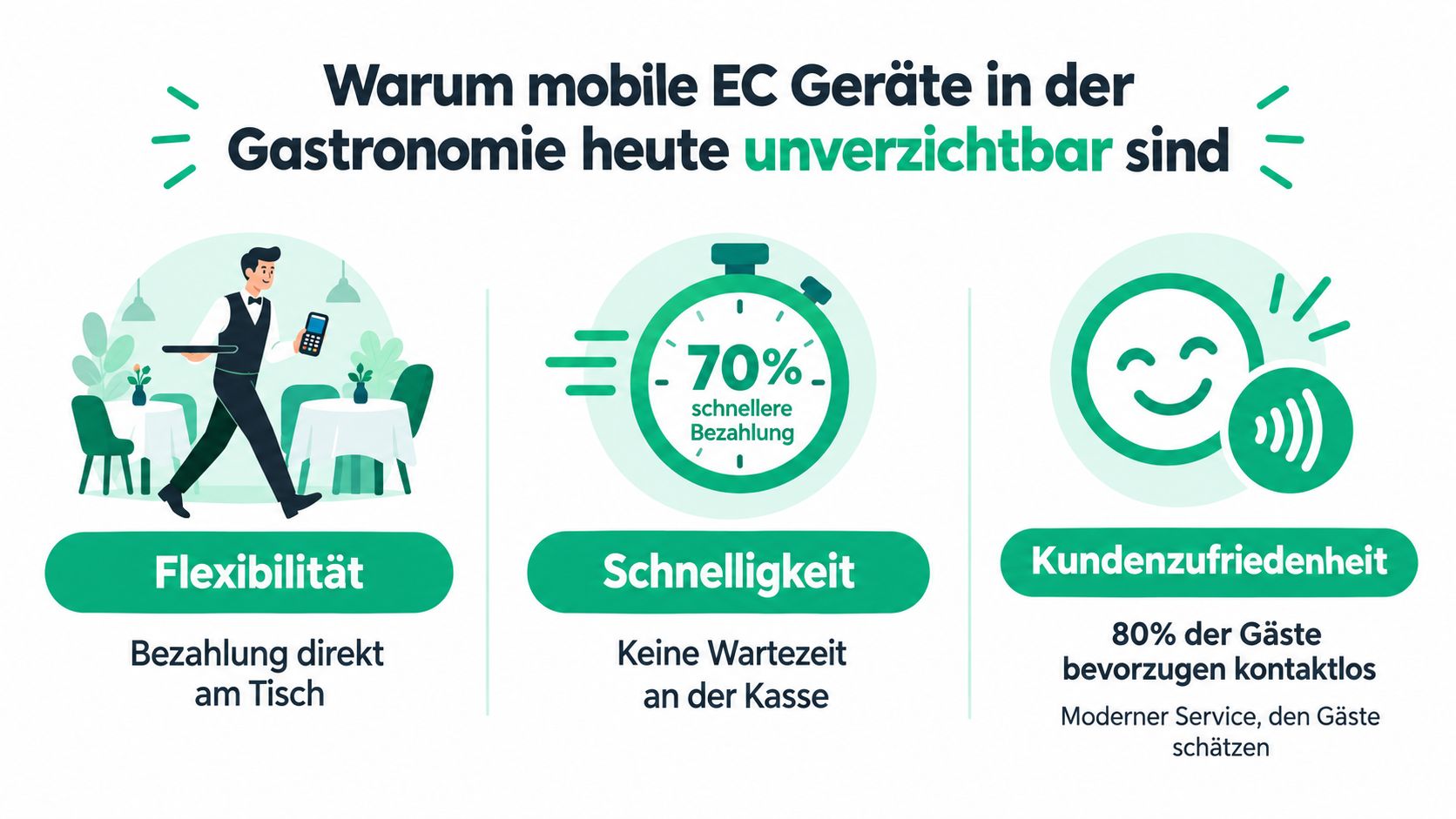
At the table, speed matters. The guest wants to pay, the server is already on the next task, and the fixed terminal is in the wrong place. A mobile terminal moves the payment to where the guest sits. This means fewer walks and keeps service moving.
Germany has been ready for this for a long time. Mobile phones and smartphones are so common that mobile payment is familiar to everyone. Your guests are used to paying by card with a smartphone, tablet or app. This is part of their daily life. Read more in our article on card payments by phone in restaurants.
Rule of thumb: If your team has to walk somewhere to take payment, you lose time on every round. If the terminal moves with the staff, your table turnover keeps going.
The payment market also clearly favours cards. A recent overview refers to the payment statistics of the Deutsche Bundesbank. It puts the share of card payments in all payments by non-banks at about 43 %. For restaurants this means: card payment is no longer an extra. It is part of normal service. So the real question is how you build it into your workflow.
From a business point of view, mobile card terminals help most where fixed till positions slow you down. With table service, staff walk less. At the counter, waiting times go down. On outdoor terraces and on delivery, the terminal replaces the fixed till point with a flexible process. This is not a technical detail. It is real relief in daily work.
The most common mistake is to see mobile card terminals only as hardware. They only work well when ordering, POS system and accounting work together. If you plan service with the right system, you improve not only payment, but also timing, guest flow and staff planning.
Which types of mobile card terminals exist and how they work
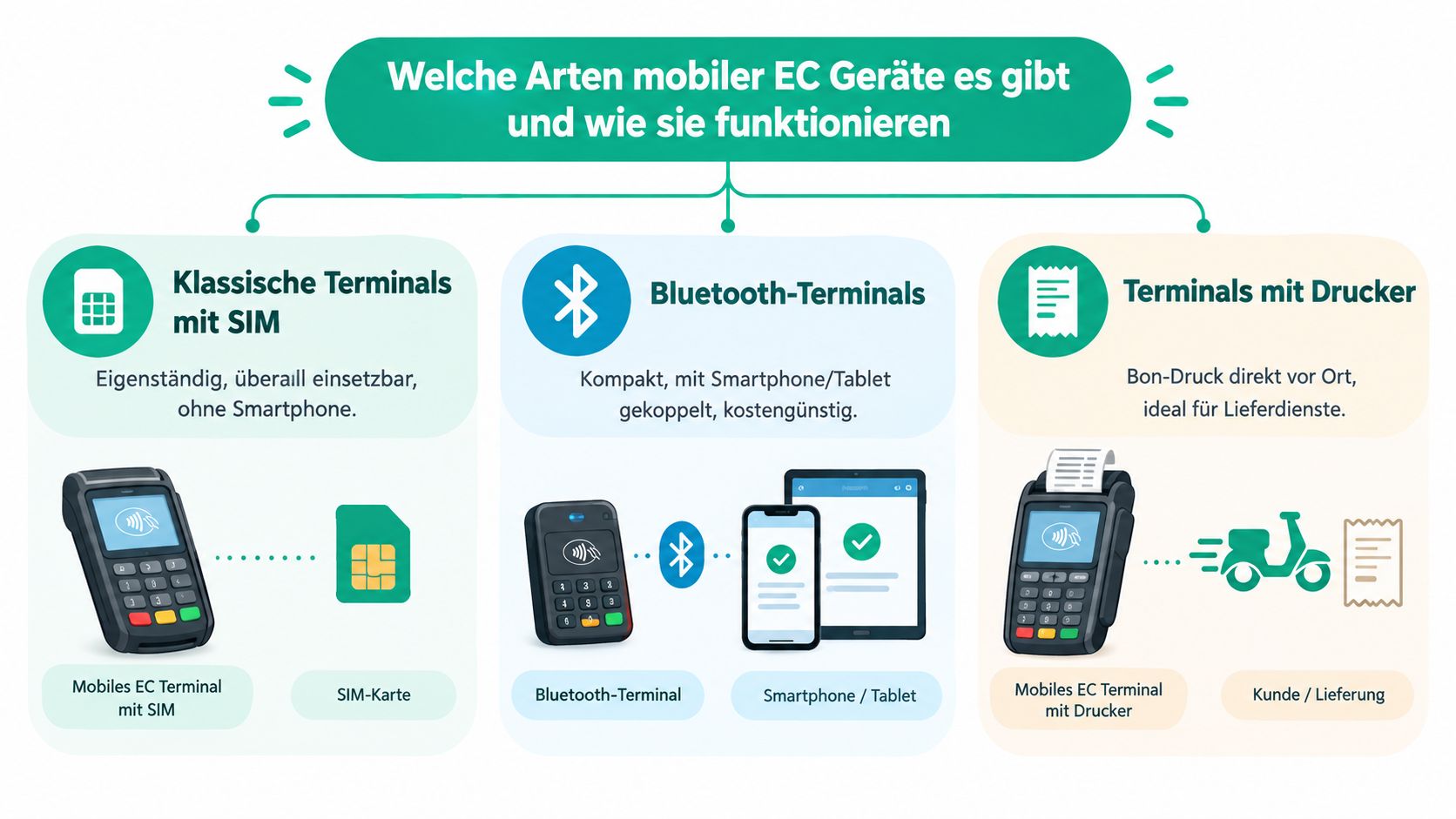
Classic mobile terminals with a SIM card are the most independent option. They use the mobile network, so they do not depend on a fixed LAN. This makes them useful wherever you do not want to rely on your in-house network. That is why they suit outdoor seating, delivery services and changing locations.
Bluetooth terminals are the most compact option when used with a smartphone or tablet. The terminal reads the card. The connection for processing the payment runs through the paired device. This type makes sense if your team already works with mobile devices and you want to keep purchase costs low.
Wi-Fi terminals use your venue's local network. They are practical if you have a fixed location, your Wi-Fi is set up properly and you do not want a separate mobile connection. In many restaurants this is the sensible choice, as long as the network is stable and does not just work "somehow".
SoftPOS on a smartphone moves card acceptance directly to the staff member's phone. This is the lightest option in terms of hardware, but it needs process discipline. If you use it, you need clear rules for device management, responsibilities and support. Otherwise, simplification quickly turns into chaos.
A terminal is only truly mobile if the whole path from order to payment is planned as mobile. Otherwise you are just carrying the old till around the room.
The functional difference that really matters
What matters is not the marketing name, but what infrastructure you already have. A SIM terminal needs mobile network coverage. A Bluetooth terminal needs a paired device. A Wi-Fi terminal needs a good network on site. And SoftPOS needs a smartphone that does not get in the way during daily work. This is where a nice product description and real use go separate ways.
When you choose a device, do not ask first about the nicest design. Ask whether your business has a fixed network, changing locations or already uses mobile staff devices. The right option then follows almost automatically.
The most important comparison criteria for mobile card terminals
When choosing, the longest feature list does not count. What counts is the fit with your business. A terminal can do a lot technically and still be wrong in daily work if operation, network setup and receipt flow do not match your service. If you decide carefully here, you avoid having to switch later.
Comparison matrix for mobile card terminals by use case
A good comparison also looks at the payment types you really need. In restaurants, girocard, credit cards and contactless payments are relevant. But technical support only makes sense if your whole workflow fits it. A fast card payment does not help much if the receipt, booking and end-of-day closing then cause problems.
So the better question is: where is your bottleneck? If it is network stability, Wi-Fi is often the first thing to fix. If it is mobility, LTE usually wins. If it is simplicity at the counter, Bluetooth may be enough. If your team is very small, SoftPOS can be a sensible interim solution, but not automatically the best long-term one.
Orderiom's Payfix overview is a useful reference if you want to see how payment processes can connect to an existing restaurant setup. But do not use such an overview as a replacement for a real test during normal operation.
Estimating the costs and fees of mobile card terminals realistically
The most common thinking error with mobile card terminals is simple. Many people look at the purchase price and ignore the running costs. In restaurants this is the wrong view, because the difference is often in the fees, not in the box on the counter.
In the German market, according to SoftPOS24, mobile card terminals typically cost about 29 to 200 euros to buy. That sounds manageable, and that is exactly why many businesses underestimate the rest. Hardware is a one-time purchase. Fees continue every month.
With monthly sales of 8.000 euros, a difference of just 1 percentage point in fees can add up to about 960 euros per year. That is much more than the price of the device itself. This is the real cost logic, and it should drive every buying decision. If you only look at the purchase price, you are comparing the wrong number.
What the costs are really made of
- Hardware: This is the visible part, but often not the biggest factor.
- Base fee: It looks small, but over the year it eats into your margin.
- Transaction commission: This decides what each payment costs.
- Extra items: Foreign cards, chargebacks or special cases can add up.
The infographic with cost and fee components shows exactly this structure. The order of your questions is important: first your sales structure, then the pricing model, then the hardware. Not the other way round.

A flat "cheap plan" is rarely cheap in a restaurant when many payments come in throughout the day. A transparent percentage plan can make sense with lower volume. A model with a lower commission works much better with higher sales. What matters is not what the flyer says, but what you really pay at the end of the month.
Integration with your POS system and order flow: how it works with Orderiom
A mobile terminal only brings real value when it is part of the process. Otherwise you take payments on the move, but in the background you still do double work. This is where gaps between systems appear that cost staff time and cause errors.
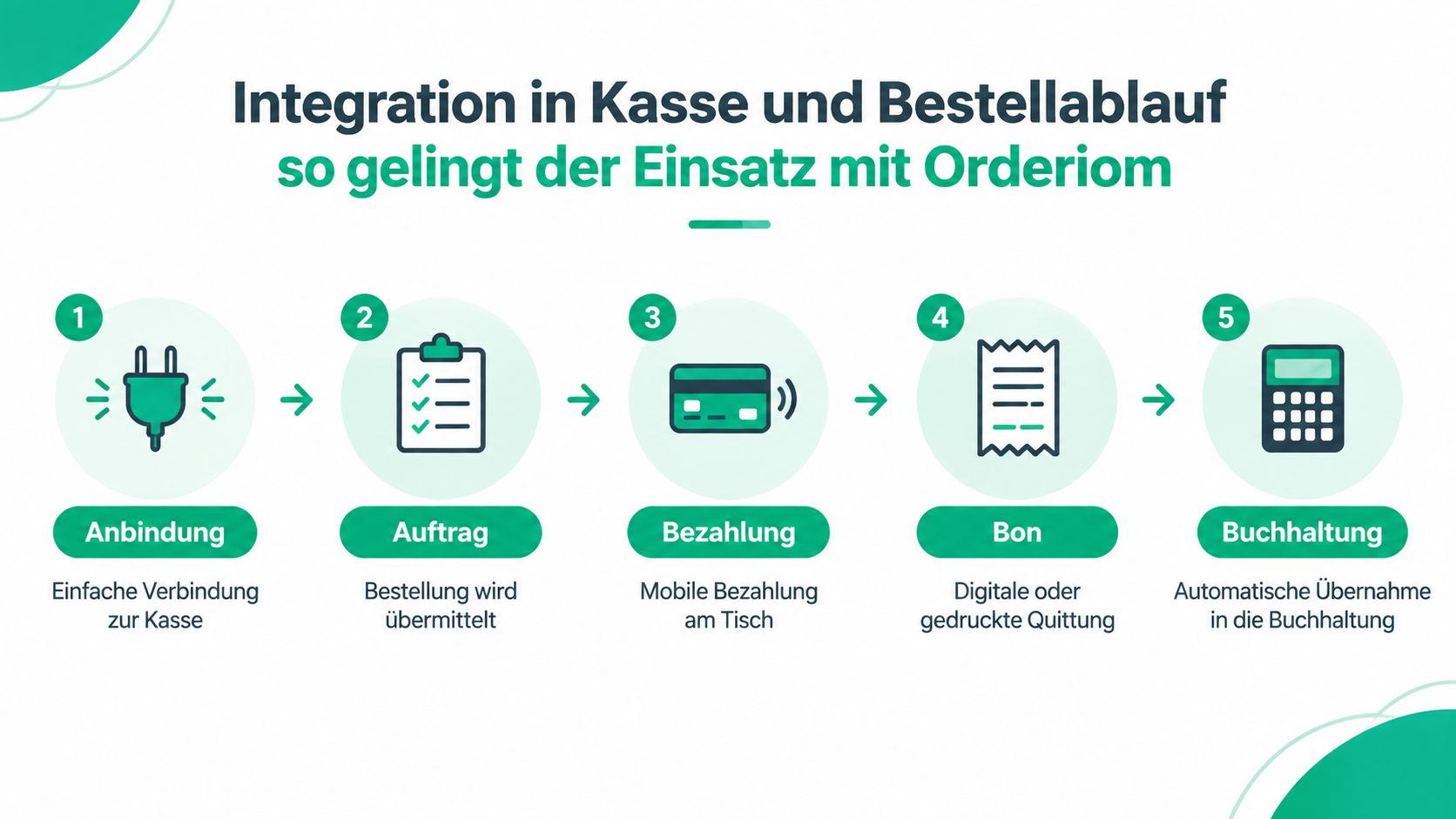
If you use QR ordering at the table, tablet service or click and collect, you need a clean connection between order, payment and reporting. A terminal alone does not solve this. The order must come from the system, the payment must arrive there, and the receipt flow must run without manual follow-up work.
In an integrated setup, it is about more than taking money. The order starts digitally, the guest pays at the table or the counter, and the data flows into accounting and reporting. This is the point where the mobile card terminal turns from a simple card reader into part of the process.
Where integration pays off in daily work
If a business organises its orders through an app, website or online shop, the payment terminal can become part of the same logic. Orderiom is one example of a solution that connects POS systems and digital ordering channels. This shortens the path between order and payment. It is especially relevant if you run several channels at the same time and do not want to maintain everything twice.
My advice from practice: Do not buy a mobile card terminal before you have drawn your actual order and receipt flow. Process first, then the terminal.
GDPR-compliant (DSGVO) processes also benefit from clean integration, because data is not copied by hand in several places. This makes admin work calmer and reduces friction between service, till and reporting. This is a real advantage, especially with central review management and returning guests.
Which mobile card terminal fits your restaurant
A restaurant with table service needs something different from a café with a counter. And a delivery business needs something different again from a group with several locations. If you treat all three cases the same, you buy the wrong system.
For a restaurant with table service, LTE is often the stronger choice if you want to work outside, on the terrace or in separate areas. Bluetooth can be enough if you already work with tablets or mobile handhelds and your staff handle the devices with a lot of discipline. Wi-Fi only makes sense if the network is stable everywhere guests pay.
When restaurant work happens away from a fixed till, the option that just works, with no discussion, wins.
For a café, snack bar or takeaway with counter service, the decision is usually easier. Wi-Fi or Bluetooth is often enough here, because the payment point is clear and the distances stay short. SoftPOS can work as a lean solution if you want little hardware and your team is small. But as soon as rush hours and changing temporary staff come into play, you need a clearer setup.
For delivery services, ghost kitchens or multi-location businesses, process stability matters most. LTE is usually the safer base here, because you do not want to depend on each location's network. If several businesses or locations are connected, the terminal should not be planned on its own, but as part of one continuous payment and reporting model.
Three typical decisions from practice:
- Table service with a terrace: LTE, if mobility is more important than the local network connection.
- Small counter with a clear station: Bluetooth or Wi-Fi, if the workflow stays compact.
- Several locations or delivery: LTE, because you need the least dependence on the local network.
Checklist for choosing, setup and smooth operation
Before you buy, you must be clear about what the device should do in daily work. A good offer does not help much if your team later does not know when to use which terminal. That is why choosing starts with a clear list of needs, not with a price comparison.
The points to check before go-live
- Define your needs: Which areas should take mobile payments: table, counter, terrace or delivery?
- Check the network: Wi-Fi, Bluetooth or mobile network, depending on the real location and signal quality.
- Check the acquiring contract: Which cards and payment methods really matter in daily work?
- Decide the number of devices: One terminal too few creates queues. One too many ties up budget for nothing.
- Test the setup: Run through payment, receipt, cancellation and end-of-day closing once in a live test.
- Train the team: Everyone must follow the same steps, otherwise errors happen at the till.
- Define a fallback: What happens if the network fails, the battery is empty or a device has a problem?
- Set up a charging routine: Devices need fixed charging points, otherwise shifts start with half-empty batteries.
- Clarify support: Who helps when something breaks, and how fast can you reach them?
Go-live rarely fails because of technology alone. Usually it fails because nobody ran through a full normal day once. That is exactly what you must prevent. If your business runs calmly on the first real evening, your preparation was good.
If you want to bring mobile payment, digital ordering and POS integration together, you do not need hardware chaos. You need a clear process. Orderiom supports restaurants with digital ordering channels, POS integration and a setup designed around daily service. See what this could look like for your business, and check the options directly at Orderiom.